Turn Any Video into a Polished Article with AI (Accurately)
A real, repeatable workflow to turn a video into a well-structured article with AI — transcript to key points to draft — plus the fact-checking and attribution rules that keep it credible.
Overview
There's a goldmine of knowledge locked inside video — YouTube talks, webinars, podcasts, your own recorded workshops. Turning one into a clean written article used to mean hours of pausing, transcribing, and rewriting. With AI, you can do it in a fraction of the time: pull the transcript, have AI extract the structure, draft the article, and then — the part that actually matters — edit and fact-check it into something genuinely yours. This guide shows the real, repeatable workflow, and the honesty rules that keep it credible.
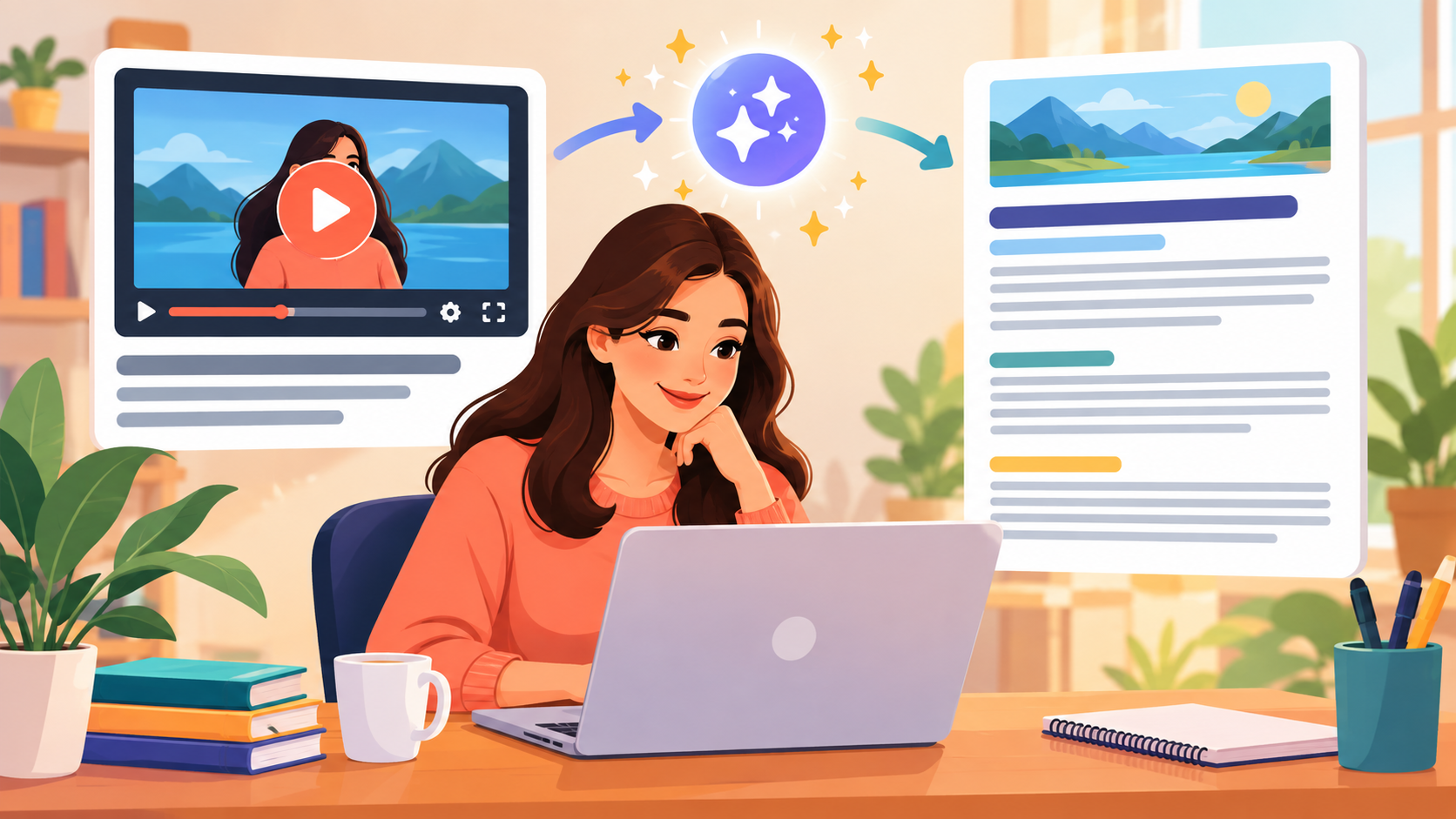
Turn a video into a polished article with AI — pull the transcript, let AI structure it, then edit and fact-check into something genuinely yours.
Difficulty: Easy — no code · You'll need: a video and an AI assistant · Cost: free to start · Updated: September 2026
Who This Is For
Content creators and marketers repurposing webinars, talks, or podcasts into blog posts.
Freelancers asked to turn a client's video into an article.
Anyone learning in public who wants to write up the best ideas from a video they watched.
The Workflow at a Glance
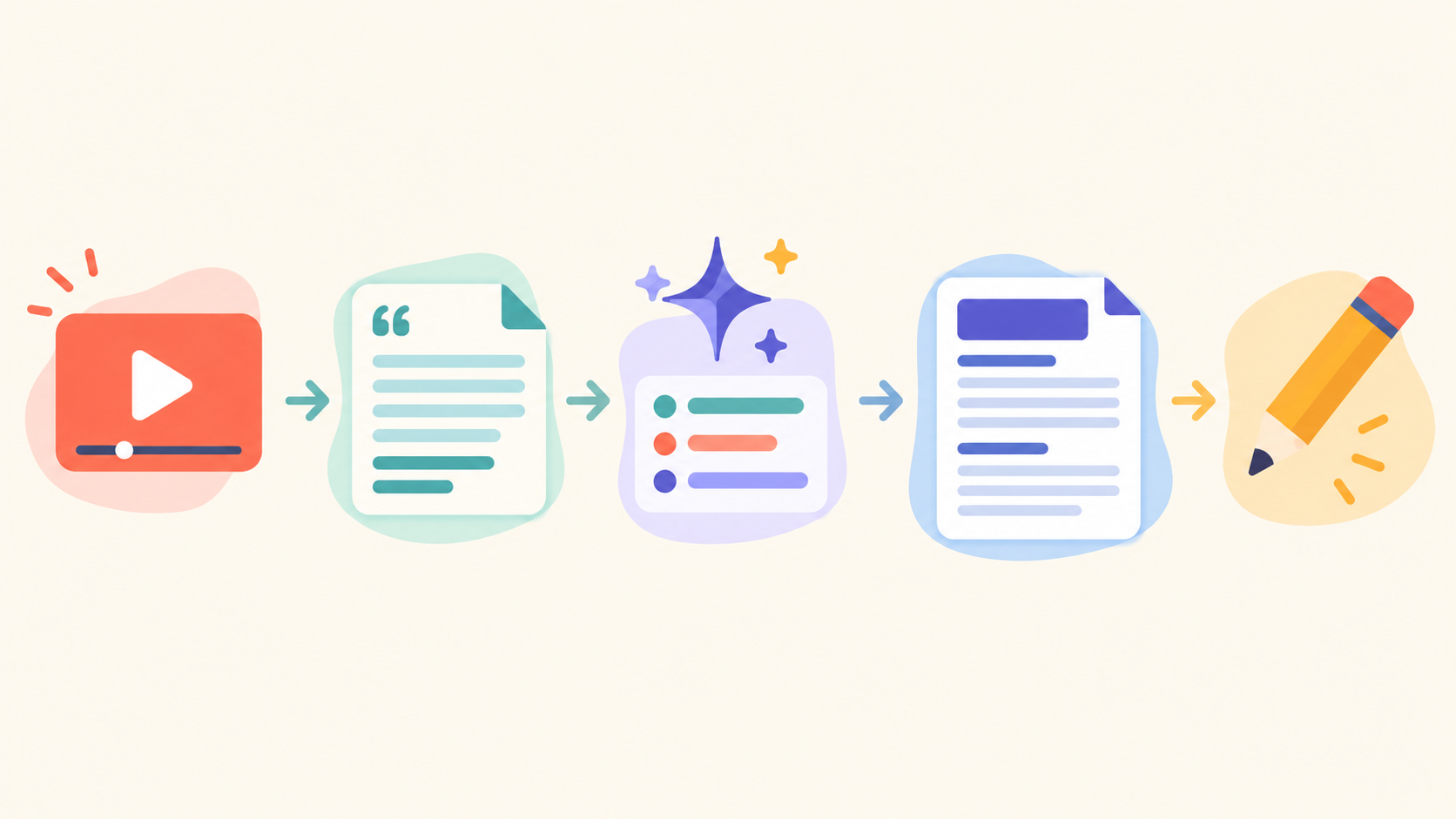
The pipeline: video → transcript → AI extracts key points and an outline → drafted article → your edit and fact-check.
Five steps: get the transcript, extract key points, build an outline, draft the article, then edit and verify. The first four are fast; the fifth is where you earn the byline.
Step 1: Get the Transcript
You need the words before AI can work with them. Options, easiest first:
YouTube's built-in transcript. Under a video, click the "..." → Show transcript (or "Show transcript" beside the description). Copy the text. Free, instant, no tools.
A source-grounded AI.Google NotebookLM can take a YouTube link (or an uploaded file) directly and answer only from that source — which dramatically reduces made-up facts.
For non-YouTube video/audio (a podcast, your own recording): transcribe with Otter.ai or a Whisper-based tool, then continue the same way.
Step 2: Extract the Key Points
Paste the transcript into your assistant (ChatGPT, Claude, or NotebookLM) and ask it to find the substance:
Here's a video transcript. Pull out the 6-10 most important points as a
bulleted list. Keep any specific facts, numbers, names, or steps exactly
as stated, and note the rough timestamp for each so I can verify it.
Asking it to keep facts verbatim and cite timestamps is your safety net — it makes the next fact-check fast.
Step 3: Build an Outline
Turn those points into a shape a reader can follow:
Turn these key points into an article outline: a compelling title, an
intro, 3-5 logical sections with subheadings, and a short conclusion.
Group related points together; don't just list them in video order.
Reordering out of "video order" into "reader order" is a big part of what makes it feel like an article, not a transcript.
Step 4: Draft the Article
Now expand the outline — and set the voice:
Write the article from this outline in a [friendly, practical] tone for
[your audience]. ~800 words. Use my key points; do NOT invent facts,
statistics, or quotes. If something needs a source I didn't give you,
mark it [CHECK] instead of guessing.
The [CHECK] instruction is gold: instead of hallucinating a statistic, the AI flags exactly where you need to confirm something.
Step 5: Edit and Fact-Check (the part that matters)
This is where a draft becomes publishable — and trustworthy.
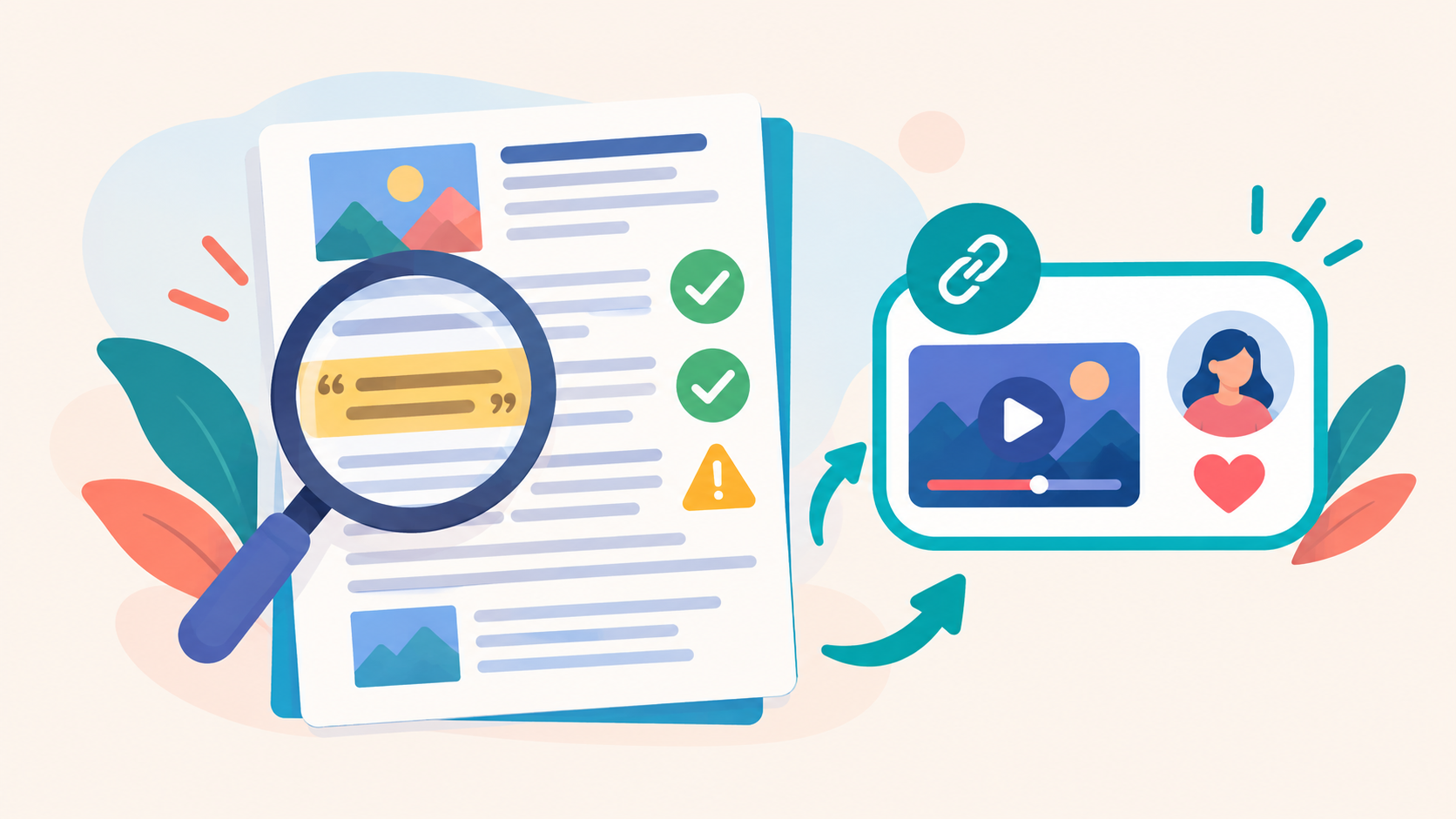
Two honesty rules: verify facts, numbers, and quotes against the source, and credit the original creator.
Verify every fact, number, and quote against the actual video (that's what the timestamps were for). AI misremembers specifics more than you'd expect.
Make it sound like you. Cut AI throat-clearing ("In today's fast-paced world…"), add your own examples and take.
Credit the source. Link and name the original video/creator — "Based on [Creator]'s talk, [title]." Repurposing is fine; passing off someone's ideas as wholly your own is not.
Add value. A good repurposed article adds your context, a summary, or a practical angle the video didn't — otherwise, just link the video.