Build a Local AI Music Studio with Free, Open-Source Models (Advanced)
Run a real, studio-grade AI music generator entirely on your own machine with open-source models like ACE-Step — plus the licensing you must understand before you monetize a single track.
Overview
You can now run a genuine, studio-grade music generator entirely on your own machine — no subscriptions, no per-track fees, no uploading your ideas to someone's cloud. Open-source models generate full songs from a text prompt, and you arrange and mix them in a free DAW. This is an advanced build: it assumes you're comfortable in a terminal and have a reasonably capable GPU. Done right, you get a private, unlimited, genuinely powerful AI music studio for $0 in software.
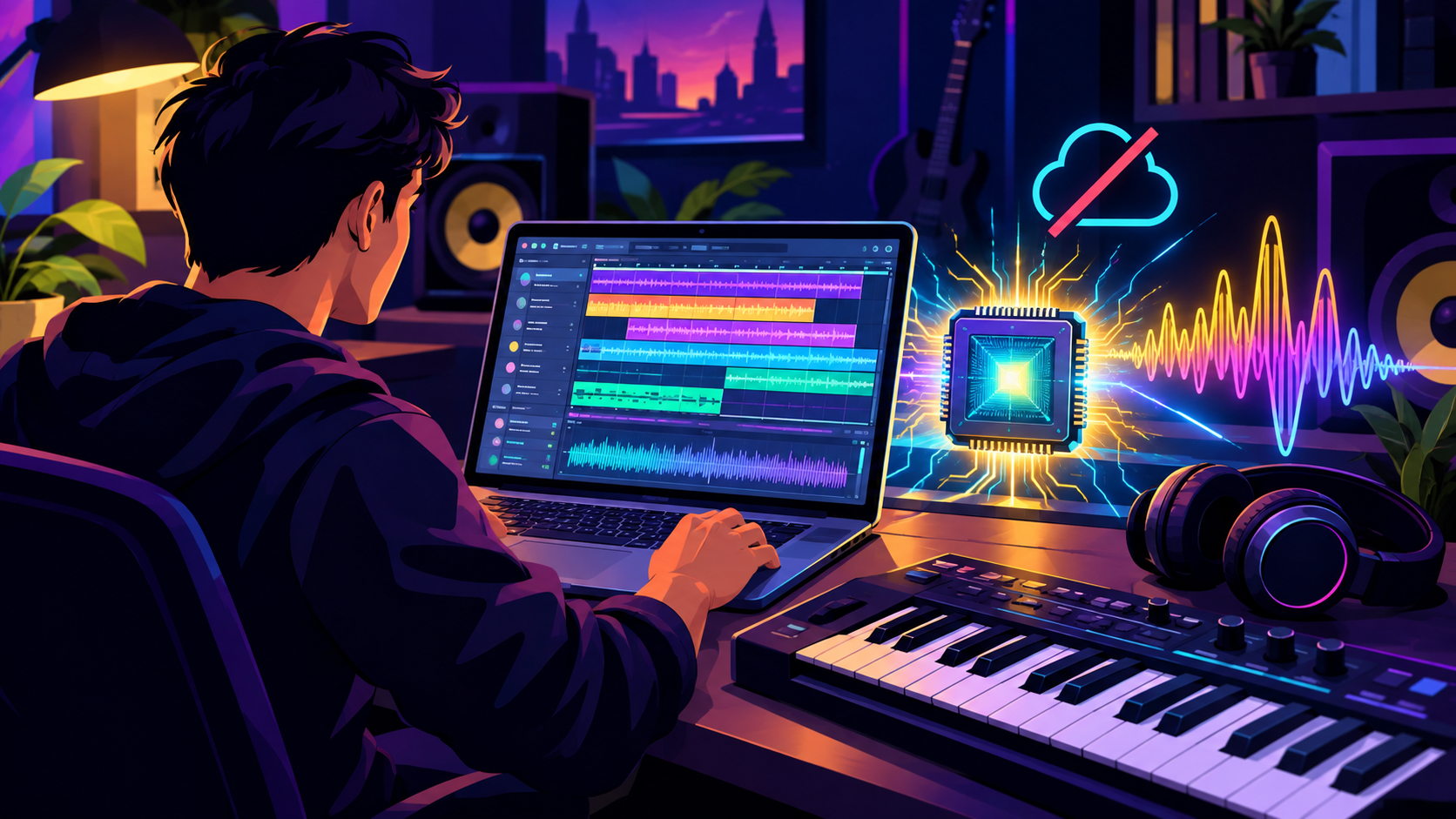
Build a real, local AI music studio: open-source models generate audio on your own GPU, and you mix the stems in a free DAW — fully offline.
Difficulty: Advanced — terminal + a capable GPU required · You'll need: an NVIDIA GPU (8GB+ VRAM) or Apple Silicon, Python, and disk space for models · Cost: free software (you supply the hardware) · Updated: September 2026
Who This Is For
Producers, developers, and serious hobbyists who want unlimited generation without cloud subscriptions or usage caps.
Privacy-conscious creators who don't want their prompts, lyrics, or works-in-progress leaving their machine.
Anyone commercial-minded who needs to understand exactly which models they're legally allowed to monetize.
If you want the easy, no-hardware route, a cloud tool like Suno or Udio is simpler — this tutorial is for owning the whole stack locally.
Hardware Reality Check (Be Honest With Yourself)
Local generative audio is GPU work. Before you start:
Best: an NVIDIA GPU with 8GB+ VRAM. More is better; it directly affects speed and length.
Works, slowly: CPU offloading lets you run on ~8GB with the right flags, and Apple Silicon (M-series, via MPS) runs many models. Expect minutes per track, not seconds.
First run downloads multi-GB model weights — budget the disk space and the wait.
If your machine can't handle it, that's fine — but know it going in rather than fighting a tutorial that pretends any laptop will do.
The Core Engine: ACE-Step
For a local studio in 2026, ACE-Step is the standout foundation model. It's a fast diffusion-plus-transformer model that generates full songs — instrumental and lyric-aligned vocals — across 19 languages, and it's built to run on consumer hardware.
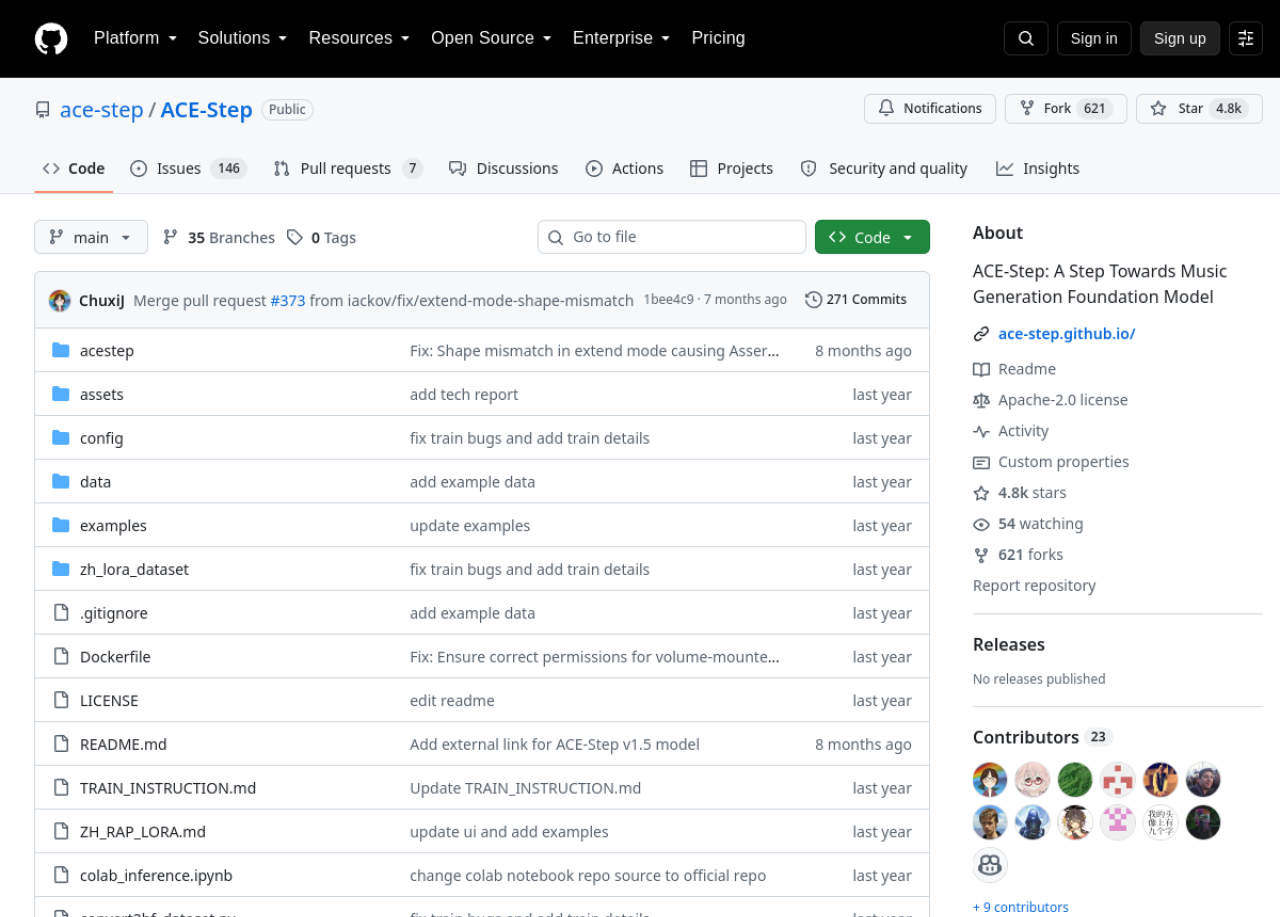
ACE-Step on GitHub — an open, Apache-2.0-licensed music generation foundation model that runs locally, with a Gradio UI, ComfyUI nodes, and LoRA fine-tuning.
Crucially, it's licensed Apache 2.0 — permissive enough for commercial use of the software (more on the output side below). Install and launch its local web UI:
Open http://localhost:7865 and you have a real generative music studio running locally — text-to-music, lyric-aligned vocals, remixing, variation, and audio "repainting" (regenerating a section). It also has ComfyUI nodes for repeatable pipelines and supports LoRA fine-tuning for a signature style.
This is the section that separates an advanced creator from someone about to get a takedown. The model's license decides whether you can legally use its output — and they differ wildly:
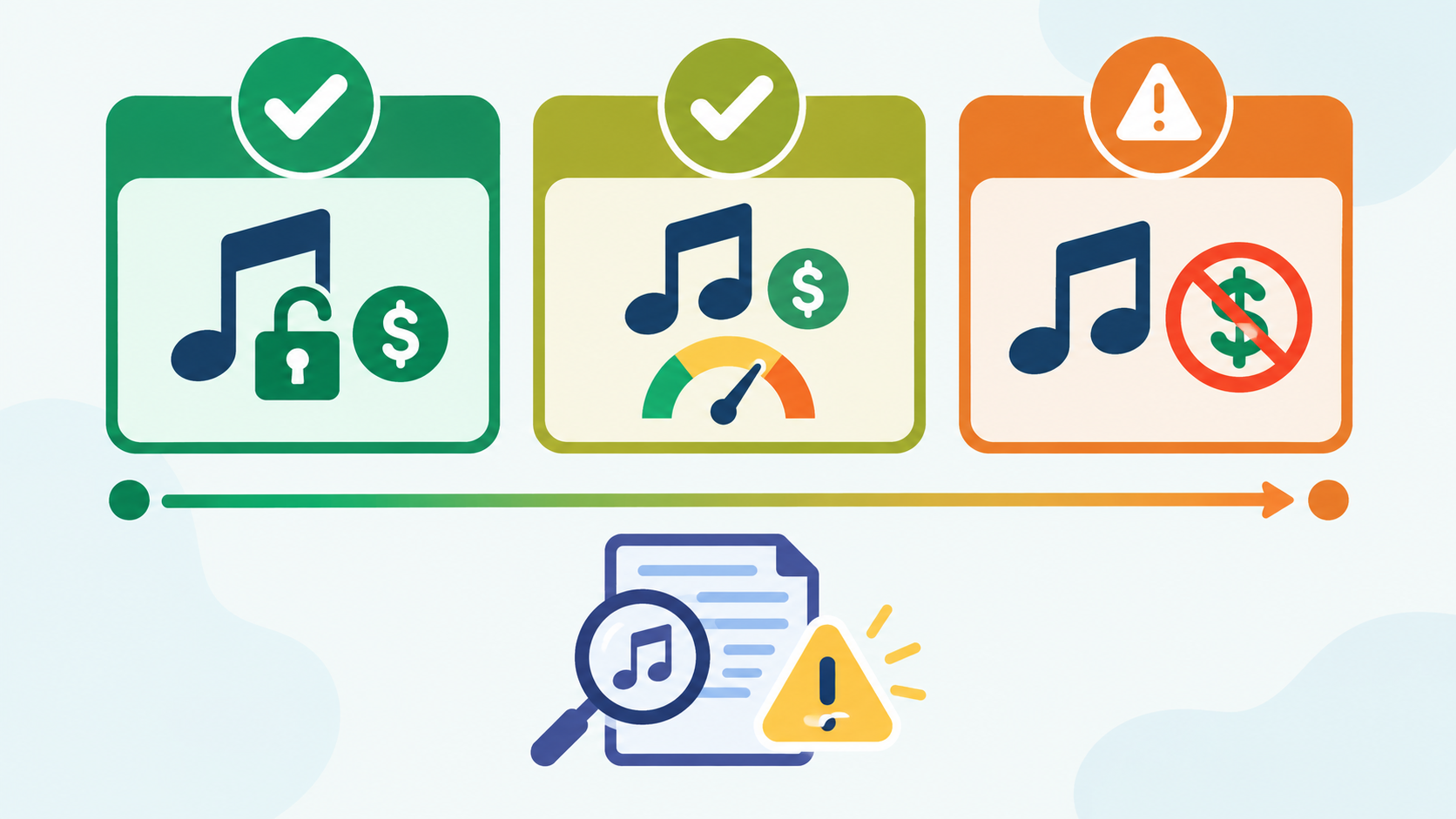
The licensing spectrum: ACE-Step (Apache-2.0, commercial OK), Stable Audio Open (commercial under a revenue cap), MusicGen (non-commercial only) — and a model license is not blanket clearance.
ACE-Step — Apache 2.0. The most permissive of the three; commercial use of the software is allowed.
Stable Audio Open — commercial-friendly with a cap. Free to commercialize if your organization is under ~$1M in annual revenue, with relatively clean training data. A strong choice for small commercial creators.
MusicGen (Meta AudioCraft) — non-commercial only. The code is MIT, but the model weights are CC-BY-NC 4.0, so you cannot commercially release what it generates. Great for learning and personal projects; off-limits for client work.
Building the Studio Pipeline
A single model gives you clips; a studio turns them into finished songs. Here's the real workflow:
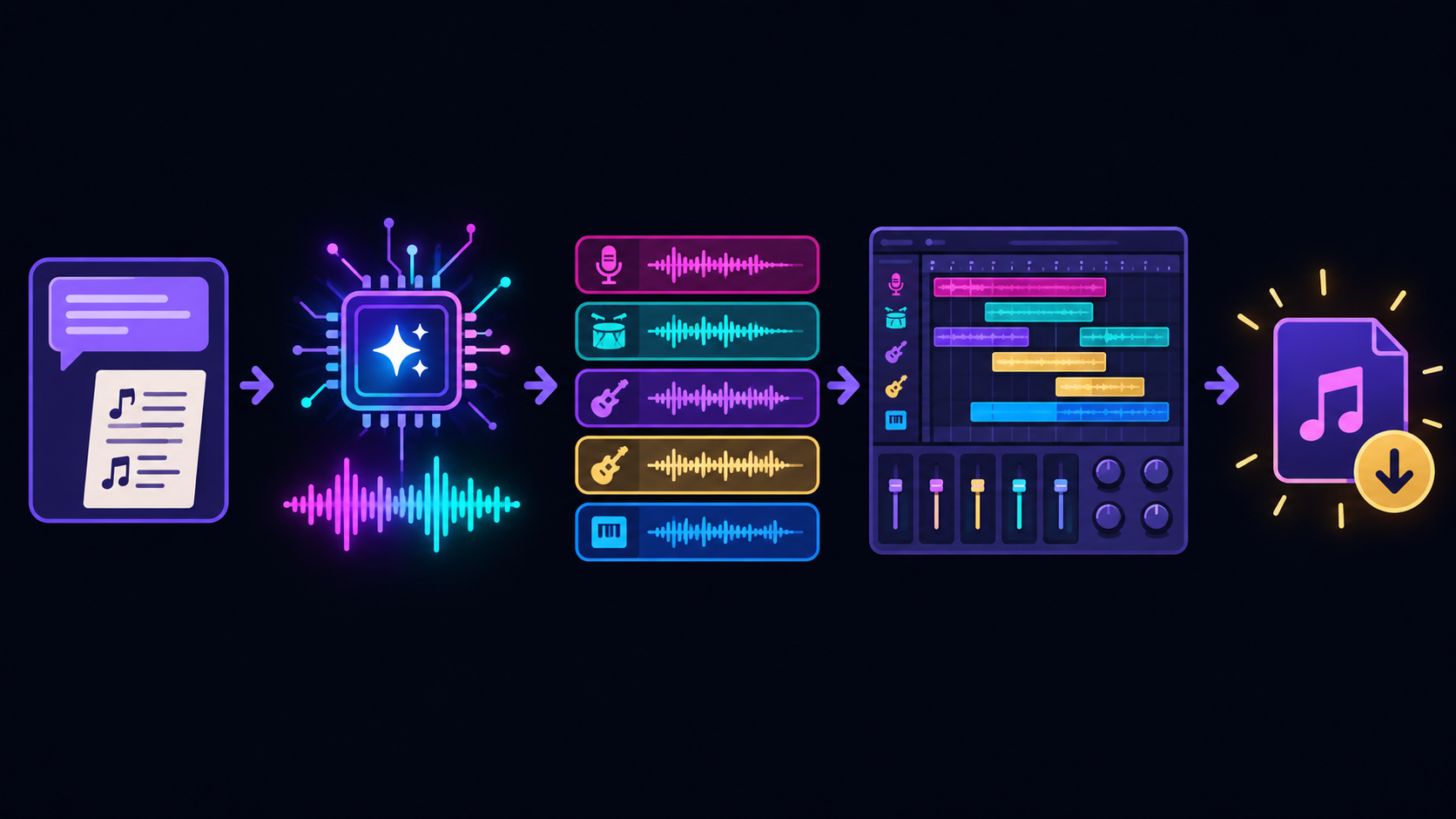
The pipeline: a prompt (and optional lyrics) → the local AI model generates a track → stems → arrange and mix in a free DAW → export.
Step 1: Generate with intent
In the ACE-Step UI, write structured prompts, not vibes: genre, mood, tempo (BPM), key instruments, and a reference feel. For vocals, add lyrics. Example: "lo-fi hip-hop, mellow, 82 BPM, dusty piano, vinyl crackle, soft drums, instrumental."
Step 2: Curate hard
This is the part beginners miss: generate many takes and throw most away. Ten generations to find one keeper is normal. Use variation and "repaint" to fix a weak section instead of rerolling the whole song.
Step 3: Arrange and mix in a free DAW
Bring your generated audio into a free digital audio workstation — LMMS, Audacity, or Reaper's free trial — to layer stems, trim, EQ, add reverb/compression, and set levels. This is where "an AI clip" becomes "a track."
Step 4: Export
Render to WAV for quality (or MP3 for delivery). Keep your prompt, seed, and settings noted so you can reproduce or extend a sound later.
Advanced Techniques
LoRA fine-tuning. Train a small LoRA on a style you have the rights to, to give your studio a consistent signature sound.
Stem separation. Run outputs through an open stem-splitter (e.g., Demucs) to remix drums/bass/vocals independently in your DAW.
Layer engines. Use ACE-Step for the song and Stable Audio Open for sound effects/textures — each under its own license.
ComfyUI graphs. Wrap generation in a ComfyUI pipeline for repeatable, tweakable batch production.
The Honest Limits
Vocals are improving but imperfect — expect artifacts, especially on complex lyrics. Instrumentals and backing tracks are the current sweet spot.
It's curation-heavy. The model does the generating; you do the taste. Budget time to sift.
Hardware and patience. Slower GPUs and CPU offloading mean real wait times.
Licensing and ethics are on you. Match the model to your use, verify originality, and don't impersonate real artists.
Not a drop-in for a composer on high-stakes, brief-specific work — but astonishing for volume, drafts, and personal projects.
Common Mistakes to Avoid
Confusing music21 with AI. Writing notes in code isn't generation. Use a real model (ACE-Step, Stable Audio Open).
Ignoring the license. Shipping MusicGen output commercially violates its CC-BY-NC weights. Know your model.
Assuming the license clears the output. It doesn't. Avoid infringing specific artists or samples regardless of the model's license.
Under-powered hardware, no offloading. On 8GB, use --cpu_offload true or you'll hit out-of-memory errors.
Skipping the DAW. Raw generations rarely sound finished. Mixing is where the quality comes from.
Pro Tips
Prompt like a producer: genre + mood + BPM + instrumentation beats "make a cool song."
Lock your seed when you find a good direction, then vary one thing at a time.
Repaint, don't reroll — fix the weak 8 bars instead of regenerating the whole track.
Keep a prompt log (prompt, seed, model, settings) so good sounds are reproducible.
Separate license lanes: keep a "commercial-safe" model (ACE-Step / Stable Audio Open) for client work and save MusicGen for personal experiments.
Key Takeaways
A real local AI music studio runs generative models on your machine — private, unlimited, free software. (It is not hand-writing MIDI with music21.)
ACE-Step (Apache-2.0) is the core: local, fast, vocals + instrumental, with a Gradio UI, ComfyUI, and LoRA.
Licensing decides what you can use: ACE-Step (commercial OK), Stable Audio Open (commercial under ~$1M), MusicGen (non-commercial only) — and no model license clears you to copy real artists.
The studio is model + DAW: generate, curate hard, arrange and mix in a free DAW, export.
Respect the hardware, the licenses, and the ethics — then enjoy a genuinely powerful, fully local music setup.
Model capabilities and licenses change; always verify the current license before commercial use, ensure your output is original, and never imitate a real artist's voice or style without rights.
Learn AI, after work
Track your progress, earn XP, and unlock more free tutorials in the AfterWork Bytes app.