Overview
Sensitive data leaks out of inboxes constantly — an API key pasted into a support ticket, a spreadsheet of customer records forwarded to a vendor, a contract PDF with ID numbers in an appendix. The usual scanners for this are cloud services, which means uploading the very files you're worried about to someone else's server. That's a hard sell for healthcare, legal, or financial data.
This tutorial takes the opposite approach: you'll build a private scanner that runs entirely on your own machine, using the open-source framework Presidio. Nothing is sent to the cloud — the detection happens offline, on your laptop, so the sensitive files never leave your control.
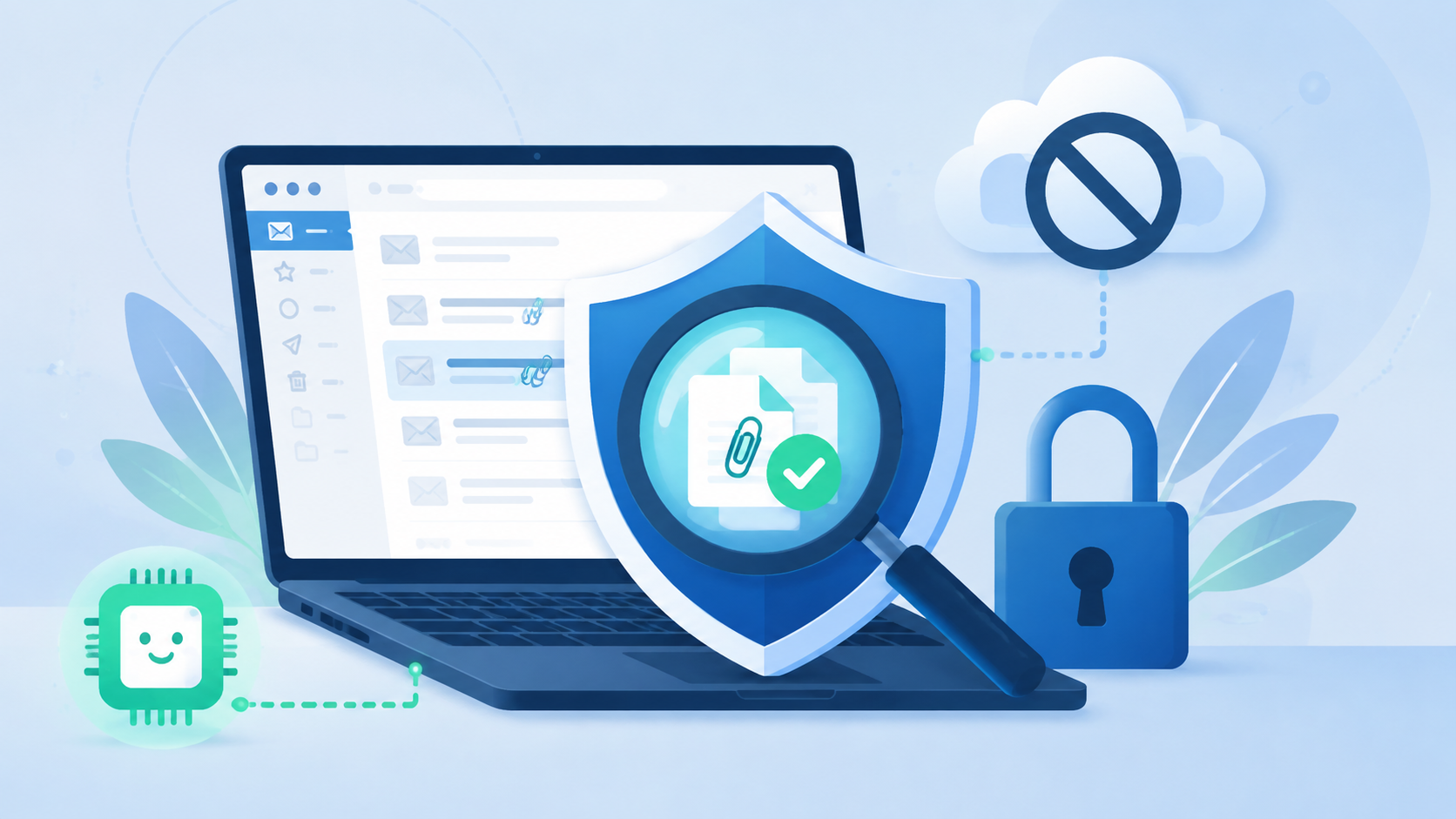
One honest note up front, because it shapes everything below: Presidio is a PII detector, not a dedicated secrets scanner. Out of the box it's excellent at finding personal data — names, credit cards, ID numbers, emails, phone numbers. To also catch API keys and credentials (Stripe, AWS, and the like), you add a couple of custom rules — which we'll do — or reach for a purpose-built secrets tool. We'll show both, so you finish with a scanner that actually covers your case.
Difficulty: Medium — a little Python required · You'll need: Python 3.9+, ~2 GB free disk for the language model, and a test mailbox · Cost: free and open-source · Updated: August 2026
Who This Is For
What You'll Learn
The Big Idea: Keep the Scan Local
The whole value here is that your files stay put. A cloud scanner works like this: upload file → their server analyzes it → you get a result. A local scanner cuts out the upload entirely.
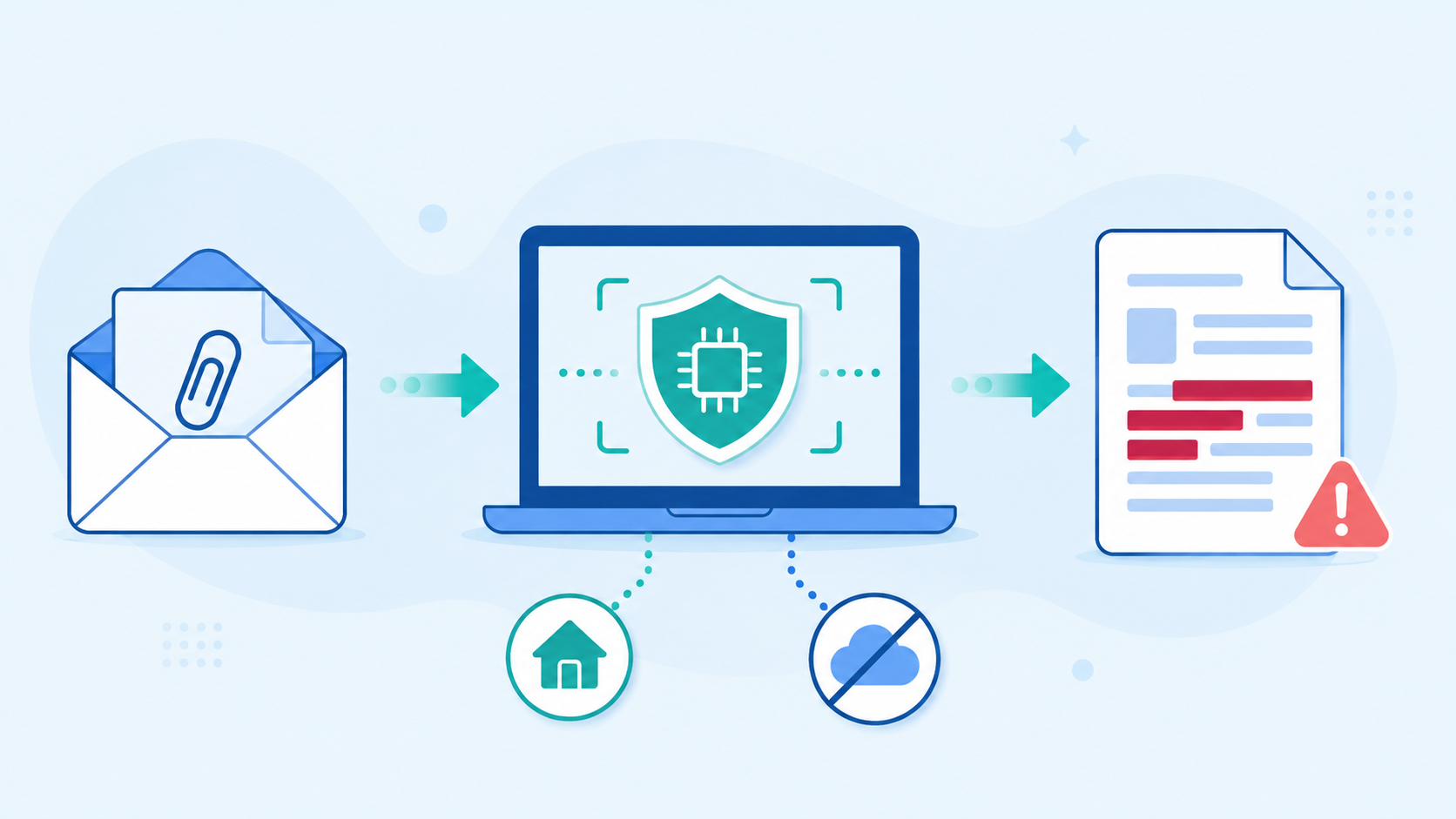
Your script pulls an attachment from a mailbox, extracts its text, runs it through Presidio's detection engine on your CPU, and writes a redacted report. After the one-time install, no step needs the internet (except, of course, reading the mailbox itself over an encrypted connection). For sensitive data, that offline guarantee is the entire point.
Meet Presidio
Presidio is a free, open-source (MIT-licensed) framework for detecting, redacting, and anonymizing sensitive data. It was created at Microsoft and is now maintained by the Data Privacy Stack community. Under the hood it combines three techniques: regular-expression patterns, named-entity recognition (via a spaCy NLP model), and rule-based logic with checksums (for example, validating a credit-card number). That mix is why it's more reliable than a pile of hand-written regexes.
It ships with recognizers for many personal-data types — credit cards, crypto wallets, email addresses, IP addresses, IBANs, phone numbers, US SSNs, bank numbers, people's names, and more. What it does not include out of the box is recognizers for service API keys and secrets — those we'll add ourselves in Step 4.
The MIT-licensed framework this tutorial is built on. Detects and redacts sensitive data locally using NLP and pattern matching. Originally by Microsoft.
Before You Start
Two important corrections to the kind of setup you'll see floating around online:
presidio-analyzer and presidio-anonymizer — there is no python-dotemail package; ignore any guide that tells you to install it.Install everything:
pip install presidio-analyzer presidio-anonymizer pdfminer.six python-docx
python -m spacy download en_core_web_lg
That last command downloads the English language model (~500 MB–1 GB) that Presidio uses to recognize names and other entities. It's a one-time download; after it, you're fully offline.
Step-by-Step Guide
Step 1: Set up the detection engine
Create a file called email_guard.py and start with the two engines — one to find sensitive data, one to redact it:
python
from presidio_analyzer import AnalyzerEngine
from presidio_anonymizer import AnonymizerEngineanalyzer = AnalyzerEngine()
anonymizer = AnonymizerEngine()
def scan_text(text: str) -> dict:
"""Return the redacted text and the list of findings for one document."""
results = analyzer.analyze(text=text, language="en")
redacted = anonymizer.anonymize(text=text, analyzer_results=results).text
findings = [(r.entity_type, r.score) for r in results]
return {"redacted": redacted, "findings": findings}
analyzer.analyze returns what was found and where; anonymizer.anonymize uses those spans to replace each hit with a placeholder like <CREDIT_CARD>. Everything runs on your machine.
Step 2: Extract text from attachments
Emails carry PDFs and Word docs, not plain strings. Add a small helper to pull text out of each:
python
from pdfminer.high_level import extract_text
from docx import Documentdef extract_file_text(filepath: str) -> str:
    if filepath.lower().endswith(".pdf"):
        return extract_text(filepath)
    if filepath.lower().endswith(".docx"):
        return "\n".join(p.text for p in Document(filepath).paragraphs)
    if filepath.lower().endswith((".txt", ".csv")):
        with open(filepath, "r", errors="ignore") as f:
            return f.read()
    return ""  # unsupported type — skip
Step 3: Catch API keys too — add custom recognizers
This is the step most guides skip. Presidio finds personal data by default; to also flag API keys and credentials, you register your own pattern recognizers. Here are two real, correct examples — a Stripe live-key shape and an AWS access-key ID:
python
from presidio_analyzer import Pattern, PatternRecognizerstripe_key = PatternRecognizer(
supported_entity="STRIPE_KEY",
patterns=[Pattern(name="stripe_live", regex=r"sk_live_[0-9a-zA-Z]{24,}", score=0.9)],
)
aws_key = PatternRecognizer(
supported_entity="AWS_ACCESS_KEY",
patterns=[Pattern(name="aws_akia", regex=r"AKIA[0-9A-Z]{16}", score=0.9)],
)
analyzer.registry.add_recognizer(stripe_key)
analyzer.registry.add_recognizer(aws_key)
Now a document containing sk_live_... or AKIA... gets flagged just like a credit card would. Add one recognizer per credential format your organization uses (internal token prefixes, database URLs, and so on) — this is how you tune the scanner to your leaks.
Step 4: Connect to a mailbox over IMAP (read-only)
To pull messages, connect over IMAP. Use an app-specific password, never your main one, and keep the access read-only:
python
import imaplib, emaildef open_mailbox() -> imaplib.IMAP4_SSL:
    mail = imaplib.IMAP4_SSL("imap.gmail.com")
    mail.login("your_test_account@gmail.com", "your_app_password")
    mail.select("inbox", readonly=True)   # readonly = we never modify the mailbox
    return mail
Notice open_mailbox returns the connection — the original version of this script created mail inside one function and then referenced it from another, which would crash with a NameError. Passing the object around explicitly avoids that.
Step 5: Put the pipeline together
Now walk each message, save its attachments to a temp folder, scan them, and print a summary — no cloud calls anywhere:
python
import os, tempfiledef run():
mail = open_mailbox()
_, ids = mail.search(None, "ALL")
for email_id in ids[0].split():
_, msg_data = mail.fetch(email_id, "(RFC822)")
msg = email.message_from_bytes(msg_data[0][1])
for part in msg.walk():
filename = part.get_filename()
if not filename:
continue
with tempfile.TemporaryDirectory() as tmp:
path = os.path.join(tmp, filename)
with open(path, "wb") as f:
f.write(part.get_payload(decode=True))
text = extract_file_text(path)
if not text.strip():
continue
result = scan_text(text)
if result["findings"]:
kinds = ", ".join(sorted({t for t, _ in result["findings"]}))
print(f"⚠️ {filename}: found {kinds}")
if __name__ == "__main__":
run()
Run it with python email_guard.py. Send yourself a test email with a Word doc containing a fake key like sk_live_0000000000000000000000000000, and you'll see it flagged in the console — entirely offline.
What Presidio Catches — and What It Doesn't
It's worth being clear-eyed about the tool's boundaries, because "scanner" can mean two different jobs:
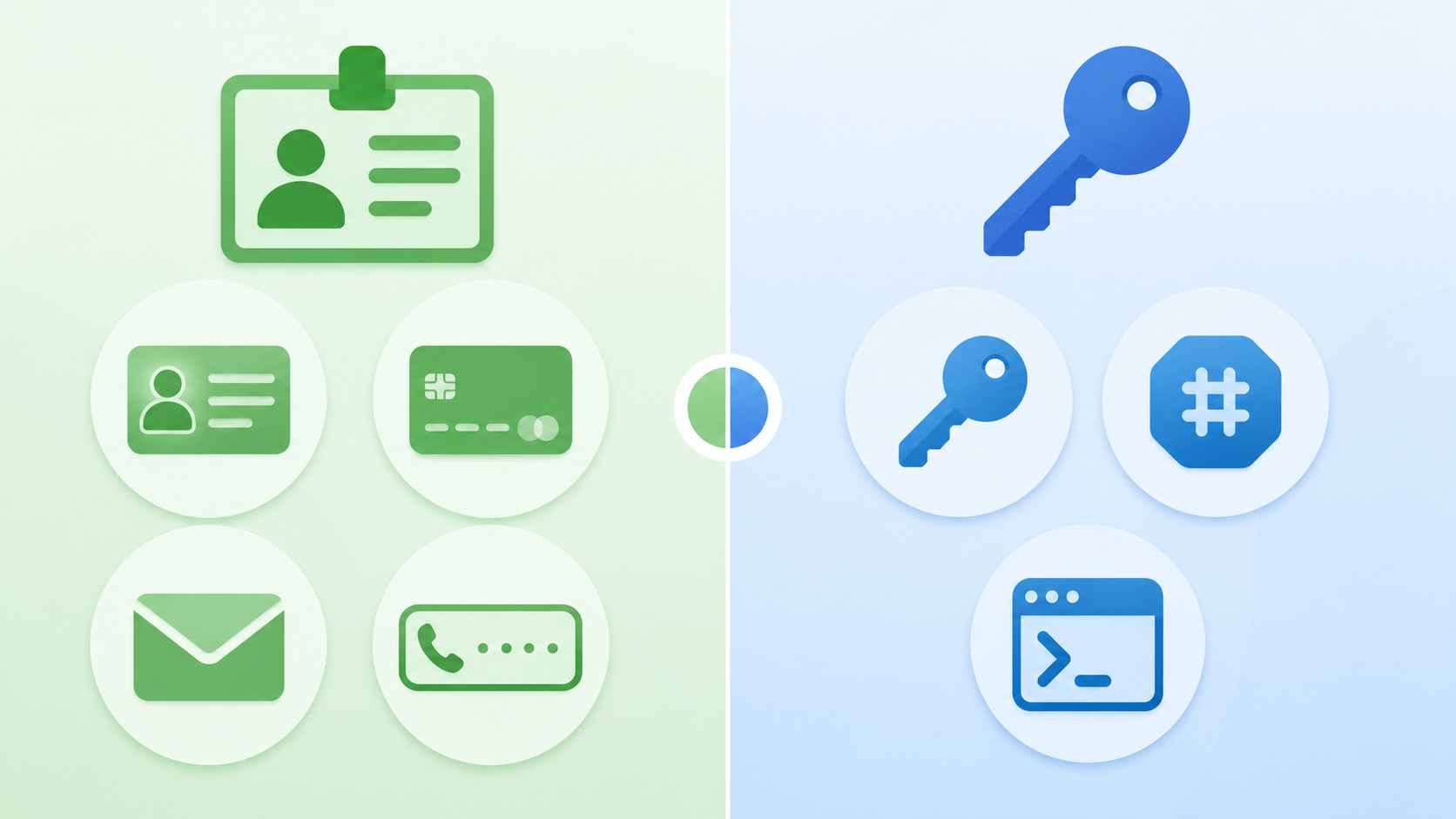
The honest takeaway: use Presidio (plus your custom recognizers) for PII and email attachments, and add a dedicated secrets scanner when your real target is source code and credentials.
A lightweight, pattern-based tool for finding API keys and credentials in code and files. Runs entirely on your machine; great as a pre-commit hook.
Built to retrofit secrets scanning into large existing codebases with a baseline workflow, so you only get alerted on newly introduced secrets.
Common Mistakes to Avoid
pip install alone isn't enough — run python -m spacy download en_core_web_lg, or Presidio will crash on the first analyze call.python-dotemail. If a tutorial tells you to install it, that guide was AI-generated without being tested.readonly=True. Never hard-code credentials into a script you might share or commit.Pro Tips
PatternRecognizer per internal credential format — that's where a generic scanner becomes your scanner.presidio-image-redactor) that pairs OCR with the same engine to catch secrets pasted into screenshots.redacted output, not the original, when you need to log what was found without keeping the sensitive value.Key Takeaways
PatternRecognizer rules (Step 3) for the credential formats you care about.python-dotemail package, and always use an app-specific, read-only mailbox login.Sources: Presidio (GitHub) · Gitleaks · TruffleHog · detect-secrets (Yelp)