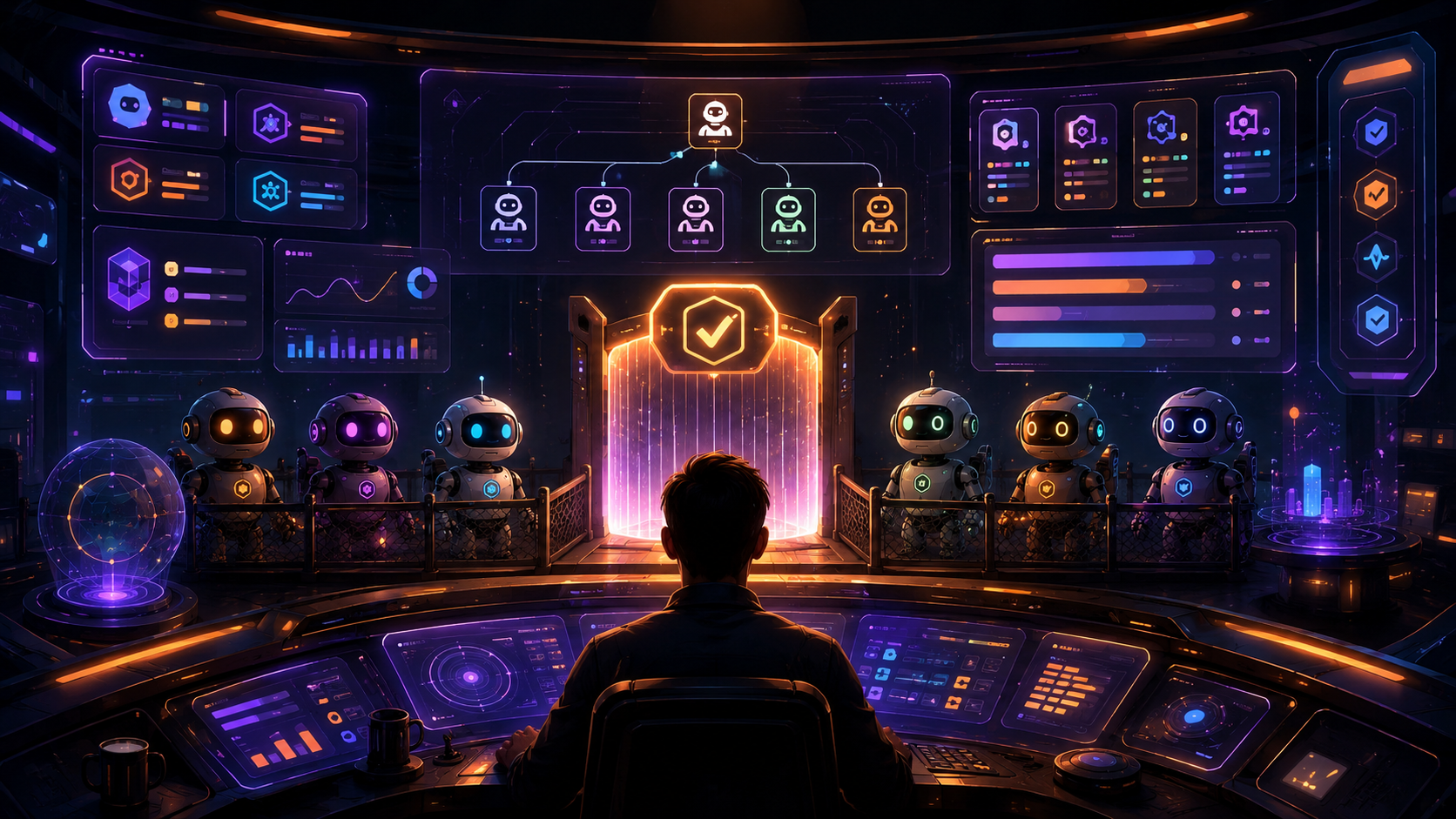
Right now, most people running AI agents are doing it with a chat window and a prayer. But an agent that can spend money, ship code, and spin up other agents isn't a chatbot — it's a company, and you're running it with the tooling of a search box. A Company OS is the operating structure that fixes that: the walls, gates, and memory an autonomous agent needs so it can't quietly burn your budget or forget everything on refresh. This guide walks through how to build one with Kimi K3 — adapted from Avid's (@Av1dlive) excellent builder's guide.
Difficulty: Intermediate–Advanced · Required tools: Kimi K3 (via Moonshot's Kimi Code CLI), a coding-agent loop, any frontend stack (the reference build used React 19 + TypeScript + Vite 6), and two skills — Superpowers and Context7 · Updated: July 2026
The original builder's guide this tutorial is adapted from — the full nine-element breakdown, on X.
Overview
A Company OS is not a nicer chat UI. It's the answer to six questions, available at all times: who owns what, which goals matter, what's blocked, how fast money is burning, what's waiting on your yes, and what happened while you were gone. Answer all six and you have a company OS. Answer fewer and you have a demo. The reason this matters now is a mismatch: in 2026 a coding agent will generate any file you can describe in a paragraph, in under a minute, for cents — but it will also spend your budget, approve its own requests, and forget its state on reload, because nobody built the walls. The model got cheap; the operating structure around it did not get built.
Why Kimi K3 specifically for this? Because you run agents all day, and you can't rent your runtime, data, and cost curve from a vendor. Kimi K3 is Moonshot's open-weight model (2.8T sparse MoE, 1M context, native vision), it's roughly 70% cheaper than the closed frontier (about $0.30/M cache-hit input, $15/M output), and it's elite at exactly this workload — #1 on the blind Frontend Code Arena and 88.3% on Terminal-Bench 2.1, the "survive a multi-step tool-call session without derailing" skill that makes or breaks an agent runtime. Be honest about its limits too: it sits ~4th on general intelligence and carries a high hallucination rate, which is precisely why a Company OS keeps a verifier and a gate in the loop rather than trusting the model.
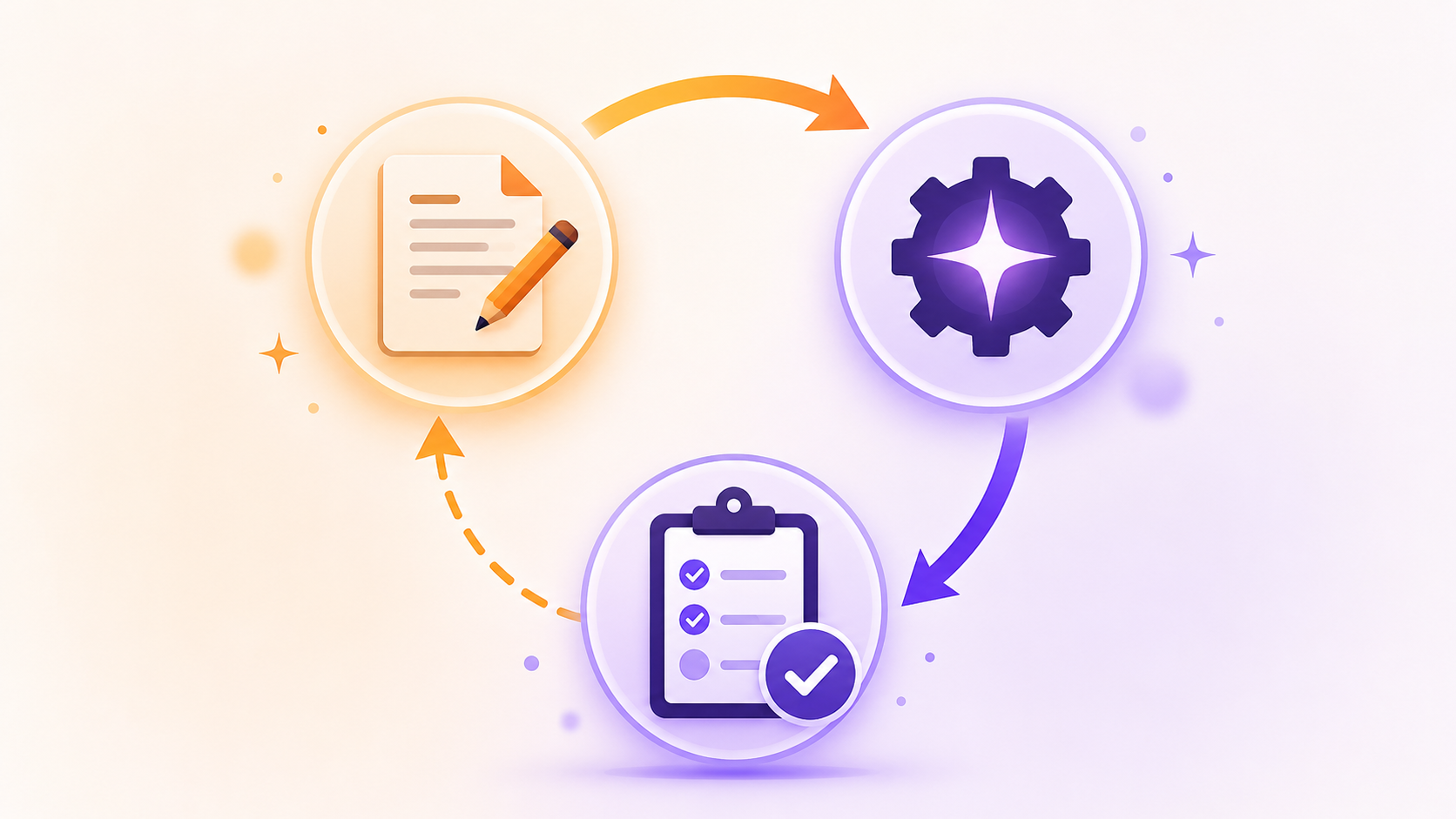
The method matters as much as the output. Every file in the reference build was generated by K3 through the Kimi Code CLI in a disciplined loop, nine times: write a prompt, pipe it through the CLI, run a check. Wrong file? You fix the prompt and regenerate — you never hand-edit the file. That loop, plus two installed skills (Superpowers for planning/review discipline, Context7 for version-accurate framework docs so K3 stops hallucinating old APIs), is the entire toolchain.
The honest goal: by the end you'll understand the three principles and nine concrete elements that make up any Company OS, and you'll have a repeatable prompt-and-check loop to build your own with Kimi K3 — your file names and stack will differ, the elements won't.
Who This Is Useful For
What You Will Learn
What You Need
kimi login once, then drive everything through kimi -p "<prompt>". K3 on the worker tier is your default; keep a frontier model on hand for the one build where purity is the whole point.The 3 Principles
Every design decision below is an instance of one of these three:
The 9 Elements (Build Them in Order)
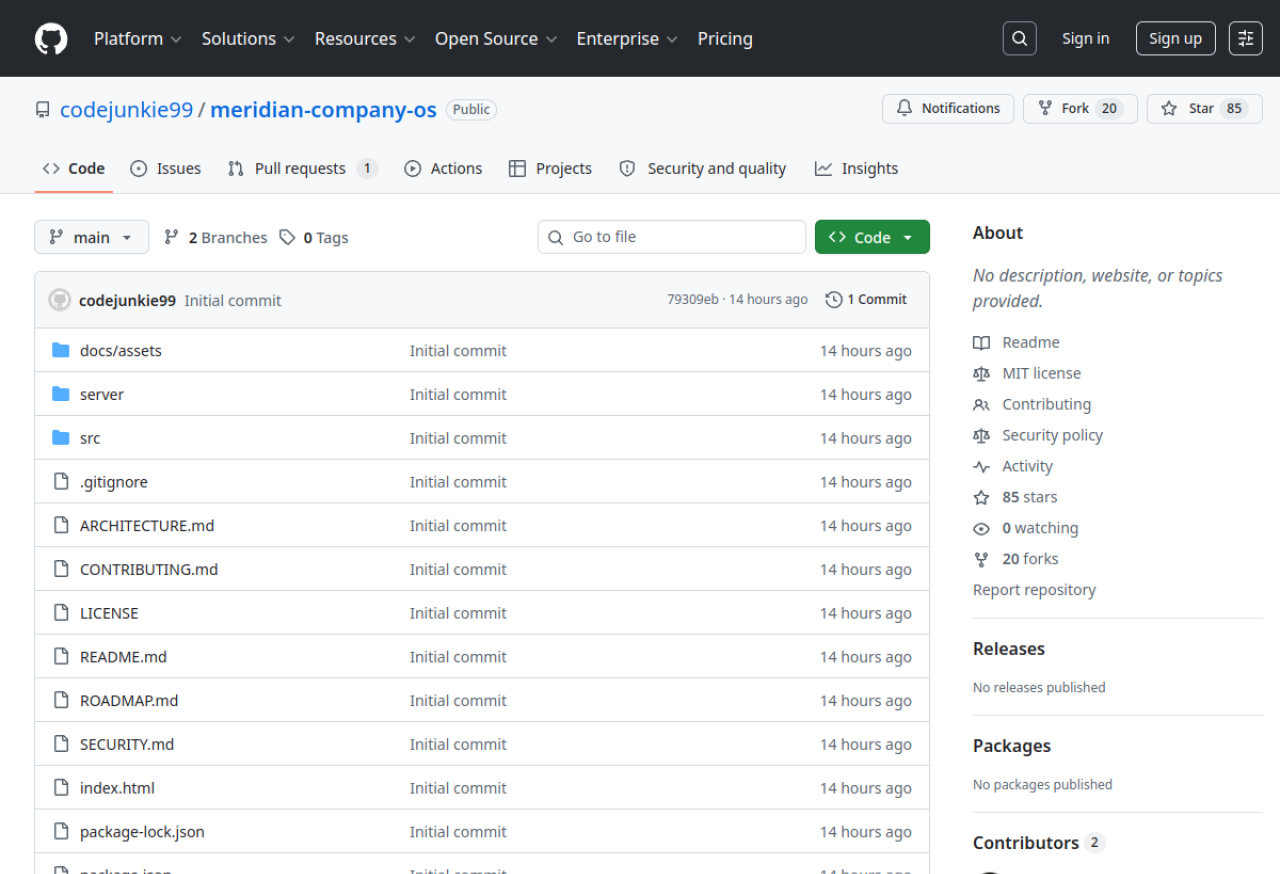
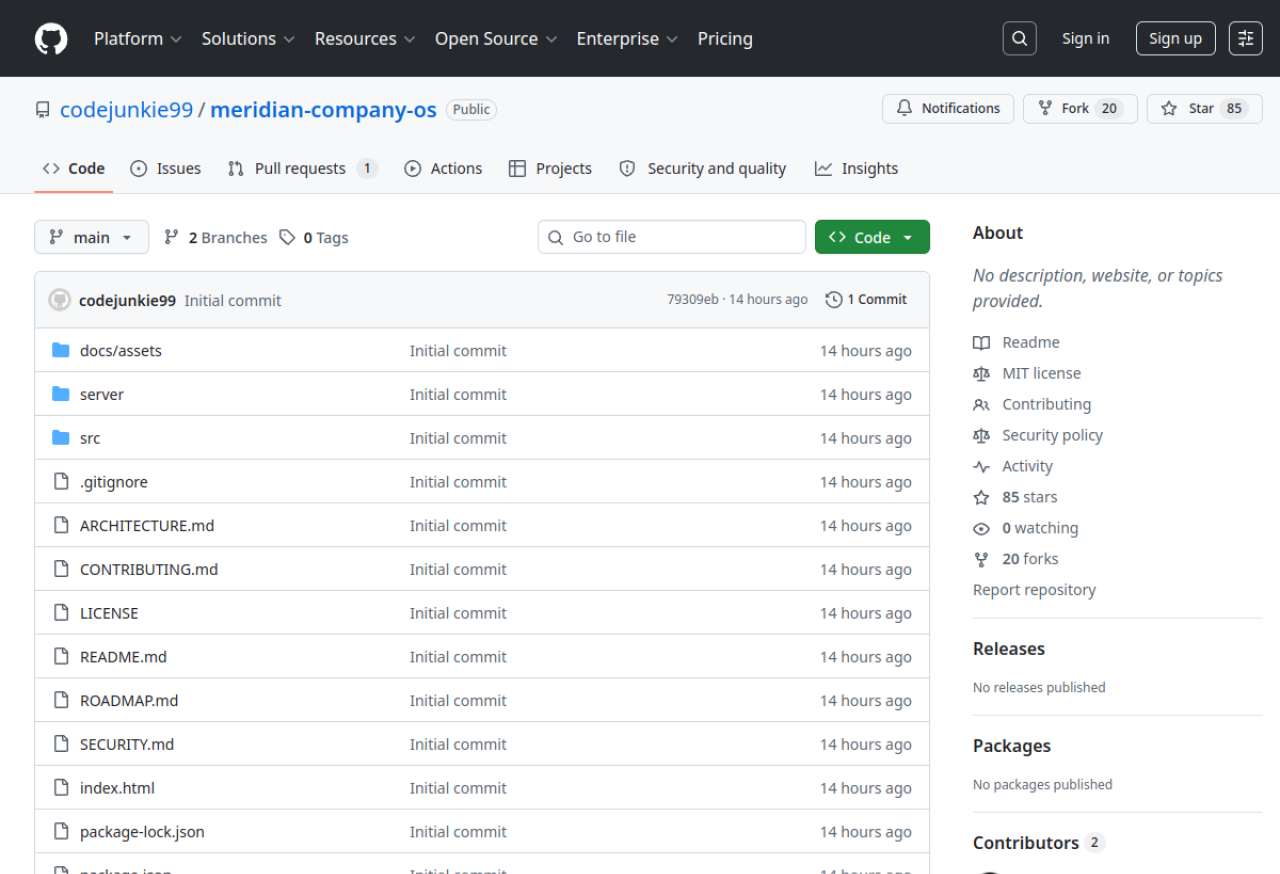
The MIT-licensed reference implementation on GitHub — codejunkie99/meridian-company-os — the build this guide is drawn from.
Start with the scaffold — the principle is fewer dependencies, fewer lies. A company OS has one job (trustworthy state), and every dependency is someone else's state you now have to trust. Generate a minimal project and prove it: install and typecheck to exit code 0, and be able to justify every runtime dependency in one line.
Build 0 — The vocabulary
Before any behavior exists, every noun the company runs on needs exactly one typed definition. From first principles there are seven: an actor (works and costs money), a goal (the why), a task (the what, with status and owner), an approval (a decision waiting on power), a ledger entry (a unit of spend), a log line (proof something happened), and the company container that holds them all. Type the nouns first and every later opinion stays honest. Check: typecheck passes with zero any, and each of the seven nouns has exactly one home in your code.
Pro tip: Ask the model, in the prompt, to flag nouns that overlap. In the reference build that one instruction caught a "task assignment" and a "delegation" that were nearly the same noun — resolved as a field, not a new type.
Build 1 — The world
You can't learn to operate an empty company, so the OS must boot into a world already mid-operation: a deterministic seeded company with every status represented and every gate already holding a decision. An empty state teaches nothing and hides bugs (an empty column and a broken column look identical). Check: boot twice and diff the world — deterministic means byte-for-byte identical.
Pro tip: Put the requirement "every task status appears at least once" in the prompt. When the first pass made everything in_progress, the fix wasn't editing the seed file — it was adding that line and regenerating.
Build 2 — The source of truth
A company is state, so state changes in exactly one place: one store, one reducer — a pure function from state + action → state. Views read and dispatch; they never mutate. Get this right and every later element (log, gate, heartbeat) becomes a reducer case instead of an architecture argument. Check: exhaustiveness — every action in your union has a case, or it's a dead button waiting to be pressed.
Pro tip: This is the one build to escalate to a frontier model. Purity is the whole point here, and cheaper attempts that mutated nested state were caught only by the check. Reserve the expensive model for exactly this.
Build 3 — The heartbeat
Real companies move while you're not looking, so the OS must tick on its own clock — a small, bounded, pure state transition fired on a timer (the reference used ~2.6 seconds). Bounded is load-bearing: an unbounded tick is a runaway; a bounded one costs pennies of simulated spend and proves the pipes. Check: watch the feed for 30 seconds — lines land on the clock; pause freezes it; resume moves it. Lines arriving too fast mean two intervals, which means something is doing the store's job.
Pro tip: Wire exactly one interval, in the provider. If any component runs its own timer, your single source of truth has quietly forked.
Build 4 — The memory
The line between a demo and a system is a reload. Split state in two: domain state (who works here, what was spent, what was decided) is the company and must survive; session state (which screen, an open modal) is your visit and persisting it is a bug. Snapshot an allowlist of domain slices on a debounce, restore on boot — and never write before the restore completes, or you overwrite the company with a blank. Check: let the sim run 20 seconds, refresh, the numbers continue; clear the key, refresh, the clean seed returns.
Pro tip: Ask the model to name the race condition before it writes the code. Prompted to find the bug, K3 named the exact first-render trap — cheap models find real bugs when finding bugs is the deliverable.
Build 5 — The operator surface
The operator asks three questions in a fixed order — what's happening, does it need me, what do I do — so the main screen answers them top to bottom: one north-star number plus a live feed; a risk radar and a count of decisions waiting; and every one of those a single click deep, not a hunt. Every widget is a pure read of the store; a cockpit that caches its own numbers is an instrument that lies. Check: open it cold and answer all three questions aloud in under ten seconds without clicking.
Pro tip: Derive the layout from the three questions, not from what looks good in a screenshot. Switch companies and confirm no stale number bleeds through — proof every widget is a real window, not a cache.

Build 6 — The gate
Power flows through gates: the five verbs that can hurt you — spend, hire, override, publish, terminate — each need the same four things at decision time: the ask, the asker's rationale, the machine's own policy checks argued in the open, and a decision that lands in the permanent log with a name and timestamp. The subtle one: when a policy check fails, approving must feel like overriding — defaults are where governance goes to die. Check: approve a seeded item and watch it stamp "approved by you" and drop a line in the log; find one with a failing check and confirm the button reads "Override and approve." Then watch the sim — if any approval resolves without your click, the gate is broken and nothing else matters.
Pro tip: Enforce the decision in the reducer (Build 2's approval case), not the UI. A gate enforced in the interface is a suggestion; a gate enforced in the store is law.

Build 7 — The command line
Operators issue orders, and an order that costs a model call to parse is slower, pricier, and less deterministic than a regex. Split utterances in two: commands ("create task X, assign to Bea, p1") have fixed grammar and a known action — parse them locally, dispatch the real store action, print exactly what changed, for zero cost and zero latency. Everything else is conversation, and that's what the model is for. Route deterministic-first, model-as-fallback, and always show the trace. Check: a real command creates a real task and prints its trace with no spinner (no model was called); a nonsense sentence falls through to the model.
Pro tip: If your command handling shows a loading state, you're paying for a model call you didn't need. Instant-and-traced is the tell that the local path is working.
Build 8 — The real runtime
Everything so far runs on a simulation, and a Company OS that never touches a real agent is a diorama. The last element bridges to an actual runtime — and it's the most dangerous file in the system, because it spawns a process that can think and spend. So the fence is the feature: concurrency limits, every spend and action routed back through the gate from Build 6, and nothing the agent does escaping the log from Build 0. Check: the real agent can act, but it cannot spend or ship without hitting the gate, and every step it takes appears in the feed.
Pro tip: Wire the real agent in last, only after the gate and log are proven. Connecting a live, spending agent before the walls exist is how a demo becomes an incident.
3 Common Mistakes to Avoid
Going Further
Key Takeaways
Sources: How to Build a Company OS using Kimi K3 — Avid (@Av1dlive) on X · meridian-company-os (MIT) — GitHub · What Is Kimi K3? — Kie · Kimi K3 — Moonshot AI