Overview
Ever wish you knew what your dog was actually thinking? Gemini — Google's multimodal AI — can look at a photo or short video of your dog (or even listen to a bark) and generate a playful, plausible "translation" of what they might be feeling. In about 30 minutes, with no code, you'll build a fun dog translator. Let's be honest up front: this is a delightful toy, not real animal science — but building it teaches you a genuinely useful skill (multimodal AI prompting) while making you laugh.
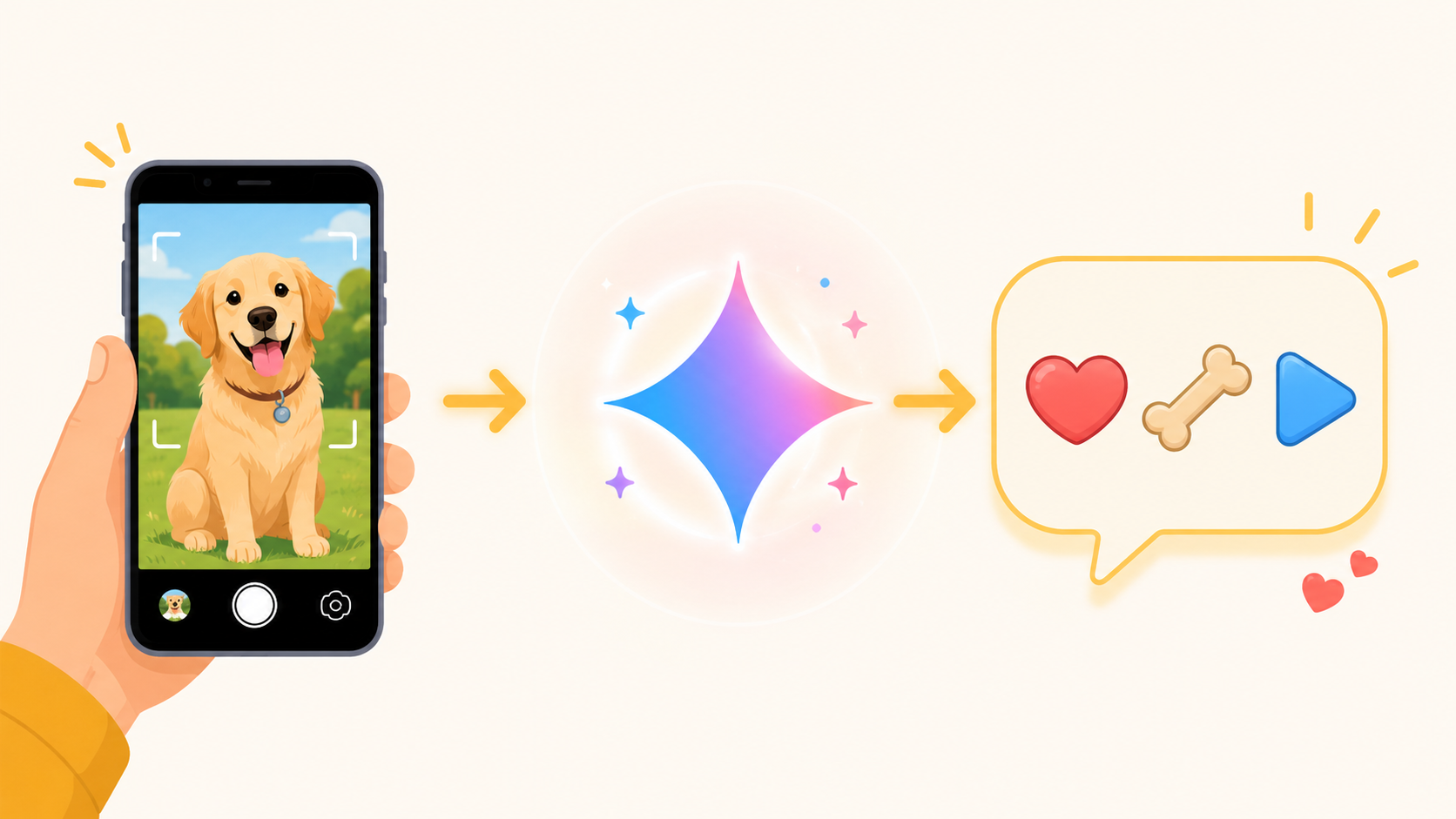
Gemini is genuinely multimodal — it accepts images, video, and audio (as well as PDFs) and can analyze all of them. That's what makes a "dog translator" possible: give it a picture of your pup mid-zoomies and a good prompt, and it'll infer a mood and a caption from the visible cues. No coding required — and if you later want to wrap it in a shareable app, the same model has a free API.
Difficulty: Beginner-friendly · You'll need: a free Google account (and a photo/clip of a dog) · Cost: free — the Gemini app and Google AI Studio's free tier cover this · Updated: August 2026
What You'll Be Able To Do
Why This Matters
The dog is the fun part; the skill is the real prize. "Feed an image/video/audio in, get structured text out" is exactly how you use multimodal AI for real work — reading a screenshot, summarizing a video call, pulling data from a PDF. A dog translator is just the most delightful way to learn it, and you'll walk away able to point that same capability at anything.
And it's a genuinely fun, shareable project: pet owners love it, it shows off AI in a way anyone gets instantly, and it costs nothing to try.
The honest frame, up front: Gemini is guessing, not translating. It infers a plausible mood from visible body language and context — ears, tail, posture, the scene — the same cues a human reads. It's entertainment. For anything real about your dog's behavior or health, a vet or trainer is the actual source, not an AI caption.
Before You Start
The 30-Minute Build
Step 1: Pick your input — a photo or short video beats a bark
Gemini reads far more from a photo or short video (ears, tail, posture, what's happening) than from audio alone. Take one clear clip of your dog doing something — begging, zooming, guarding a toy. Audio (MP3/WAV) works too, but a bark on its own is the weakest signal, so pair it with a photo if you can.
Step 2: Open Gemini — no key needed (or grab a free key)
For the no-code path, just open the Gemini app or Google AI Studio, sign in with your Google account, and you're ready — no key, no cost. If you want to build an app later, open Google AI Studio and click "Get API key" — it's free, created in seconds, with no credit card.
Step 3: Write the "translator" prompt
The magic is in the prompt. Give Gemini a persona and ask for structured output so results are consistent and shareable:
You are a playful dog translator. Look at this photo/video of my dog and,
based ONLY on visible body language and context, give a fun first-person
"translation" of what they might be saying. Return:
Mood: (one or two words)
Quote: (one line, in the dog's voice)
Cues: (the body-language signals you used)
Keep it lighthearted, and note that it's a playful guess.
Attach your photo, video, or audio and send. You'll get a mood, a quote in your dog's "voice," and the cues Gemini used — which is half the fun.
Step 4: Give it character (few-shot prompting, not "training")
Set a voice — "a sassy corgi," "a dramatic golden retriever" — and add one or two example translations right in the prompt to lock the style. Note the important distinction: you are not training the model; you're steering it with in-context examples. More examples = more consistent voice, instantly.
Step 5 (optional): Wrap it in a shareable app
Want friends to use it? Take the free API key from Step 2 and connect Gemini to a no-code builder (Glide, Bubble) or a simple web page: the user uploads a dog photo, your app calls Gemini with your translator prompt, and shows the result. The Gemini API docs give you ready-to-copy code in Python, JavaScript, and REST.
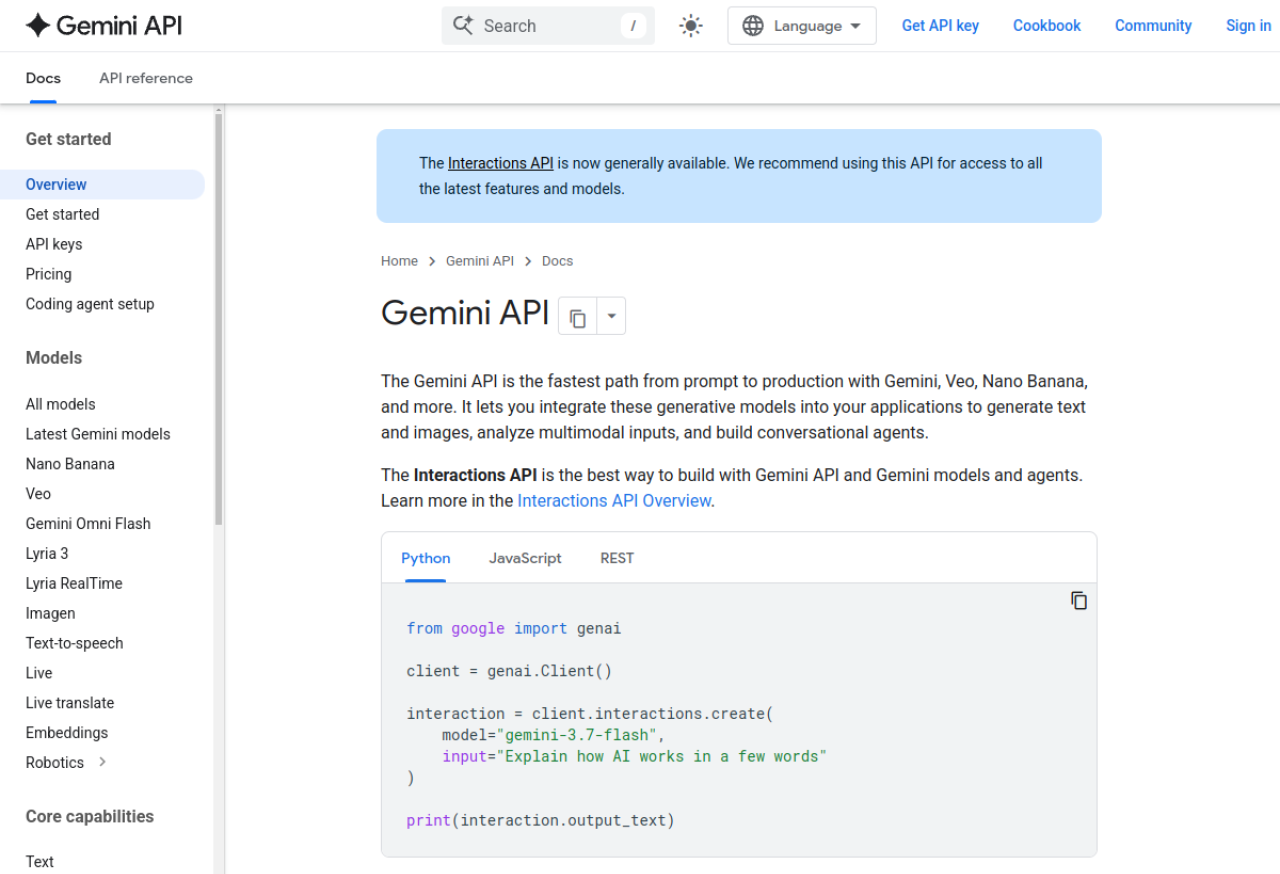
Multimodal inputs (image, audio, video, PDF), model list, and copy-paste code to turn your dog translator into a real app.
3 Common Mistakes to Avoid
Pro Tips
Your Challenge
Summary
You built a fun dog translator with Gemini — and, more importantly, learned multimodal prompting: media in, structured text out. Keep the dog part playful (it's an imaginative guess, not a decoder), and take the real skill anywhere — screenshots, videos, documents. The laughs are free; the capability is yours to reuse.
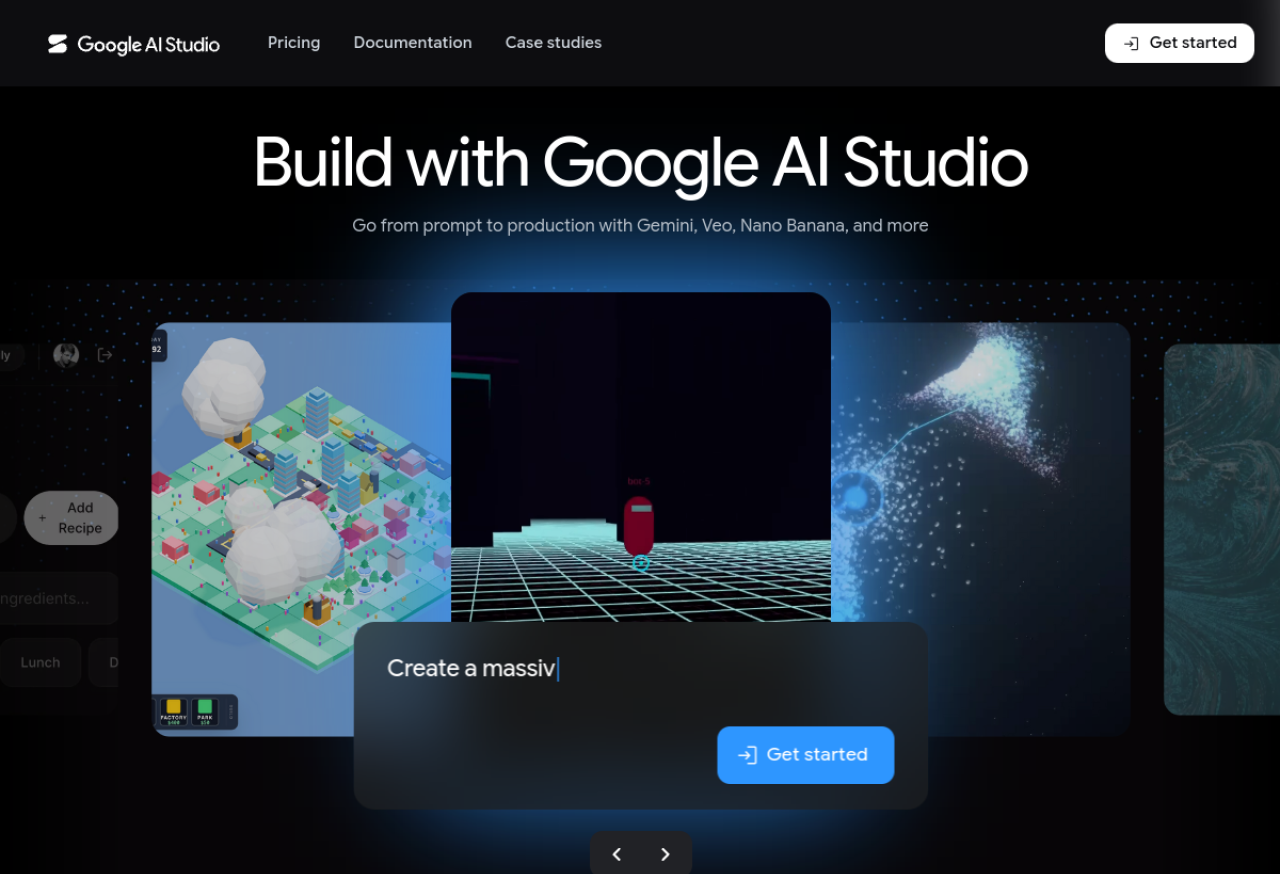
Where you build with Gemini — test multimodal prompts, get a free API key, and export code for your dog translator (or your next real project).
Sources: Google AI Studio · Gemini API docs