
Overview
Most AI assistants forget everything the moment you close the tab. You re-explain who you are, what you're working on, and how you like things done — every single time. Hermes Bot Mode, a free, open-source feature from Nous Research (the lab behind the Hermes model series), throws that pattern out. Instead of starting each task in a blank chat, you build a roster of named, persistent AI bots that live in the Hermes desktop app. Each bot keeps its own role, model, memory, skills, and avatar — and, crucially, the bots can talk to each other, so you can assemble a small team that hands work back and forth like real colleagues: a researcher passes sources to a writer, who passes a draft to an editor.
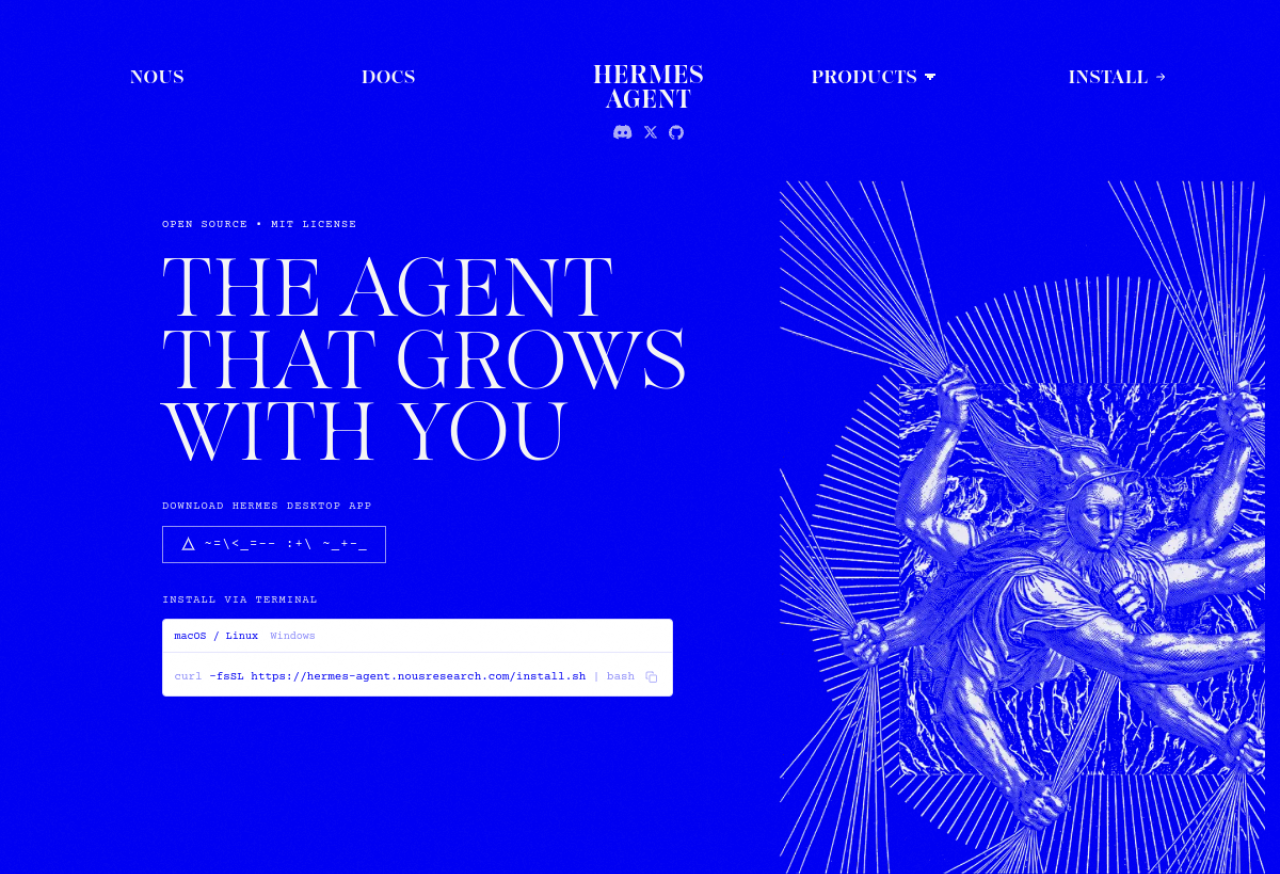
Bot Mode shipped on 16 August 2026 inside Hermes Agent v0.20.3 — Nous co-founder Teknium first released it as a one-day public beta on 14 August, then it landed built into the main desktop app for everyone. It's MIT-licensed and completely free, and here's the part most write-ups skip: every bot is a real Hermes agent with real system access, so a team of bots is genuinely powerful and genuinely needs your supervision. This guide takes you honestly from install to a working 3-bot content team in about 30 minutes — with detailed, do-this-then-that steps, and a clear-eyed look at what to watch out for.
Difficulty: Beginner-friendly · You'll need: the free Hermes desktop app (or CLI) and one model connection (Nous Portal, OpenRouter, OpenAI, or any endpoint) · Cost: the app is free; you pay only for whatever model you point it at · Updated: August 2026
Who This Is For
What You'll Learn
Why Bot Mode Matters
A normal chatbot session is disposable — close it and the context evaporates. Bot Mode makes your agents durable teammates you build once and reuse forever. Configure a "Researcher" bot with a search-friendly model and a research skill, and it's still that exact bot tomorrow, next week, next month, remembering how you like sources presented.
The real multiplier is collaboration. Because bots can @mention each other and gather in shared rooms (2–6 bots, up to three rounds of turns per message), one person can operate what looks like a whole content desk: research, drafting, and editing flowing between specialists — without you shuttling text between windows. It's the closest a solo builder gets to a team, and it runs on models and hardware you choose.

The honest caveat, up front: this is not magic, and it is not a sandbox. Nous states plainly that Bot Mode "adds no new safety model of its own" — every bot has the same real system access as any Hermes agent. More bots acting autonomously means more ways for a small mistake to compound. So you supervise a bot team; you don't just unleash it and walk away.
Before You Start
The Step-by-Step Build
Step 1: Install Hermes Agent
You have two paths — pick whichever fits you.
The easy way (desktop app): go to hermes-agent.nousresearch.com, download the installer for macOS or Windows, run it, and open the app. That's it — you'll land on the Bot roster screen.
The terminal way (CLI): if you prefer the command line or you're on Linux/WSL2, install in one line:
macOS / Linux / WSL2
curl -fsSL https://hermes-agent.nousresearch.com/install.sh | bashWindows (PowerShell)
iex (irm https://hermes-agent.nousresearch.com/install.ps1)
After it finishes, confirm it's installed by running hermes --version. If you see a version number, you're good.
Pro tip: the desktop app and the CLI share the same profiles and bots, so you can start in the GUI to get oriented and drop to the terminal later for scripting and automation.
Step 2: Connect a model
A bot is only as capable as the model behind it, and Hermes lets you use any of several:
hermes setup --portal
Pro tip: you don't have to pick one model for everything. Later you'll pin a cheap, fast model to high-volume bots (like research) and your strongest model to the bot that needs the most judgment (the editor). Set up at least one connection now; you can add more anytime.
Step 3: Turn on Bot Mode
In Hermes v0.20.3 and later, Bot Mode is bundled and on by default — the old single-session list is replaced by a roster of named Bots down the side. If you're on an older build, update first. (Bot Mode is also available as a standalone, MIT-licensed desktop plugin if you ever need to add it manually.)
Pro tip: think of the roster like a team directory. A clear, scannable roster (good names, distinct avatars) is what makes a multi-bot workflow feel manageable instead of chaotic — so it's worth setting up thoughtfully in the next steps.
Step 4: Create your Researcher bot
Add a new Bot and fill in each field deliberately — this is what makes it reusable rather than a throwaway chat:
Researcher — short and role-descriptive, so @mentioning it later is obvious.Pro tip: be specific about the output format in the persona ("bullet points with source links"). Downstream bots depend on a predictable hand-off, and a vague researcher poisons the whole chain.
Step 5: Create the Writer and Editor bots
Repeat Step 4 for two more specialists, keeping each persona narrow and non-overlapping:
Pro tip: give each bot exactly one job and one voice. Two bots with overlapping skills will redo (and argue about) each other's work; three sharply-defined bots move in a clean line.
Step 6: Assemble a room and run the hand-off
Now the payoff. Create a shared room and add your three bots (keep rooms small — 2–4 bots is the sweet spot; the limit is 6, with up to three rounds of turns per message). Kick the chain off by @mentioning the Researcher and naming each hand-off explicitly:
@Researcher find the 3 biggest developments in [your topic] this month.
Give 2–3 authoritative sources each, as bullet points with links.
Then @Writer, draft a 400-word brief from those bullets.
Then @Editor, tighten it and flag anything not backed by a source.
Because bots message each other by @mention, the work flows down the chain automatically. You'll watch it happen in the room: the Researcher posts sourced bullets, @Writer picks them up and drafts, @Editor cleans it and raises flags. Step in at any point — correct a bot, add a constraint, or stop the run — exactly as you would in a real team chat.
Pro tip: the quality of the hand-off is in the instruction, not the wish. "@Writer take it from here" invites drift; "@Writer, use only the bullets above and keep every source link" keeps the chain honest.
Step 7: Schedule it as a routine
Bots can run scheduled routines, which turns your team from on-demand into always-on. Set the Researcher to wake up each morning and kick off the same chain, and you'll review the Editor's finished brief with your coffee instead of starting from a blank page.
Pro tip: always route a scheduled chain to a human review step before anything irreversible (publishing, sending, deleting). Automation should draft; you should approve.
3 Common Mistakes to Avoid
Going Further
Key Takeaways
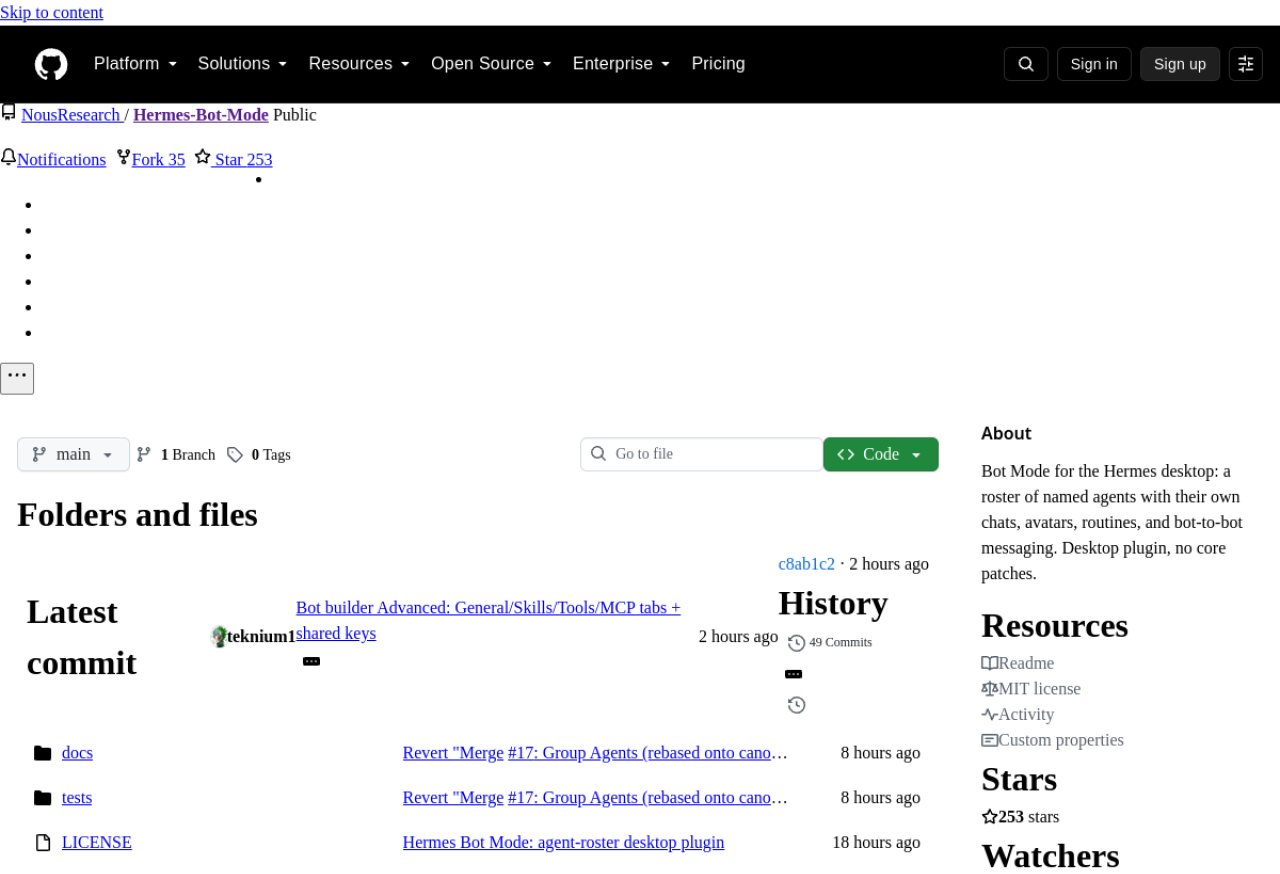
The open-source (MIT) Bot Mode plugin — a roster of named agents with their own chats, avatars, routines, and bot-to-bot messaging.
Sources: Hermes Agent docs · NousResearch/Hermes-Bot-Mode (GitHub) · Nous Research — Bot Mode announcement