Use AI to Understand a Health Insurance Denial and Draft an Appeal
Use AI to understand a denied insurance claim and draft a clear appeal you review and send — with free tools or a general assistant like Claude. Educational, not legal advice.
Overview
Insurance denials are common — and a surprising number of them are overturned when someone actually appeals. The problem is that appealing feels overwhelming: dense letters, unfamiliar codes, strict deadlines, and the sense that you're arguing with a wall. This is exactly where AI genuinely helps. It can read a confusing denial letter back to you in plain English, help you figure out why the claim was denied, and draft a clear, well-structured appeal you can review and send.
But let's be honest from the first line, because this topic gets oversold:
Turn an intimidating denial letter into a clear, organized appeal with AI — while you stay in control of what actually gets sent.
With that framing in place, this is one of the most practically useful things a non-technical person can do with AI. Let's do it properly.
Difficulty: Easy — no coding, no technical setup · You'll need: your denial letter and 20–30 minutes · Cost: free (some tools offer a small paid mailing option) · Updated: August 2026
First, the honest version of "AI agents that fight insurance for you"
You'll see breathless posts promising a fleet of AI agents that automatically dispute denials, cite statutes, and win your money back while you sleep. Treat those with heavy skepticism. In reality:
No consumer tool autonomously negotiates with an insurer or sends certified mail on your behalf without you in the loop.
AI that invents a specific law, medical code, or policy clause is a real risk — sending a hallucinated citation can hurt your appeal.
The genuine, powerful use is assistance: understanding the denial and drafting the appeal. The human — you — stays in control.
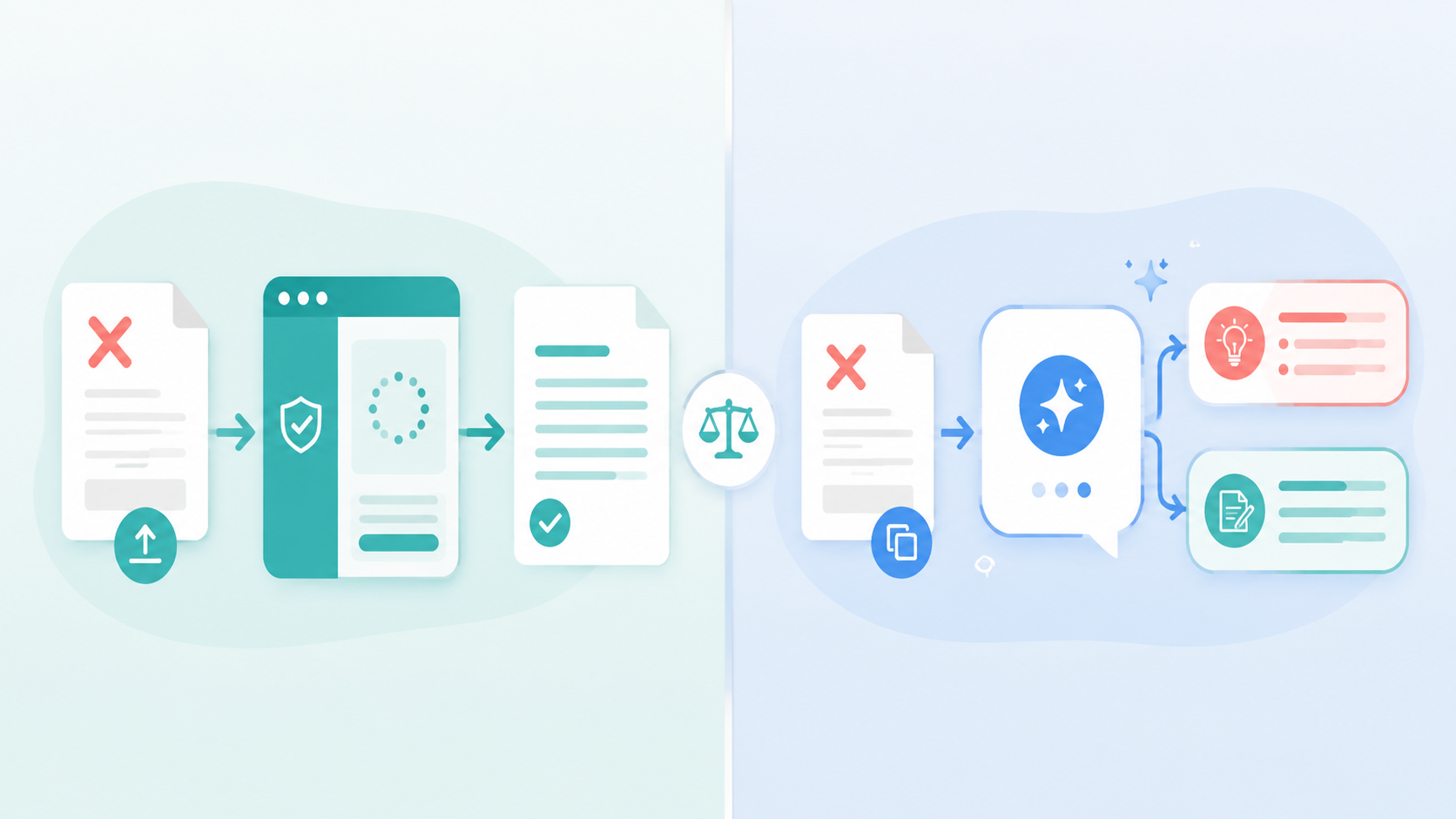
Two honest ways to get AI help: a purpose-built free appeal tool, or a general AI assistant you paste your denial into.
That's the version that actually works — and it's still genuinely worth 30 minutes of your time.
Who This Is For
Anyone who's had a claim denied and feels too overwhelmed or busy to appeal.
Caregivers and family members helping someone navigate a denial on their behalf.
Freelancers and small business owners without an HR department or benefits team to lean on.
What You'll Learn
The honest limits of what AI can and can't do here.
Two real ways to get AI help: a purpose-built free tool, or a general AI assistant.
The most common denial reasons and how AI helps you address each.
How to verify and safely send an appeal — and where to escalate if it's denied again.
Before You Start: The Ground Rules
1. This isn't legal or insurance advice. For high-stakes or complex denials, involve a professional (details in the escalation section below). 2. Verify everything. Treat any code, statute, policy quote, or medical claim the AI produces as a draft to check, not a fact. Never send a citation you haven't confirmed against your own policy document or an official source. 3. Protect your data. Redact your full member ID, Social Security/national ID number, and date of birth before pasting anything into a general AI chat. Share only what's needed to explain the situation. 4. Mind the deadline. Appeals have strict time limits (often stated on the denial letter). AI can help you draft fast, but the clock is real — start early.
Two Ways to Get AI Help
Path A: A purpose-built free appeal tool
Several free, patient-focused tools now use AI specifically to generate health-insurance appeals. You upload or describe your denial, and they produce a draft appeal letter tailored to it.
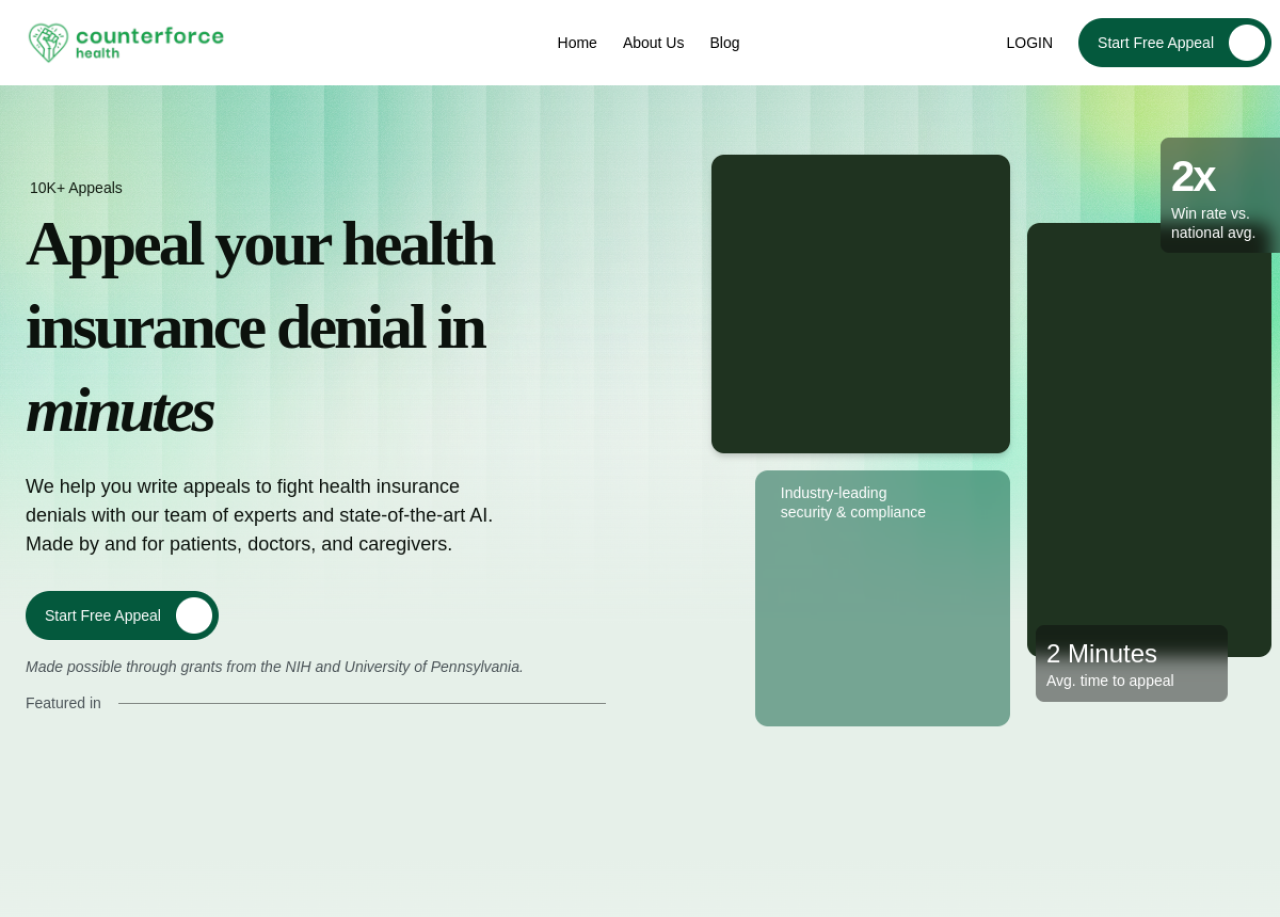
Counterforce Health — a free, AI-assisted tool for appealing health insurance denials, built with NIH and university research support.
Fight Health Insurance — an open-source tool that generates an appeal after you upload a photo of your denial. It has helped produce thousands of appeals and has been covered by mainstream press. You can submit the letter yourself for free, or pay a small fee to have it faxed.
Counterforce Health — a free AI appeal generator (built with NIH and University of Pennsylvania research support) that analyzes your denial and documents, then drafts an appeal and supporting arguments.
These are US health-insurance focused. They're the fastest path if that's your situation — but the same rule applies: read the draft, verify it, and make it yours before sending.
If a specialized tool doesn't fit your situation — a different country, a non-health policy, or you just want more control — a general assistant like Claude or ChatGPT is a superb drafting partner. Here's the flow:
Step 1 — Understand the denial. Paste the denial reason (with personal identifiers redacted) and ask:
Here is the reason my insurance claim was denied: "[paste the reason]".
Explain in plain English what this likely means, and what the most
common valid grounds for appealing this type of denial are. Note
anything I should verify against my own policy.
Step 2 — Draft the appeal. Once you understand it, ask for a letter:
Help me draft a polite, factual appeal letter for this denial. Keep it
professional and concise. Use placeholders like [POLICY NUMBER] and
[DATE OF SERVICE] instead of inventing details, and do NOT cite any
specific law or medical code unless I provide it — flag where I should
add one after checking my policy.
That last instruction is the key safety valve: it tells the AI not to hallucinate citations, and to leave clearly marked blanks for you to fill from your real documents.
Step 3 — Refine. Iterate in plain English: "make it firmer," "add a sentence referencing my doctor's note," "shorten the second paragraph." Because you're editing a draft, you're always in control.
The 4 Most Common Denial Reasons (and How AI Helps)
Understanding which bucket your denial falls into makes the appeal far stronger. Ask the AI to help you identify and address the likely one:
Coding or clerical error — a wrong billing code or typo. Often the easiest to overturn; ask the AI to help you phrase a correction request.
"Not medically necessary" — the insurer disputes that the care was needed. Your strongest asset is your doctor's documentation; AI can help you structure an appeal around it (not invent medical claims).
Missing pre-authorization or referral — a procedural gap. AI can help you explain the circumstances and request an exception.
Out-of-network — the provider wasn't covered. AI can help you argue for an exception (e.g., no in-network option was available) where that applies.
In every case, AI helps you frame the argument clearly — the facts must come from your real documents.
Verify Before You Send
AI drafts; you verify and send. Check every code, date, and claim — and never send a citation the AI invented.
Before that letter goes out, run this checklist:
Every fact is yours. Policy number, dates of service, provider names, amounts — all pulled from your real documents, not the AI's guesses.
No unverified citations. Deleted any law, statute, or medical code you haven't personally confirmed. When in doubt, leave it out — a clear, factual appeal doesn't need invented legalese.
Tone is polite and factual. Firm, not angry. You're asking them to correct a decision, and a calm, well-organized letter reads as credible.
You kept a copy and noted the submission date and deadline.
If the Appeal Is Denied Again
A first denial of your appeal isn't the end. Real escalation paths (these are pointers, not legal advice):
Ask for the next level of internal appeal — most plans have more than one.
Request an external / independent review — many places give you the right to have an outside reviewer look at it.
Contact your regulator or ombudsman — in the US, your state's Department of Insurance; elsewhere, your local insurance regulator or financial-dispute ombudsman.
Get a human advocate — a patient advocate, a nonprofit, or, for serious cases, an attorney. This is where professional help is worth it.
AI is a great first drafter. For anything high-value or complex, a real human expert is the right next step.
Common Mistakes to Avoid
Sending AI-invented citations. The single biggest risk. A hallucinated statute or code can undermine your credibility. Verify or delete.
Treating it as a "set it and forget it" agent. No tool autonomously wins appeals for you. Stay involved — read, verify, send, follow up.
Oversharing sensitive data. Redact IDs and personal identifiers before pasting into a general chat.
Missing the deadline. The fastest appeal in the world doesn't help if it's late. Note the date the moment you start.
Pro Tips
Ask the AI to flag its own uncertainty. End prompts with "and mark anything I must verify against my policy or with a professional."
Feed it the real denial text (redacted). The more accurately it understands the specific reason, the more useful the draft.
Keep a paper trail. Ask the AI to help you log dates, reference numbers, and who you spoke to — organization wins appeals.
Lead with your doctor's words. For medical-necessity denials, your provider's documentation carries far more weight than anything AI writes.
Stay calm and specific. Reviewers respond to clear facts, not outrage.
Key Takeaways
AI is a genuinely useful assistant for insurance appeals — for understanding a denial and drafting an appeal — but it is not an autonomous agent and not a lawyer.
This is educational, not legal or insurance advice. For complex or high-stakes cases, involve a professional.
Two real paths: a free purpose-built tool (Fight Health Insurance, Counterforce Health — US health focus), or a general assistant like Claude for any denial, anywhere.
Verify everything and never send a hallucinated citation — the facts must come from your real documents.
Escalate when needed: higher internal appeals, external review, your regulator, or a human advocate.
Disclaimer: This article is for general educational purposes only and is not legal, medical, or insurance advice. Verify all information against your own policy and official sources, and consult a qualified professional for complex or high-stakes matters.
Learn AI, after work
Track your progress, earn XP, and unlock more free tutorials in the AfterWork Bytes app.