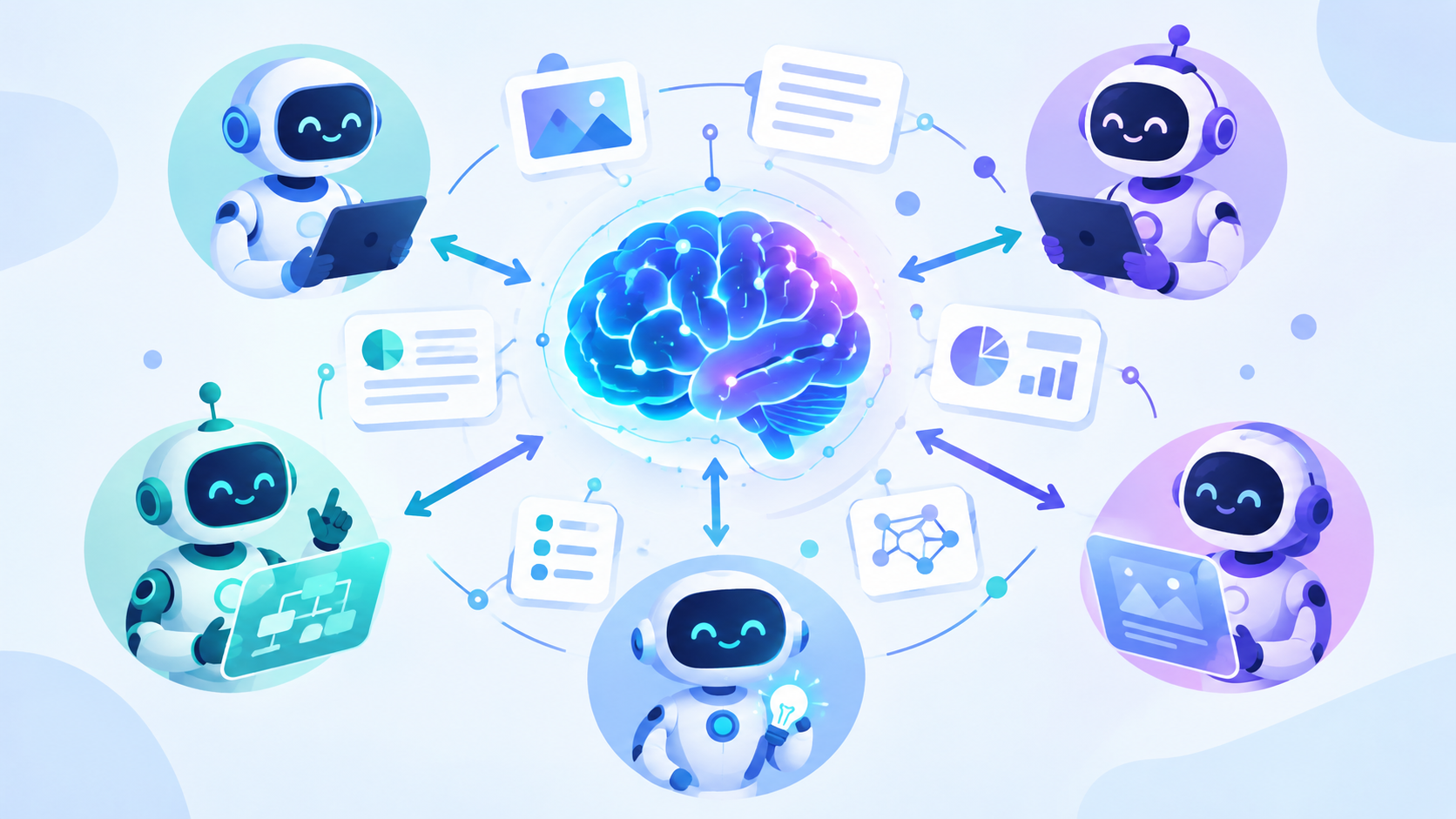
OzBrain is a shared 'brain' that every AI agent reads and writes — one memory across Claude, ChatGPT, and more. Connect it with no code. Here's what it really is (not a doc-chat app) and when to use it.
Overview
Every AI assistant has the same frustrating flaw: it forgets. Start a new chat and Claude doesn't remember what you told ChatGPT, ChatGPT doesn't know what your coding agent just built, and none of them recall last week's decision. Each tool keeps its own little island of memory. OzBrain tackles this from a different angle: it's a shared "brain" that every AI agent can read from and write to — one knowledge source your assistants and teammates all draw on. This guide explains what it really is (there's a common misconception), how to connect it in minutes with no code, and where it's genuinely useful today.
OzBrain is a shared brain that every AI agent reads and writes — so your assistants and teammates all work from the same knowledge.
Difficulty: Easy — no code · You'll need: Claude or ChatGPT (with connectors) · Cost: free tier available · Updated: September 2026
What OzBrain Actually Is
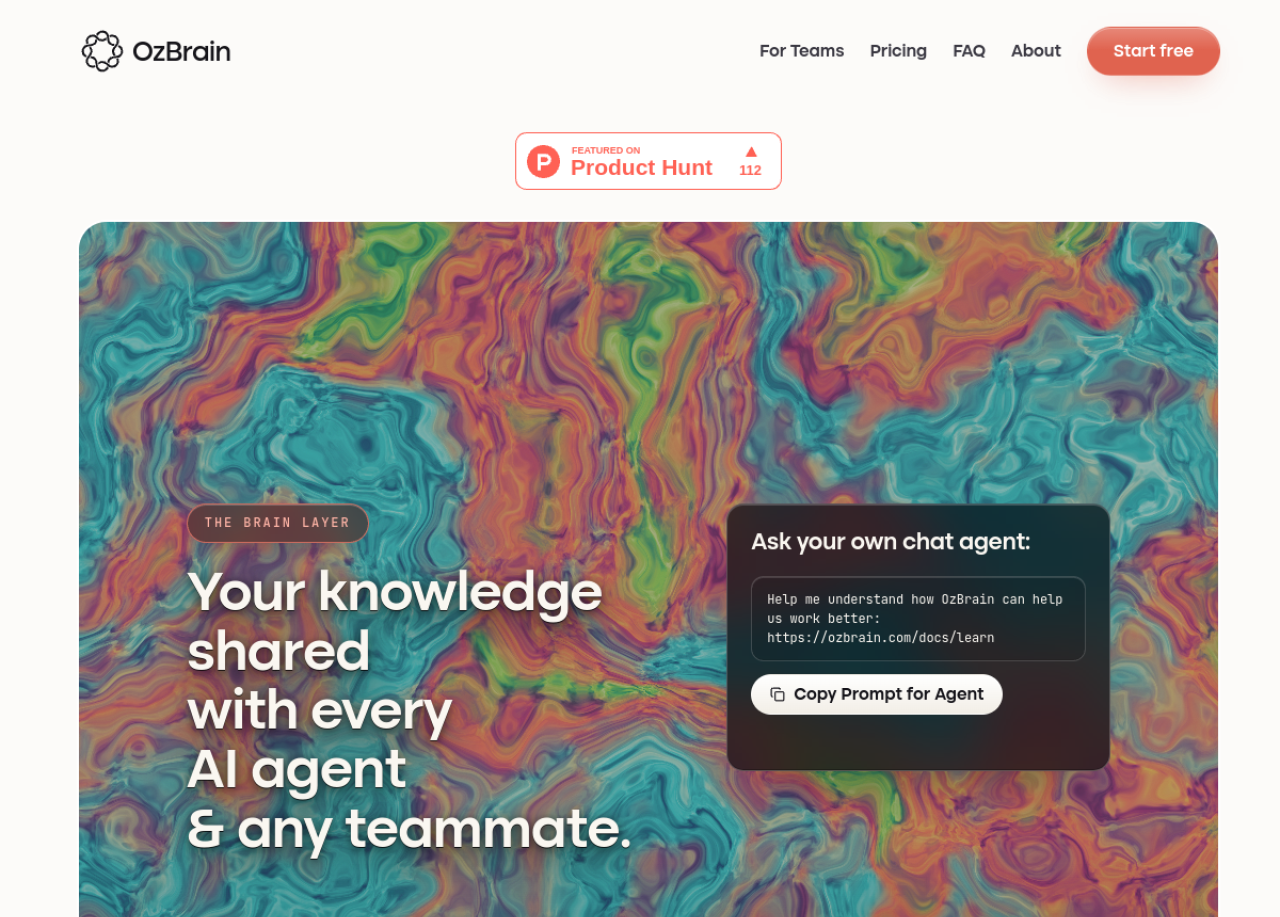
OzBrain calls itself "the brain layer" — "your knowledge shared with every AI agent & any teammate." Instead of each AI tool keeping isolated context, OzBrain is one central store that multiple agents (and people) read from and write to.
The real OzBrain: "Your knowledge shared with every AI agent & any teammate" — a shared brain layer, featured on Product Hunt.
Knowledge lives as structured articles (not a messy pile of notes), each with:
Provenance — every change is tracked: which agent made it, what changed, and why.
Freshness — newer thinking automatically supersedes outdated entries, so agents aren't working from stale facts.
Selective loading — an agent pulls only the specific pieces it needs, which saves tokens and reduces errors.
One honest note: OzBrain is early-stage (recently launched, featured on Product Hunt), so documentation is thin and there's no track record yet. It's promising and on-trend, not a battle-tested standard — set expectations accordingly.
Who This Is For
People who use several AI tools (Claude and ChatGPT and a coding agent) and want them to share one memory instead of repeating yourself.
Small teams whose members' AI agents should work from the same facts and decisions.
Builders and solo operators experimenting with agent workflows who want persistent, structured knowledge.
If what you actually want is to "chat with my documents," a mature tool like NotebookLM or Notion AI fits better — OzBrain is about shared agent memory, not personal document search.
How It Works: Connect It (No Code)
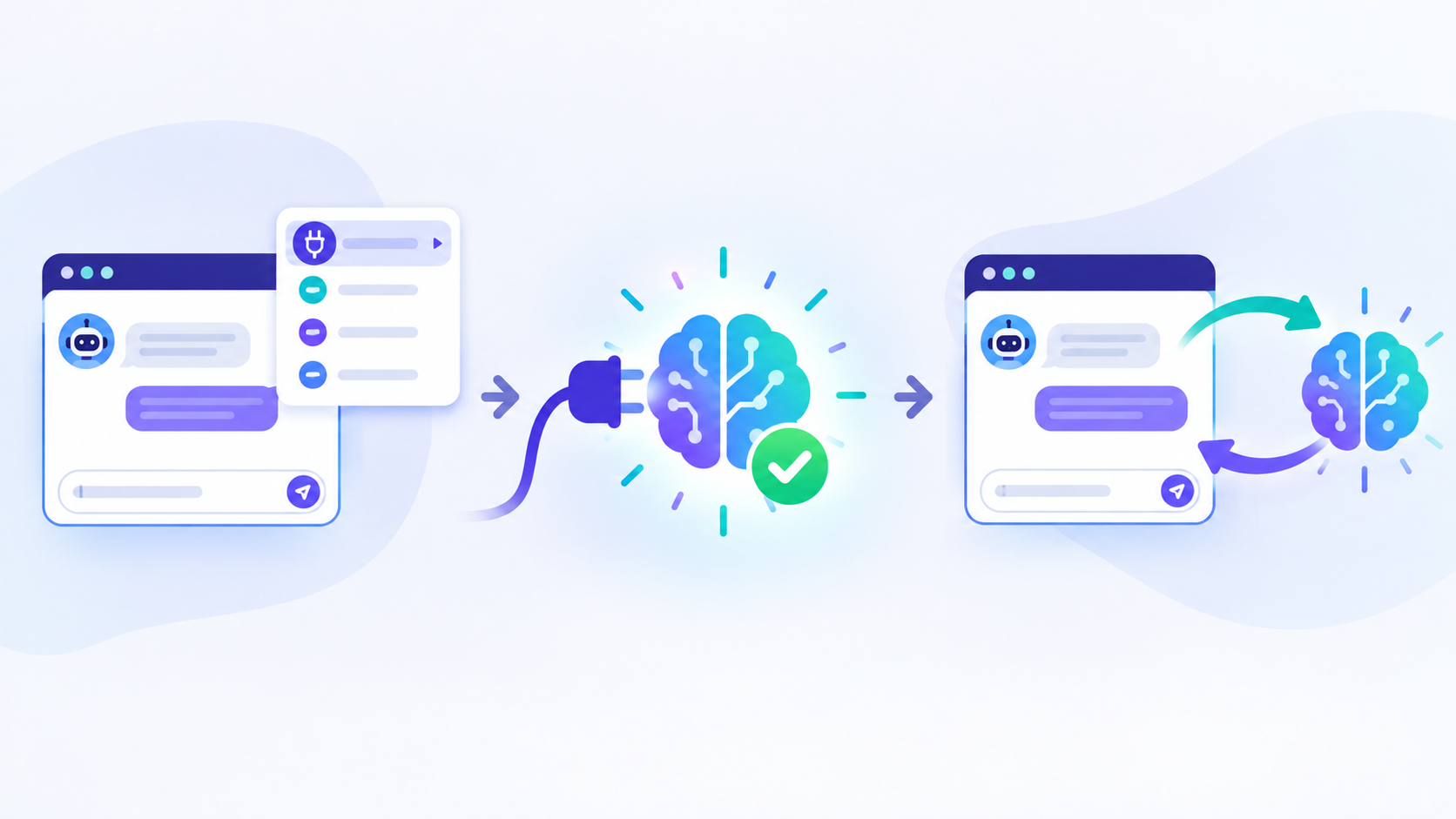
The genuinely nice part is there's nothing to install or program. OzBrain plugs into the AI tools you already use through their connector menu:
Connect it in three steps: open your AI app's connector menu, add OzBrain, sign in and approve — now your AI reads and writes the shared brain.
Step 1: Create a free account
Sign up at ozbrain.com ("Start free"). The free tier covers up to 50 articles with unlimited reads and writes — plenty to try it.
Step 2: Add OzBrain in Claude or ChatGPT
Open the connector menu in Claude or ChatGPT (the same menu where you add other tools), add OzBrain, sign in, and approve it. It also works with Claude Code, Cursor, and other MCP-compatible clients.
Step 3: Let your AI use the brain
Now just talk to your assistant normally. Ask it to save something ("Add our Q3 pricing decision to OzBrain") or recall it in a different tool later ("What did we decide about Q3 pricing?"). Because it's shared, what one agent writes, another can read.
The Key Ideas at a Glance
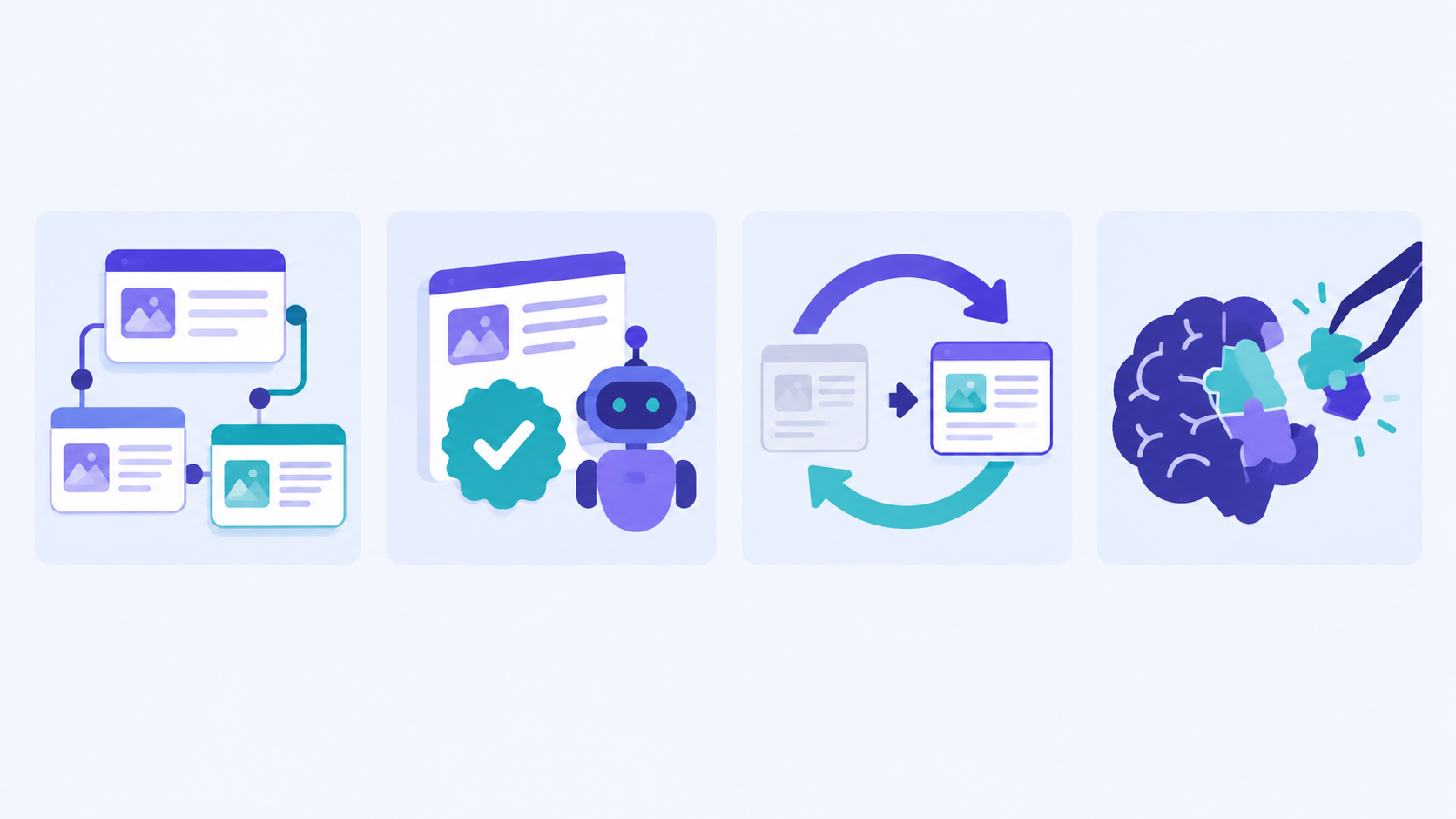
Four ideas that make it work: structured articles, provenance (who changed what), freshness (new replaces old), and selective loading (pull only what's needed).
Articles — structured, linkable knowledge, not loose chat history.
Provenance — a full trail of who (which agent) changed what, and the reasoning.
Freshness — new information supersedes old, keeping the brain current.
Selective loading — agents fetch only relevant pieces, so answers stay focused and cheap.
Pricing
Free — up to 50 articles, unlimited reads/writes. Great for trying it.
Pro — around $20/month, up to 500 articles.
Max — around $99/month, up to 5,000 articles.
Enterprise — custom.
The Honest Limits
It's early-stage. Limited docs, no public benchmarks, and things may change. Try it on non-critical knowledge first.
It's shared memory, not document search. For "answer questions about my PDFs," reach for NotebookLM/Notion AI instead.
Mind what you put in. You're storing knowledge in a third-party service that your connected agents can read. Keep sensitive or regulated data out unless you've checked its privacy terms.
Shared means shared. On a team brain, be deliberate about what gets written and who can see it.
Common Mistakes to Avoid
Expecting a NotebookLM clone. It's an agent-memory layer, not a doc-chat app. Use the right tool for the job.
Dumping everything in. Start with a handful of high-value, structured facts, not your entire Drive.
Trusting it blindly. Verify important recalled facts — early tools can misfire, and shared memory can go stale if not maintained.
Storing secrets. Don't put credentials or sensitive personal data into a shared brain.
Pro Tips
Write decisions, not transcripts. "We chose X because Y" is far more reusable than a raw chat dump.
Use it across tools on purpose. The payoff is real when Claude can read what your coding agent wrote — test that flow first.
Lean on freshness. When a decision changes, save the new version; let OzBrain supersede the old one.
Keep the free tier tidy. With 50 articles, curate — one clear article per topic beats ten fragments.
Pair with a mature KB. Use NotebookLM for your documents and OzBrain for cross-agent decisions; they solve different problems.
Key Takeaways
OzBrain is a shared "brain" every AI agent reads and writes — one memory across Claude, ChatGPT, and more, with structured articles, provenance, and freshness.
It's a connector, not code — add it from your AI app's connector menu, sign in, approve.
It's early-stage — promising and on-trend, but thin on docs and track record; start small.
It's shared agent memory, not document search — use NotebookLM/Notion AI if you want to chat with your files.
Mind privacy — keep sensitive data out of a shared, third-party brain.
OzBrain is an early-stage product; features, pricing, and connector availability may change — verify on its official site, and avoid storing sensitive data in any shared third-party service.
Learn AI, after work
Track your progress, earn XP, and unlock more free tutorials in the AfterWork Bytes app.