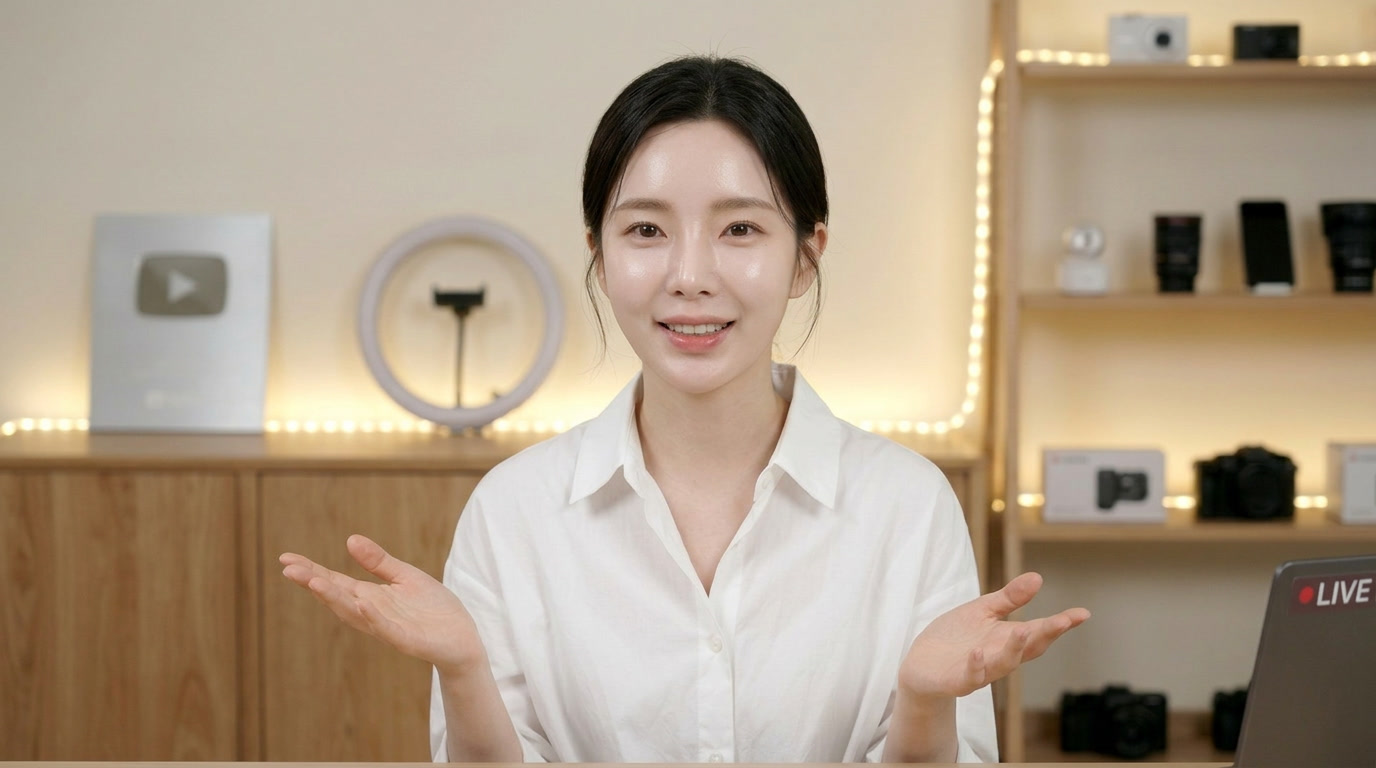
The Workflow: Stability Through Image-to-Video (I2V)
In 2026, the secret to a perfect AI influencer is starting with a static anchor. While "Text-to-Video" is powerful, it often results in "face-morphing." By generating the perfect face first and then animating it via Kling 3.0, you ensure that your Lumina AI spokesperson remains 100% consistent across every single piece of content.
Phase 1: Generating the "Master Face"
Before opening a video tool, you must create the visual DNA of your influencer. We use GPT Image 2.0 for this because of its ability to follow strict "Identity Specs."
The Master Face Prompt Strategy:
You need a clear, eye-level portrait with "Flat" lighting. Avoid dramatic shadows at this stage, as they can confuse the video engine later.
Example Generation Prompt (GPT Image 2.0):
"A professional studio headshot of a young woman who is the face of Lumina AI. She has a friendly, intelligent expression, minimalist modern jewelry, and a sleek charcoal blazer. Lighting: Bright, even studio soft-box lighting. Aesthetic: High-end tech professional, neutral background, 8K resolution, photorealistic skin texture. Composition: Looking directly at the camera, centered framing."
Phase 2: Animating the Persona with Kling 3.0
Once you have your Master Face, you move into the Kling 3.0 I2V workspace. Kling is the preferred choice for influencers because it handles the "micro-physics" of the human face—the way muscles move under the skin—better than any other model in 2026.
The I2V Animation Steps:
1. Upload: Your Master Face JPG as the "Start Frame."
1. Physics Reasoning: Select the "Human Motion" preset. This tells the AI to prioritize realistic blinking, breathing, and jaw movement.
1. The Prompt: Describe the action, not the person. Since the image already defines the person, the prompt should only focus on the movement.
Example Animation Prompt (Kling 3.0):
"Image-to-Video. The woman in the photo gives a warm, professional nod of agreement. She blinks naturally and her shoulders move slightly with her breathing. She maintains direct eye contact with the camera. Cinematic studio lighting, 4K resolution, 60fps."
Phase 3: Surgical Control (The Motion Brush)
If the AI is moving too much of the scene (e.g., the background starts to warp), use the Kling Motion Brush.
Surgical Masking: Paint over only the eyes, mouth, and neck.
Static Anchor: This tells Kling 3.0: "Only move these parts; keep the hair and the background perfectly still." This is the key to achieving that "high-budget" commercial look where the character feels grounded in reality.
Use Case: The Lumina AI "Daily Stand-up"
The Goal: Create a daily 10-second video of your influencer "listening" and "nodding" to be used as a background for news overlays.
Generate: A Master Face with a neutral, attentive expression.
Animate: In Kling 3.0, use a "Subtle listening" prompt.
Final Pass: Use the 4K AI Upscaler to ensure the skin and eyes look hyper-real on large displays.
Expected Result: A perfectly stable, 10-second loop. There is zero "flicker" on the face. The character looks alive, professional, and consistent with every other video in the Lumina AI series.
Summary: Key Takeaways
Prompts to Try Today
Ready to build your own persona? Try these I2V-optimized prompts with your generated images:
The "Thoughtful Leader" (Professional):
"The subject tilts their head slightly and looks thoughtful, then gives a small, confident smile. Subtle breathing in the shoulders. 4K, 60fps."
The "Tech Reviewer" (Dynamic):
"The subject looks down at an invisible device in their hands, then looks up at the camera and nods excitedly. Natural eye-darting and blinking."
The "Minimalist Lifestyle" (Calm):
"A very slow-motion cinematic close-up. The subject closes their eyes for a moment of calm, then opens them slowly. Volumetric dust motes in the sunlight."
The "Standard Intro" (Engaging):
"The subject gives a friendly wave with one hand and speaks a short greeting. Natural lip-sync and expressive eyebrows."