Accessing the Model: The Higgsfield Command Center
Before we dive into the mechanics of Seedance, you need to know where to find it. In May 2026, the most efficient way to access this engine is through Higgsfield.
How to Start: Open Higgsfield and navigate to the Video tab. From the model dropdown menu, select Seedance 2.0.
The Economy of Creation: Higgsfield offers free credits for new users and daily bonuses to help you experiment.
Pro Tip (Saving Credits): AI video can be credit-intensive. If you are just testing a prompt or checking a basic motion path, choose the Seedance 2.0 Fast mode. It consumes significantly fewer credits while giving you a 720p preview, allowing you to "draft" your vision before committing to a high-fidelity final render.
Expected Result: The Visual Continuity Master
By the end of this article, you will move from "glitchy faces" to "stable actors." You will be able to:
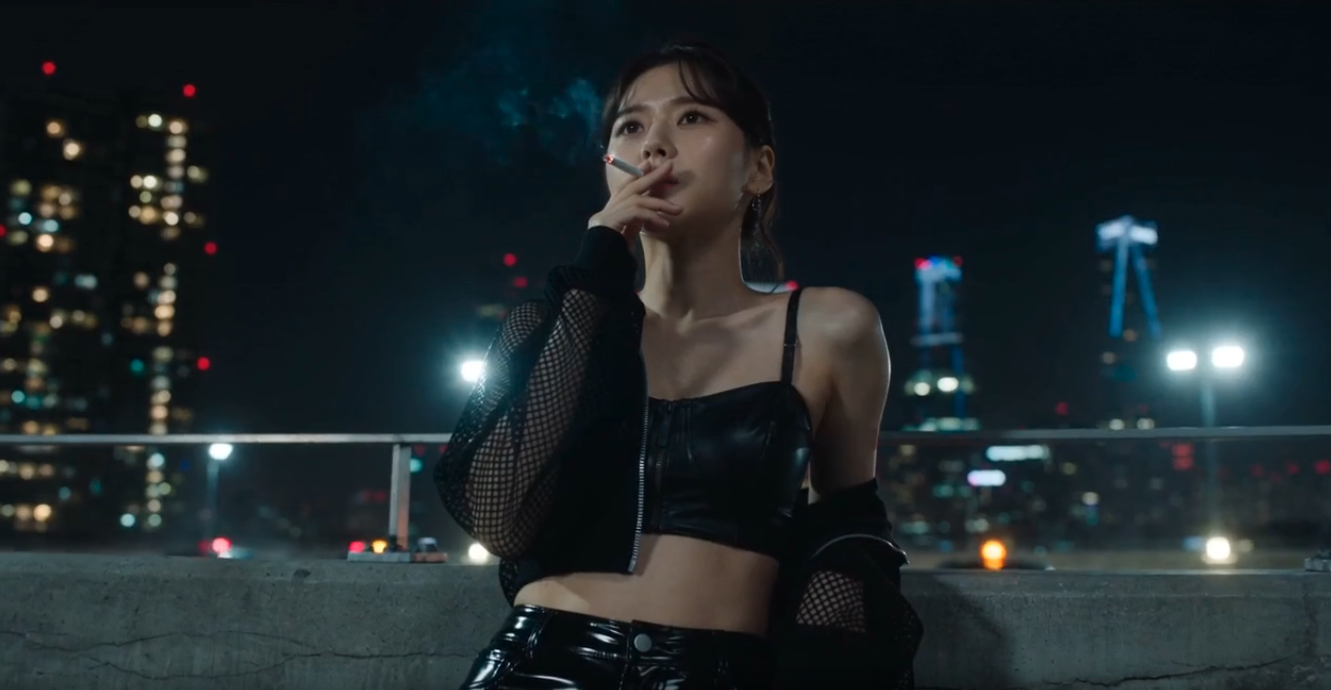
Example Video generated using Seedance
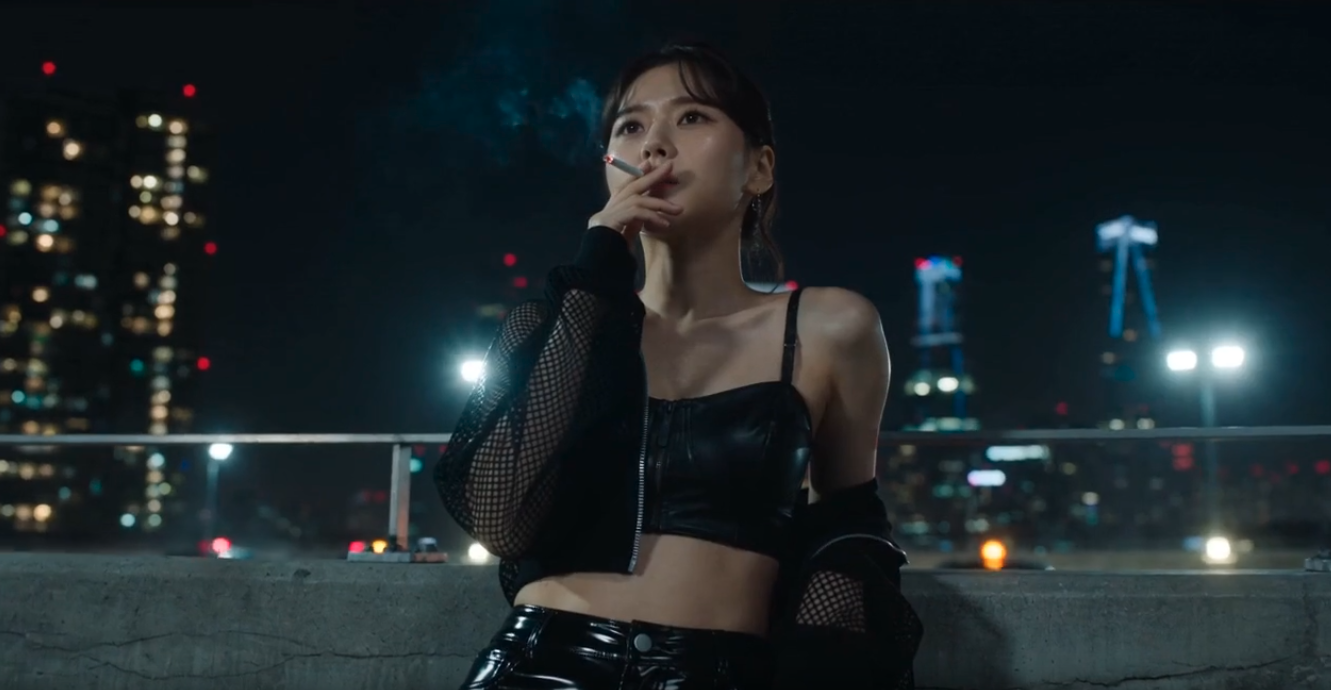
This Video is generated using Seedance 2.0 model using Higgsfield
Seedance Video Example
Introduction: Solving the "Shapeshifter" Problem
In the early days of AI video, characters were "shapeshifters"—their faces would morph or their features would shift between shots. For a startup brand like AfterWork, this was a major roadblock. You cannot build trust with an audience if your brand spokesperson or mascot looks like a different person every five seconds.
In May 2026, Seedance 2.0 has become the industry standard for Character Stability. It is widely considered the "Character King" because it doesn't just "guess" the next frame; it renders a 3D-Aware Identity first and then applies motion to it. This article focuses on how to take the characters you built in our Image Gen series and breathe life into them while keeping their DNA 100% intact.
Section 1: The ID-Anchor System
The superpower of Seedance 2.0 is the ID-Anchor. Unlike other models that try to describe a person with text alone, Seedance allows you to upload a "Master Image" (from GPT Image 2.0 or Midjourney v8) and lock it as the definitive source of truth.
Rigid Continuity: The model creates a latent map of the character's unique features. Even if the character turns their head 180 degrees or moves into deep shadows, the skeletal structure and facial proportions remain mathematically consistent.
Clothing Lock: Seedance 2.0 can also "pin" specific clothing textures. If your mascot wears a hoodie with the AfterWork logo, the logo will not warp or disappear as the character moves—a feat previously impossible in older video models.
Section 2: Command-Based Micro-Expressions
In April 2026, Seedance 2.0 introduced Granular Face Logic. This allows you to prompt for specific, subtle emotions that make a character feel human rather than "uncanny."
The Pro Micro-Expression Keywords:
Section 3: The "Vibe" Continuity (Style Lock)
Consistency isn't just about the face; it's about the Aesthetic. Seedance 2.0 allows you to import the Style Codes you developed in your Midjourney v8 workflow.
If your brand aesthetic is "Minimalist-Hong Kong-Office-at-Golden-Hour," you can pipe that style data directly into the Seedance engine. The result is a video where the shadows, the film grain, and the light reflections feel exactly like your static marketing images, creating a seamless transition between your website images and your video ads.
Section 4: Loop-Point Engineering for Social Media
For founders building a presence on TikTok or Reels, Seamless Loops are the holy grail of engagement. Seedance 2.0 has a native "Loop" parameter that ensures the final frame of your 5-second clip perfectly matches the first frame.
How to trigger a loop:
Simply add the suffix --loop to your prompt. The AI will calculate the motion path so the character ends exactly where they began, creating an infinite, hypnotic video perfect for "Focus Music" or "Behind the Scenes" background loops.
Section 5: The "Character First" Workflow
The Scene: You have a "Cyber-Panda" mascot for your Morning AI project. You need a high-quality 5-second clip of him looking at a laptop and then smiling warmly at the camera.
The Seedance 2.0 Prompt:
"Cinematic video of [ID-Anchor: Cyber_Panda.jpg]. The panda is sitting in a minimalist glass office, looking at a glowing laptop screen. He slowly looks up at the camera and gives a gentle, professional smile. Cinematic lighting, soft bokeh background, 4K resolution, 60fps --loop --v 2.0"
Expected Result: A 5-second, high-definition clip. The panda's fur texture is consistent throughout, the lighting from the laptop screen reflects realistically in his eyes, and the transition from "looking down" to "looking up" is fluid, maintaining the exact character design from your original image.