Breaking the Silos
For years, our digital lives have been "siloed." You get information in an email, you manually copy it into a Google Doc, you search for a location in Maps, and you manually check your Calendar to see if it all fits. This constant switching between tabs is the "tax" we pay for being productive.
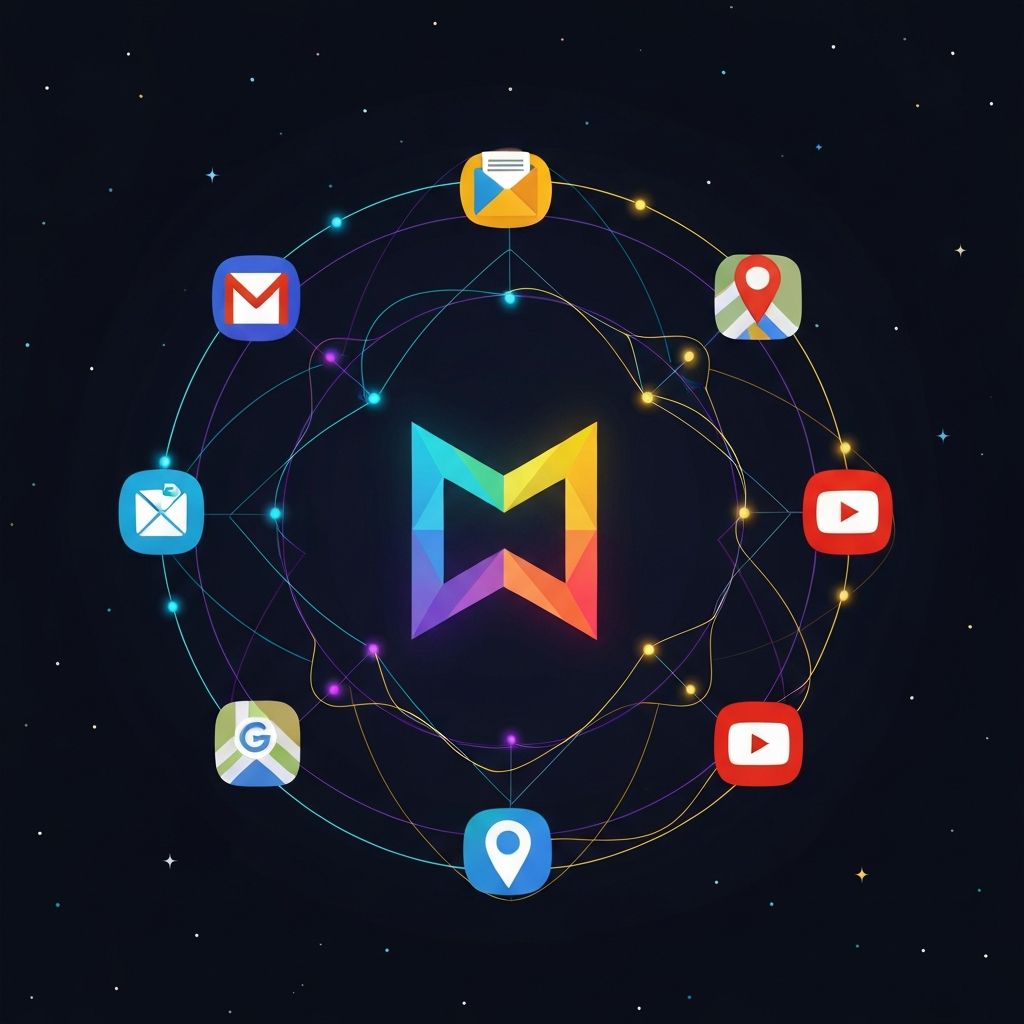
In 2026, Gemini acts as the Connective Tissue of the Google Ecosystem. It no longer lives only inside its own chat window; it has "eyes and ears" across your entire Google Workspace. Through Extensions, Gemini can read your emails, analyze your spreadsheets, and plan your travel in real-time. This tutorial will show you how to stop "managing apps" and start "managing outcomes."
What You Will Learn
Section 1: The "@" Command (The Master Key)
The secret to unlocking the ecosystem is the @ symbol. In 2026, you don''t need to navigate to specific settings to use an extension. By typing "@" followed by the app name, you are giving Gemini permission to step outside the chat and look at your private data for that specific request.
How It Looks in Practice
@Gmail find the most recent invoice from the cloud hosting provider.@Google Drive summarize the ''Product Roadmap'' PDF.@YouTube find me a 5-minute tutorial on how to set up an n8n webhook.
Section 2: Gmail Mastery (Your Inbox Architect)
We spend hours every week "searching" for things in our inbox. Gemini changes your relationship with email from searching to asking.
Deep Search & Summarization
Instead of scrolling through a 20-email thread, you can ask Gemini to "Summarize the key decisions made in the thread with Tiffany regarding the Q3 budget." It will look at the entire history, identify the final agreed-upon numbers, and ignore the "fluff."
Drafting with Context
You can ask Gemini to draft a reply based on other emails.
Example: "@Gmail find the pricing I sent to the Singapore client last month. Now, draft a new proposal for a different client using the same pricing structure but update the dates for 2026."
Section 3: Google Drive Intelligence
Your Google Drive is likely a "digital attic" filled with documents you''ve forgotten. Gemini''s integration with Drive allows you to perform Cross-Document Reasoning.

Advanced Use Cases
Section 4: Real-Time Travel & Mapping
In 2026, Gemini is the ultimate travel concierge because it combines your Personal Context (your emails/calendar) with Real-World Data (Google Maps/Google Flights).
The "Unified" Travel Prompt
@Gmail find my flight confirmation for my trip to Singapore in June. @Maps find three hotels within a 15-minute walk of the Echelon event venue that have a fitness center and high-speed Wi-Fi. @Google Flights check if there are earlier return flights on Sunday afternoon.
Gemini will cross-reference your specific arrival time with live traffic data and hotel availability to give you a perfectly tailored recommendation.
Section 5: YouTube as a Research Lab
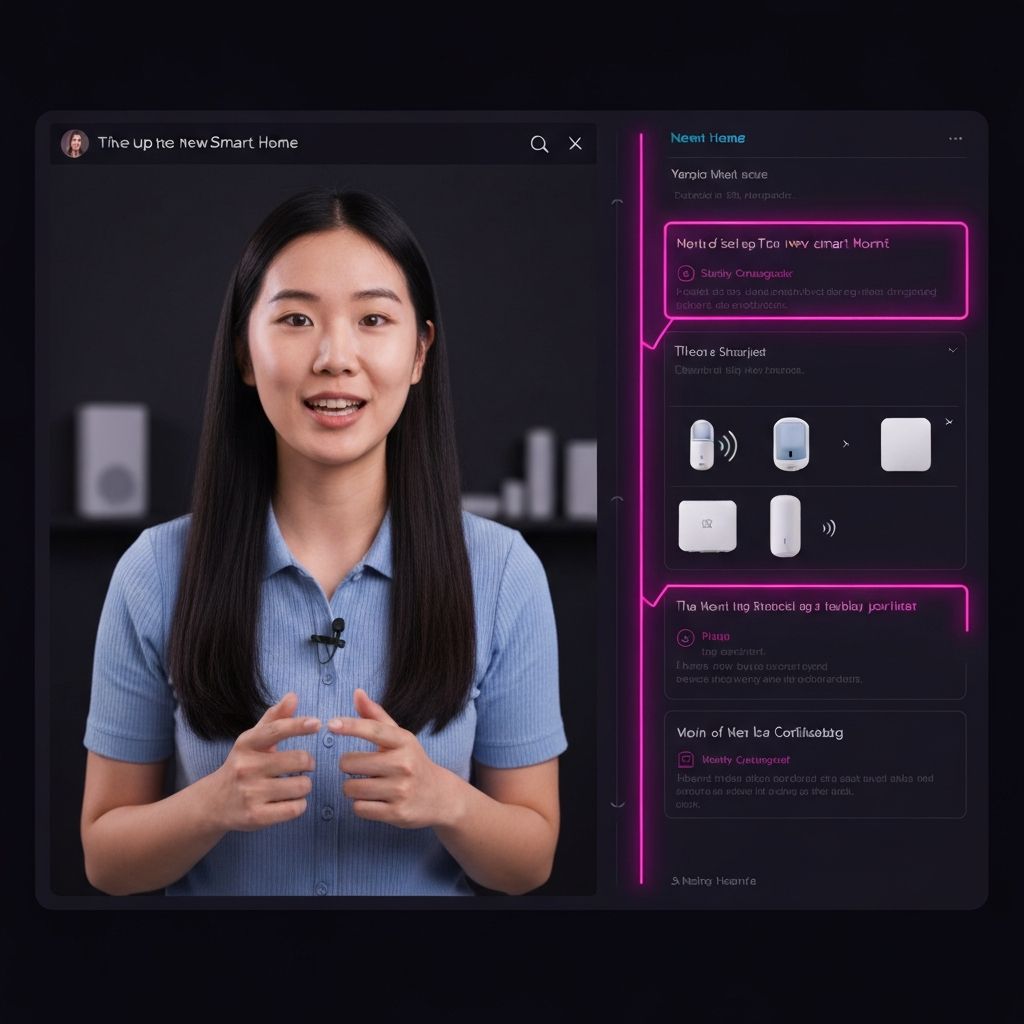
YouTube is the world''s largest library of "How-To" knowledge, but watching 20-minute videos to find one specific step is inefficient. Gemini can "watch" the video for you.
The "Time-Saver" Workflow
Paste a YouTube link and ask:
Section 6: Seamless Export (From Chat to Doc)
One of the most underrated features of the ecosystem is the "Export to Docs" button. After you have spent 30 minutes brainstorming a business plan or a series of tutorials in Gemini, you don''t need to copy-paste.
With one click, Gemini will format your entire conversation into a clean, professional Google Doc, preserving your headings, bold text, and tables. You can also export data tables directly into Google Sheets, where Gemini will even suggest formulas for the data it just generated.
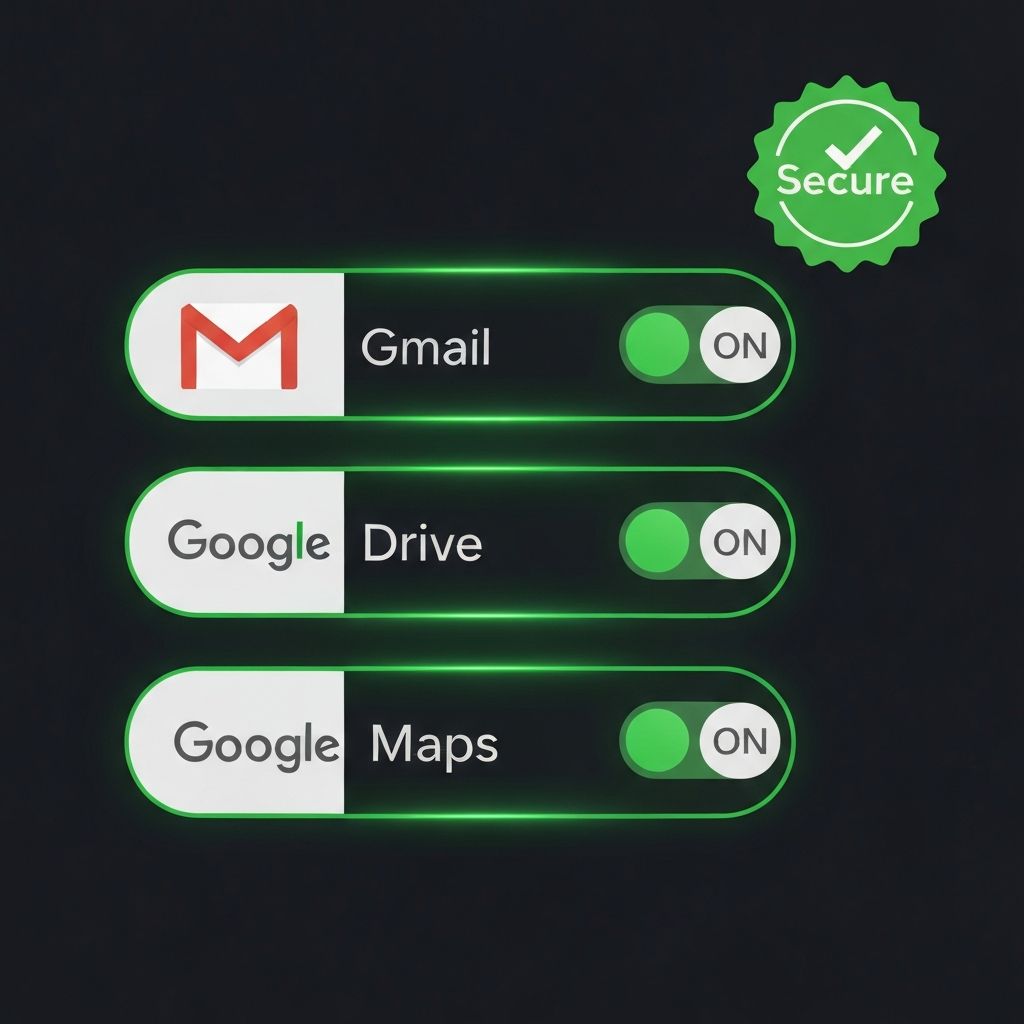
Section 7: Permissions, Privacy & Control
Because this involves your private data, Google has implemented a Zero-Access by Default policy.
How It Works
Section 8: The Power Workflow (Putting It All Together)
The true value of the ecosystem is realized when you combine multiple extensions in a single "Super-Prompt."
The Startup Founder Workflow
@Gmail find the feedback from the beta testers. @Google Drive open the ''Feature Roadmap'' spreadsheet. Based on the feedback, suggest three new features we should prioritize and @Google Docs draft a brief memo to the development team explaining the ''Why'' behind these changes.
This turns a 2-hour task into a 2-minute review process.
Section 9: The Future of "Agentic" Workspace
As we move deeper into 2026, these connections are becoming more Agentic. This means Gemini won''t just find the data; it will begin to anticipate it. If you have a meeting on your Calendar, Gemini might soon proactively surface the relevant emails and Drive files you need for that meeting before you even ask.