AI 101: Using Gamma to create a professional pitch deck in 10 minutes
Stop wrestling with text boxes and alignment. Learn how to transform a simple idea or an existing document into a stunning, presentation-ready pitch deck using Gamma's generative AI.
The Blank Page Problem
For many entrepreneurs and beginners, the "blank page" of PowerPoint is the biggest hurdle to starting a project. Gamma changes the game by acting as your design partner. Instead of starting with a template and fighting the software, you start with your content and let the AI handle the visual storytelling. Whether you have a rough outline or just a website URL, Gamma can build a cohesive, aesthetic deck in the time it takes to brew a cup of coffee.
A split-screen showing a blank PowerPoint slide transforming into a stunning professional pitch deck with minimalist design and data visualizations
What You Will Learn
How to generate a presentation outline from a single prompt
The secret to importing existing content (Word, Notion, or URLs) for instant transformation
How to use the "AI Designer" to edit layouts and swap styles without ruining the formatting
Best practices for using interactive elements and live content in your presentations
Section 1: The "Prompt-to-Deck" Launchpad
The fastest way to start is the "Generate" mode. Gamma doesn't just give you a template; it writes the content and finds relevant imagery based on your topic.
Step-by-Step Process
Step 1: Start Fresh
Log in to Gamma and select "Create new with AI"
Choose "Generate" and select "Presentation"
Step 2: Describe Your Vision
Enter your topic. Be specific!
Instead of: "Startup Pitch"
Try: "A pitch deck for a sustainable coffee subscription service in Hong Kong"
Step 3: Review the Outline
Gamma generates a full outline with suggested slide titles
You can add, delete, or reorder slides before the design starts
This review step ensures the AI is heading in the right direction
Step 4: Generate the Deck
Click "Create Presentation"
Gamma generates all slides with content, imagery, and styling in seconds
Your deck is ready to refine or present immediately
A user typing a prompt and watching as multiple slide thumbnails generate in real-time with AI-generated content and professional imagery
Section 2: Transforming Existing Content
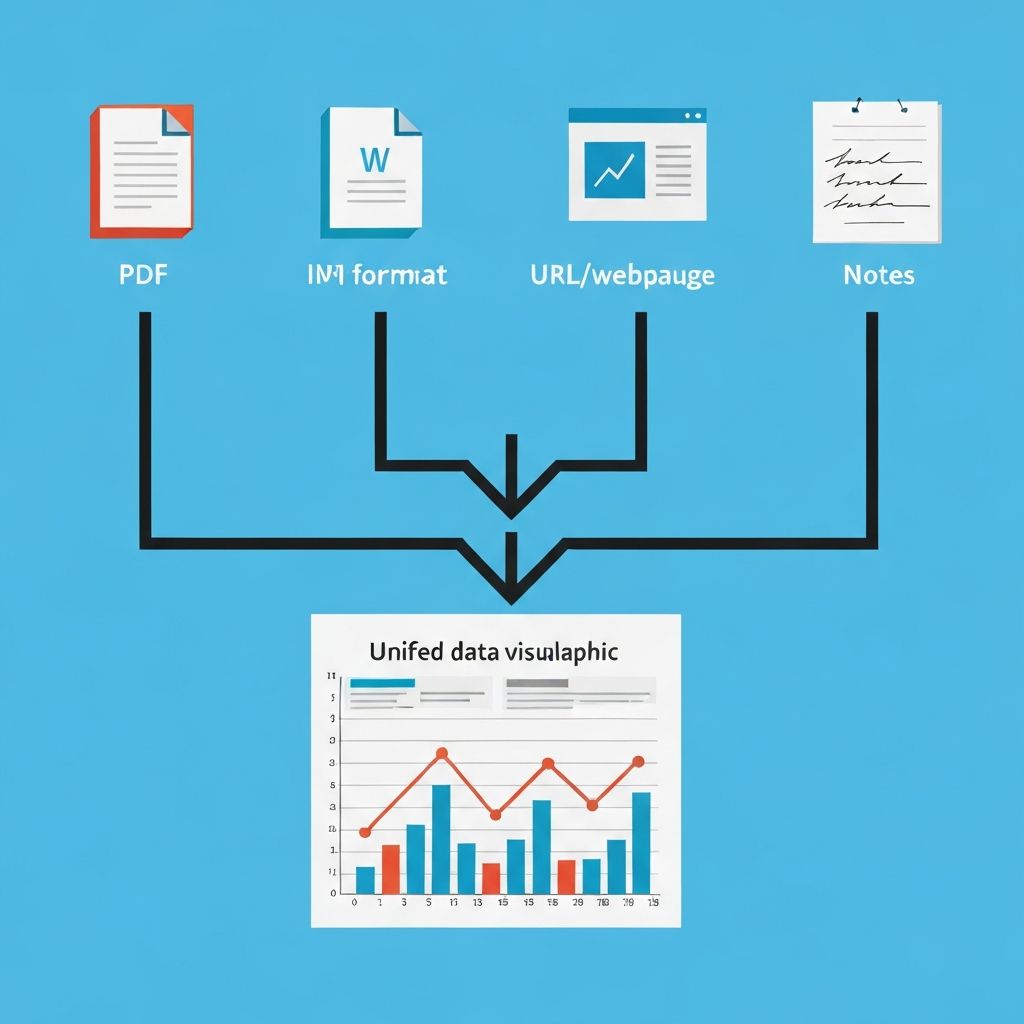
If you already have a blog post, a business plan, or a landing page, you don't need to copy-paste. Use the "Text to Deck" or "Import" feature to transform it instantly.
Import Methods
Upload a File
Click "Import" and select a PDF or Word document
Gamma extracts key points and converts them into slide-sized "cards"
Perfect for: business plans, reports, research documents
Paste Text
Copy your messy notes, rough outline, or bullet points
Paste them into the text field
The AI organizes them into logical headers, bullet points, and visual blocks
Unlike PowerPoint, changing a theme in Gamma automatically adjusts all font sizes, image filters, and spacing to ensure everything stays perfectly aligned. No broken layouts, no overlapping text, no manual fixes.
Customization Beyond Themes
Color Palette: Adjust the primary and accent colors
Font Selection: Choose sans-serif, serif, or monospace typography
Layout Density: Adjust spacing and margins for the vibe
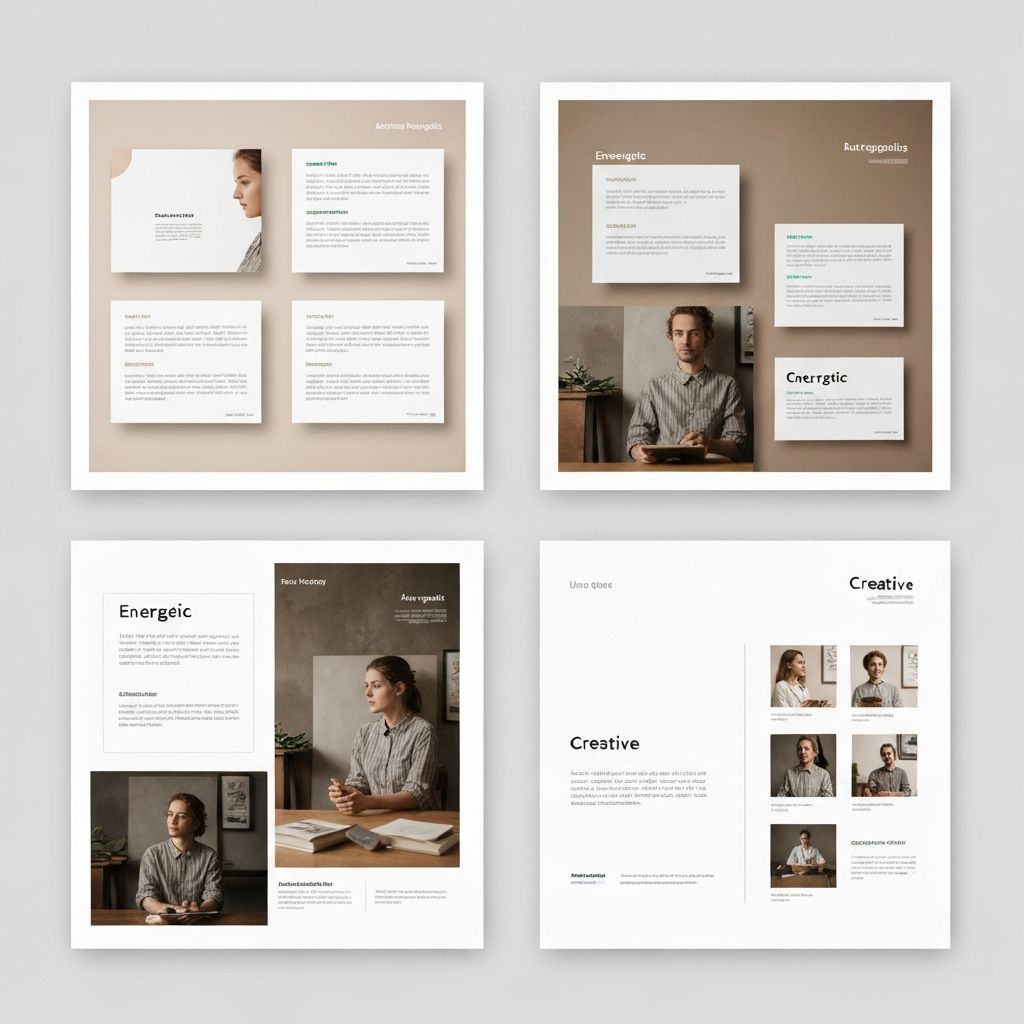
Three versions of the same pitch deck shown side-by-side: Professional (corporate), Colorful (vibrant), and Minimalist (clean) - all maintaining perfect alignment and spacing
Section 4: The AI Editor Chat (Advanced Refinement)
If a specific slide doesn't feel quite right, you don't need to manually rebuild it. Use the "Edit with AI" chat feature to request changes in plain English.
How It Works
Step 1: Click the Chat Icon
Located on the right side of the slide editor
Step 2: Describe Your Change
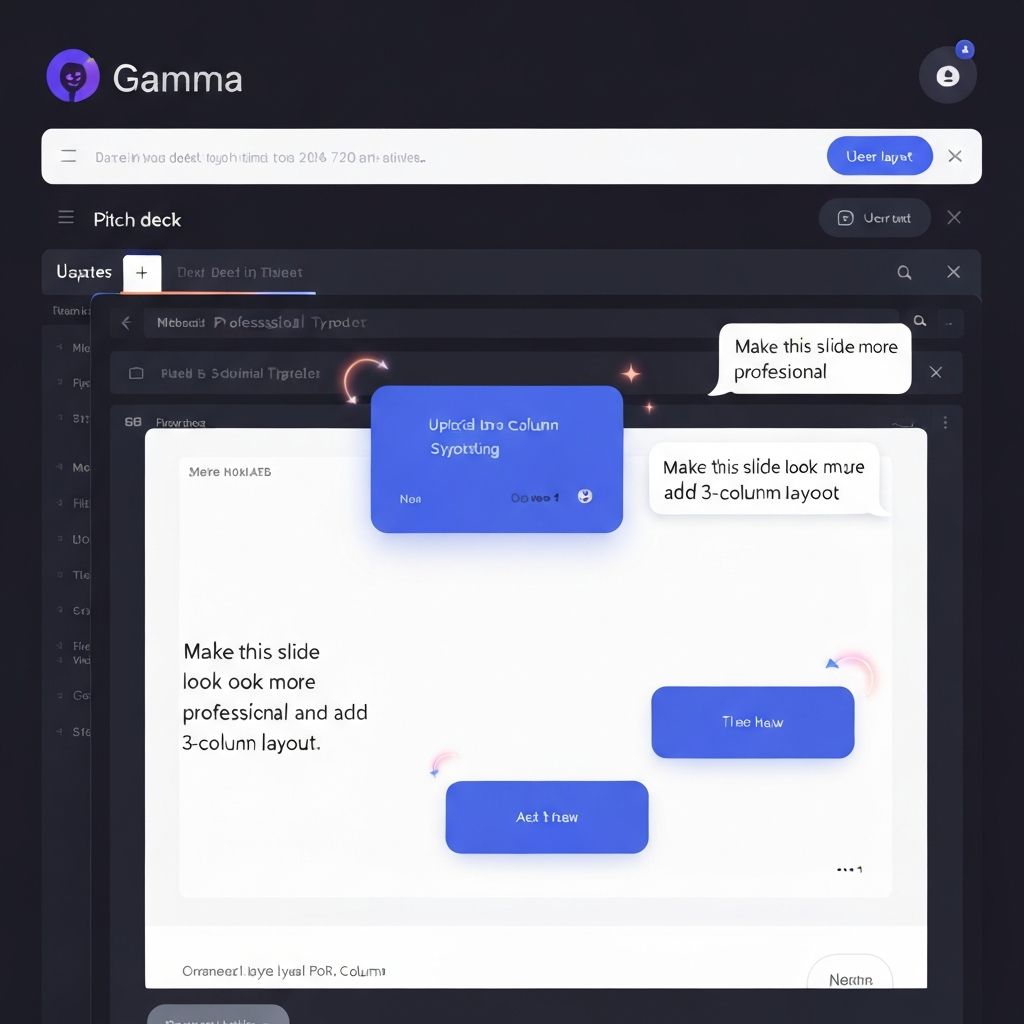
"Make this slide look more professional"
"Add a 3-column layout here"
"Create a data visualization for this content"
"Use more visual hierarchy"
Step 3: Watch It Transform
The AI rewrites and reformats the slide instantly
No need to approve—changes apply immediately
Can undo if you don't like the result
Example Requests
\\\ "Add a timeline layout to show our growth from 2020-2026" "Create a side-by-side comparison of our Solution vs Competitors" "Make the headline bigger and bolder, reduce the body text" "Add icons to each bullet point" "Create a visual flowchart for this process" \\\
A split-screen showing Gamma's chat interface on the right with a user message "Make this slide look more professional and add a 3-column layout" and the slide transforming in real-time on the left
Section 5: Interactive & Embeddable Content
One of Gamma's killer features: you can embed live websites, YouTube videos, interactive forms, and even data dashboards directly into your slides. Your presentation becomes a living document rather than a static file.
What You Can Embed
Live Websites
Embed your landing page, portfolio, or demo site
Audience can see your product in real-time
Perfect for: product demos, portfolio showcases
YouTube Videos
Embed explanatory videos, testimonials, or recordings
Video plays directly within the presentation
Perfect for: customer testimonials, process walkthroughs
Interactive Forms
Embed surveys, sign-up forms, or feedback forms
Collect real-time responses during your pitch
Perfect for: audience engagement, lead capture
Data Dashboards
Connect live metrics or analytics
Show real-time performance data
Perfect for: quarterly reviews, investor updates
How to Add Embeds
1. Click "+" on the slide to add a new element 2. Select "Embed" or "Media" 3. Paste the URL or embed code 4. Gamma auto-formats and positions it 5. Done—no coding required
A professional pitch deck slide showing embedded interactive elements: a live website preview, a YouTube video player, and an interactive form - all seamlessly integrated
Pro-Tips for Power Users
The Founder's Pitch Template
\\\ "Create an 8-slide pitch deck for a new AI startup called [Name]. Focus on: Problem, Solution, Market Size in Asia, the Team. Use a minimalist, high-tech aesthetic with midnight blue and gold accents." \\\
The Workshop Outline Template
\\\ "Generate a presentation outline for a 1-hour workshop titled 'AI for Non-Techies.' Include sections on common myths, top 5 tools, live demo plan, and Q&A." \\\
The Investor Update Template
\\\ "Create a quarterly investor update presentation including: Key metrics (MRR, users, churn), wins from this quarter, roadmap for next quarter, team updates. Use a professional corporate aesthetic." \\\
Expected Outcomes
By the end of this 10-minute process, you will have:
✅ A shareable link or PDF export of a presentation ✅ Professional design that looks like it was created by a designer ✅ Perfectly aligned content and imagery ✅ Ready-to-present slides with zero pixel-pushing ✅ Hours saved compared to manual creation
Time Saved: 3-4 hours per presentation (compared to building from scratch in PowerPoint)
Closing Thought
The goal of using AI like Gamma isn't just to work faster—it's to remove the friction between your idea and its presentation. When the design is automated, your only job is to be the visionary. Focus on what you're saying, not how it looks.
Learn AI, after work
Track your progress, earn XP, and unlock more free tutorials in the AfterWork Bytes app.