Overview
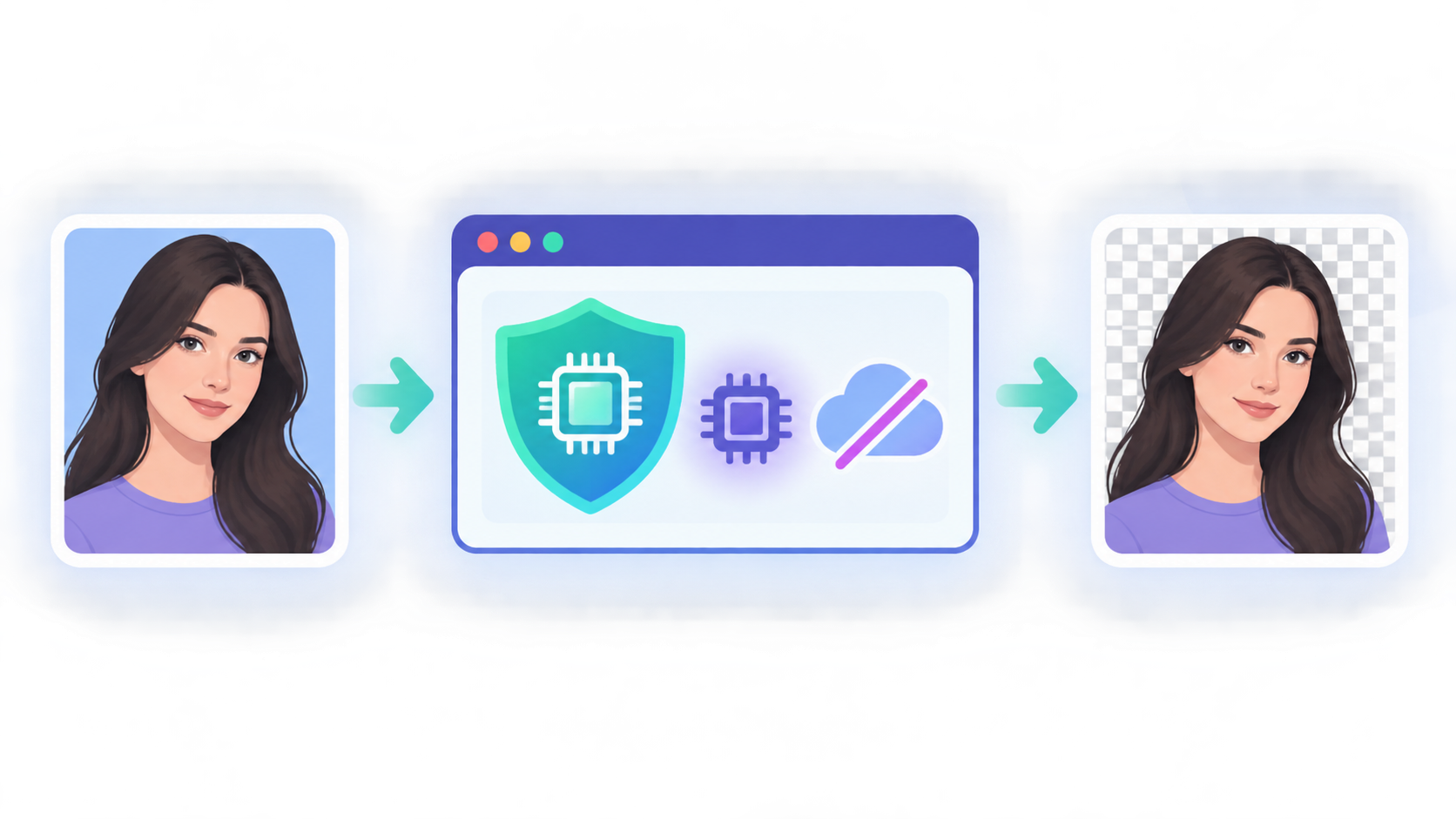
Most "AI photo editor" tools work by uploading your image to their servers. For a meme, who cares — but for client work, ID documents, product shots, or anything private, sending the file to someone else's cloud is a real problem. The good news: modern browsers can now run genuine AI models entirely on your own device, so your photos never leave your computer. This tutorial shows you how to build a simple, on-device AI image editor whose headline feature — background removal — runs 100% in the browser.

Difficulty: Medium — some HTML/JavaScript · You'll need: a modern browser (Chrome/Edge for WebGPU) and a text editor · Cost: free, open-source · Updated: September 2026
Why On-Device Matters
A cloud editor's flow is: upload your photo → their server processes it → you download the result. That upload is the whole risk. An on-device editor cuts it out: the model runs on your machine, and the image stays with you. That's not just nice-to-have — for healthcare, legal, or client-confidential images, "the file never leaves my computer" can be a hard requirement.
The Real Tech: Transformers.js + WebGPU
Here's what actually makes this possible (and what the old "upload to MobileNet" tutorials got wrong — an image classifier like MobileNet labels a photo, it doesn't edit it). The right tool is Transformers.js, Hugging Face's library that runs real AI models directly in the browser using WebGPU (fast) or WebAssembly (universal fallback). For background removal it uses RMBG-1.4, an open model from BRIA AI.
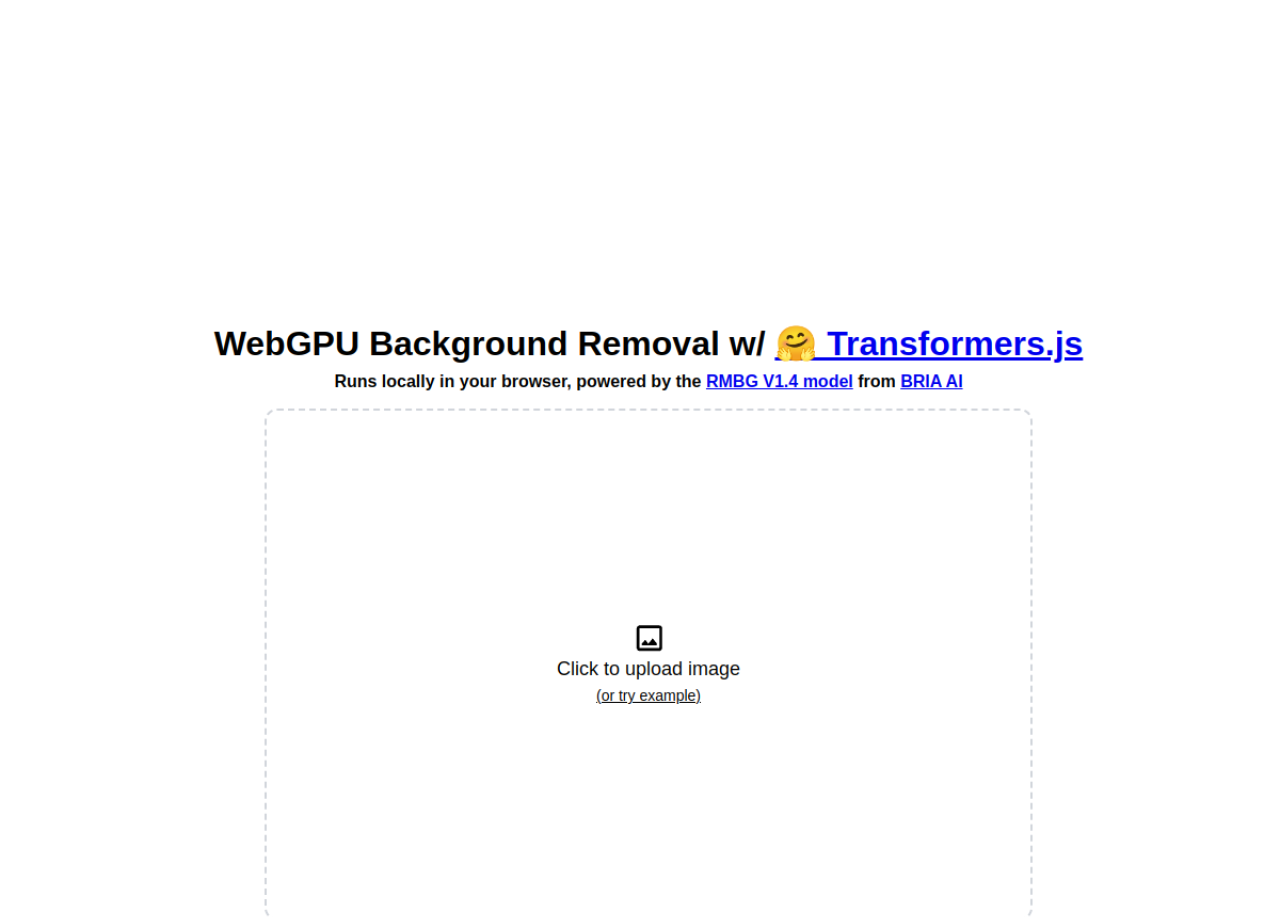
The fastest way to see it: open the official demo below, drop in a photo, and watch your background vanish — with your network tab showing zero image uploads.
A working, in-browser background remover powered by Transformers.js and the RMBG-1.4 model. Runs locally — your image never leaves your device.
Who This Is For
Path A: Just Use the Open-Source App (no build)
If you want the result now, you don't have to write anything. The demo above is open source; you can run the same thing locally. addyosmani/bg-remove is a clean, free, client-side background remover built on Transformers.js — clone it, run it, and everything processes on your machine.
An open-source React app that removes image backgrounds entirely in your browser with Transformers.js. Files never leave your device.
Path B: Build Your Own (single HTML file)
Want to understand it? Here's the core of an on-device background remover in one file. Save it as editor.html and open it in Chrome or Edge.
Step 1: Load Transformers.js and the model
html
<input type="file" id="file" accept="image/*">
<canvas id="out"></canvas><script type="module">
import { AutoModel, AutoProcessor, RawImage }
from "https://cdn.jsdelivr.net/npm/@huggingface/transformers";
// Downloads once, then cached. Uses WebGPU when available.
const model = await AutoModel.from_pretrained("briaai/RMBG-1.4");
const processor = await AutoProcessor.from_pretrained("briaai/RMBG-1.4");
</script>
Step 2: Remove the background locally
javascript
document.getElementById("file").onchange = async (e) => {
const url = URL.createObjectURL(e.target.files[0]);
const image = await RawImage.fromURL(url); // stays in memory, not uploadedconst { pixel_values } = await processor(image); // preprocess
const { output } = await model({ input: pixel_values }); // run the model on-device
// output is an alpha mask; scale it back to the image size
const mask = await RawImage.fromTensor(
output[0].mul(255).to("uint8")
).resize(image.width, image.height);
// draw the photo, then apply the mask as transparency
const canvas = document.getElementById("out");
canvas.width = image.width; canvas.height = image.height;
const ctx = canvas.getContext("2d");
ctx.drawImage(image.toCanvas(), 0, 0);
const px = ctx.getImageData(0, 0, image.width, image.height);
for (let i = 0; i < mask.data.length; i++) px.data[i * 4 + 3] = mask.data[i];
ctx.putImageData(px, 0, 0);
};
That's it — a real background remover, with no server. The processor config for RMBG-1.4 can be fiddly across versions, so if a call complains, copy the exact, maintained setup from the open-source app in Path A.

Step 3: Add basic adjustments (no AI needed)
Not every edit needs a model. Brightness, contrast, and grayscale are simple canvas math — and also 100% local:
javascript
// grayscale example, applied to the same canvas pixels
for (let i = 0; i < px.data.length; i += 4) {
  const g = 0.299px.data[i] + 0.587px.data[i+1] + 0.114*px.data[i+2];
  px.data[i] = px.data[i+1] = px.data[i+2] = g;
}
Combine the AI background removal with a few canvas filters and you've got a genuinely useful, private editor.
Common Mistakes to Avoid
Pro Tips
Key Takeaways
Hugging Face's library for on-device AI via WebGPU/WebAssembly. The engine behind private, no-upload image editing in a plain web page.
Sources: Transformers.js · WebGPU Background Removal demo · bg-remove (GitHub)
Library APIs and model configs change; if a snippet errors, copy the current, maintained setup from the open-source app linked above.