The Command Center Evolution
Midjourney isn''t just a generative AI tool—it''s a creative command center. For years, Midjourney lived inside Discord, a compromise between power and accessibility. In 2025, the Midjourney Web Alpha arrived, fundamentally changing how creators interact with the platform.
This module isn''t about "how to use Midjourney." Everyone knows how to type "/imagine." This is about mastering the mental model, the workflow optimization, and the psychology of prompting that separates amateur outputs from professional-grade assets.
What You Will Learn
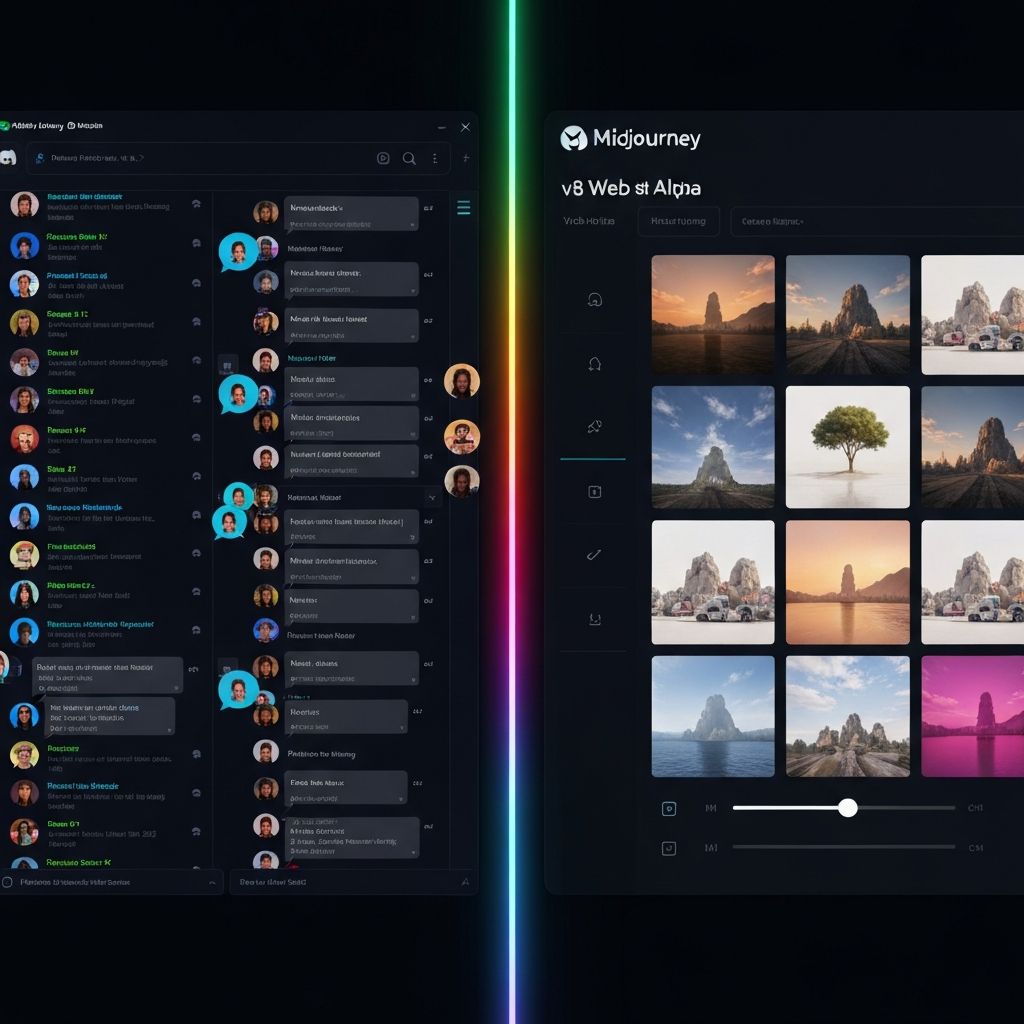
Section 1: Discord vs. Web Interface
The Shift: Midjourney launched inside Discord for a simple reason: the bot architecture was reliable and free. Fast-forward to 2025, and the Midjourney Web Alpha has changed the game. It''s not just a prettier interface—it''s a fundamentally different experience.
Discord: The Power User''s Home
The Discord interface is still powerful. You get:
Best For: Power users, automation workflows, and teams collaborating in real-time.
Web Alpha: The Professional''s Studio
The Web interface offers:
Best For: Professional creators, agencies, and anyone who values aesthetic workflow.
Section 2: The Anatomy of a Perfect Prompt
The Mistake: Most users treat prompts like Google searches. "A cat" returns a cat. "A sad cat in the rain" returns something better. But prompting Midjourney is not search—it''s direction.
The Five Layers of Prompt Architecture
Every professional-grade Midjourney prompt follows an invisible hierarchy:
Layer 1: Core Subject
\\\
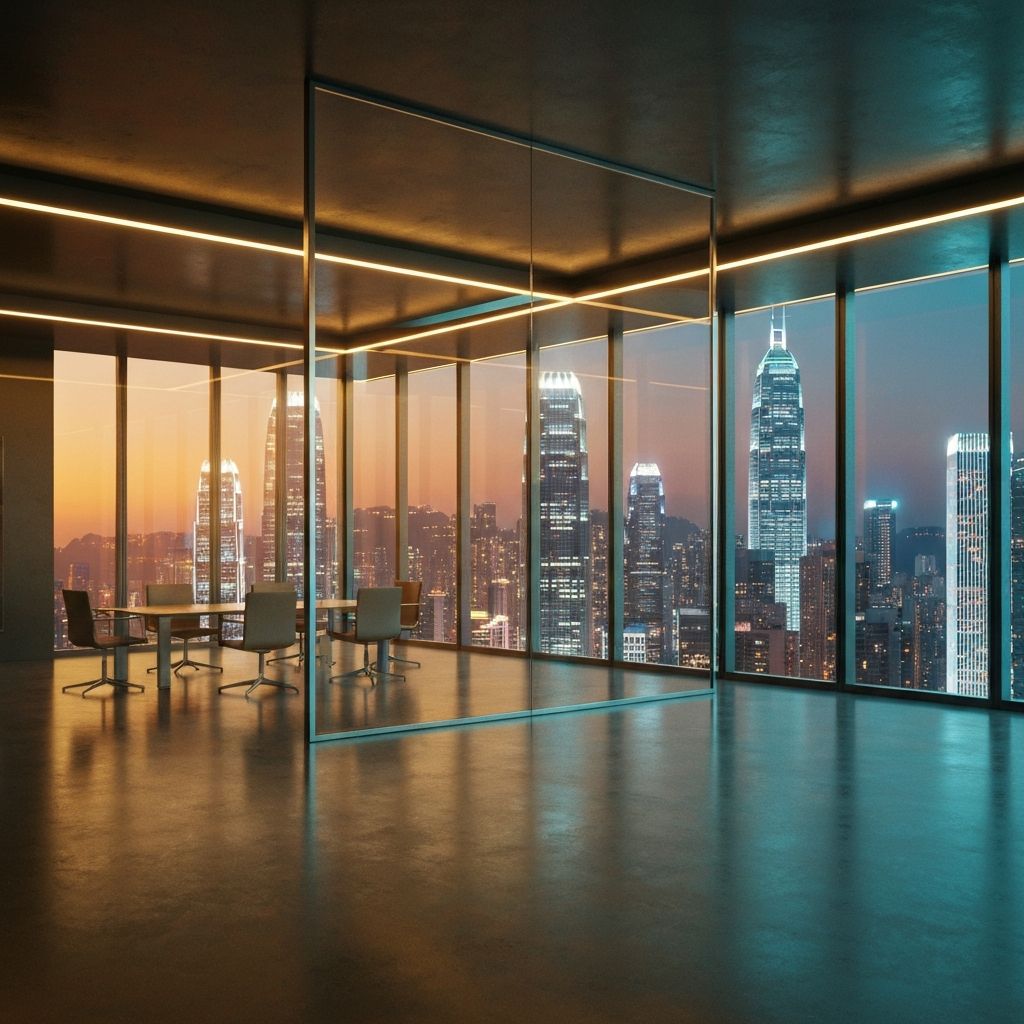
A futuristic glass boardroom overlooking Hong Kong at sunset
\
\
Layer 2: Camera & Composition
\\\
... wide-angle shot, 35mm lens, soft volumetric lighting ...
\
\
Layer 3: Mood & Atmosphere
\\\
... golden hour, moody, cinematic, film grain, elegant ...
\
\
Layer 4: Technical Specifications
\\\
... photorealistic, 8k, high detail, professional photography ...
\
\
Layer 5: Negative Space (What NOT to include)
\\\
--no people, --no blur, --no text, --no cartoon ...
\
\
The Complete Prompt Example
\\\
A futuristic glass boardroom overlooking Hong Kong at sunset, wide-angle shot from interior, 35mm lens, soft volumetric lighting, golden hour, moody atmosphere, cinematic composition, film grain aesthetic, photorealistic, 8k resolution, architectural photography, minimalist interior design, neon city lights reflected in glass --no people --no blur --no text --aspect 16:9
\
\
Section 3: Midjourney Settings as Creative DNA
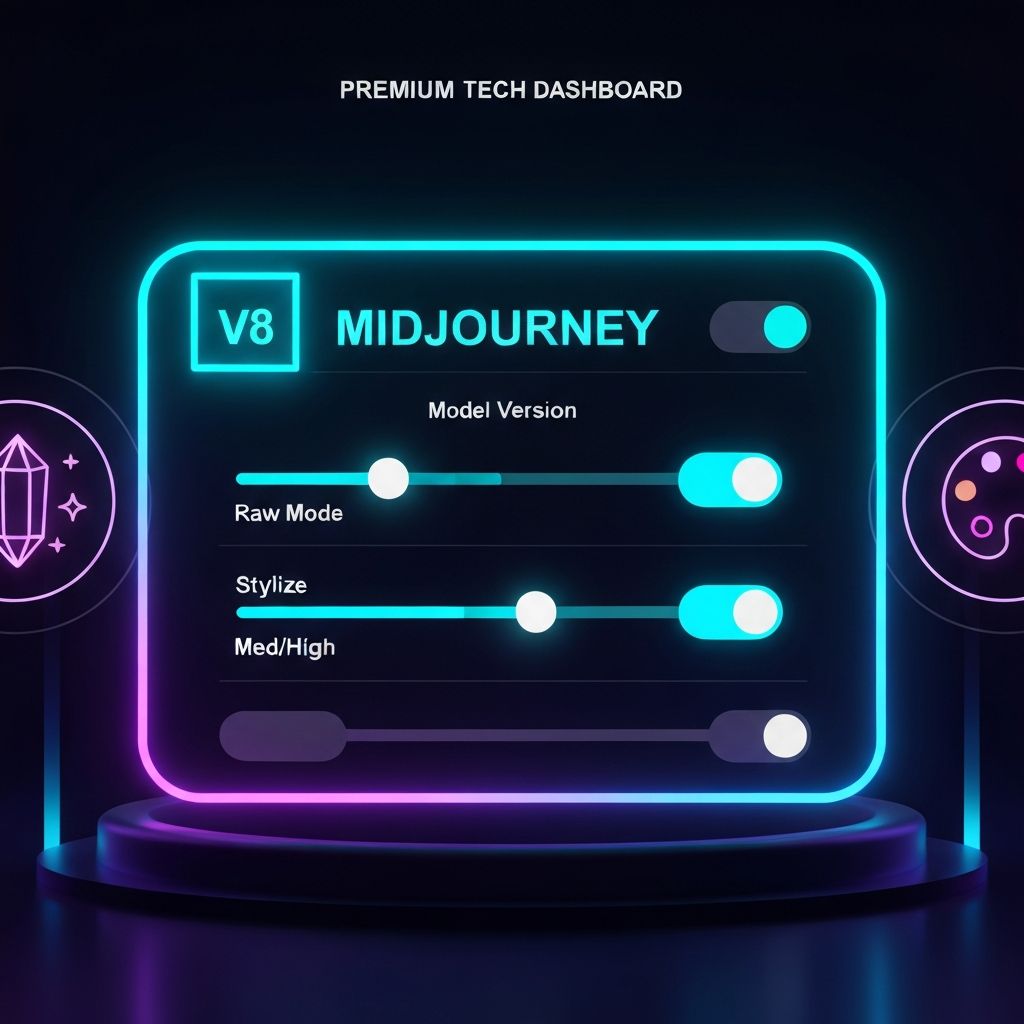
The Truth: 90% of Midjourney users never touch the settings. The other 10% create consistently professional-grade assets. Settings aren''t hidden features—they''re your creative control panel.
Model Version: The Foundation
v6.1 (Latest Default)
v5.3 / v5.2
Niji (Anime & Illustration)
Stylize Slider: The Artistic Intensity
Raw Mode: The Prompt Literalist
When enabled, Midjourney ignores default aesthetics and renders exactly what you describe. Disable stylistic defaults.
Use Raw Mode When:
Section 4: Art Direction Mindset
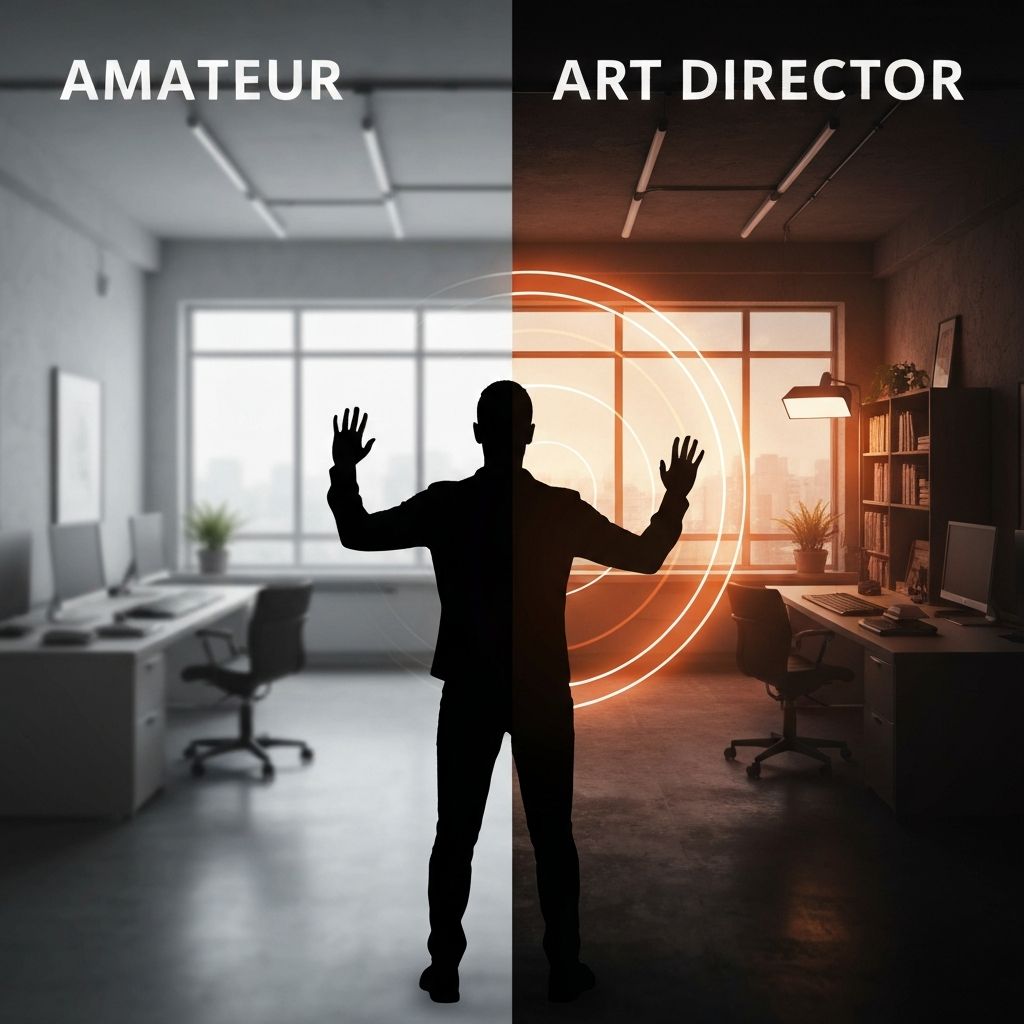
The Paradigm Shift: The difference between amateur and professional Midjourney outputs isn''t the tool—it''s thinking like an art director.
An art director doesn''t just request an image. They visualize the entire context:
The Art Director''s Prompt Formula
\\\
[SUBJECT] in the style of [REFERENCE], [LIGHTING DESCRIPTION], [MOOD/ATMOSPHERE], [TECHNICAL QUALITY], --no [EXCLUSIONS]
\
\
Example:
\\\
A minimalist Hong Kong apartment interior, in the style of Wes Anderson, soft natural light from floor-to-ceiling windows, symmetrical composition, pastel color palette, cinematic, 4k, detailed, --no people --no clutter
\
\
Section 5: The Refinement Loop
The Workflow: Professional creators don''t just hit "/imagine" once. They iterate.
Step 1: The Rough Direction Prompt
Create a fast, loose version to test the concept. Focus on subject and mood, not perfection.
Step 2: Variation Testing
Use the Variation button to explore different interpretations of your concept. Which feels closest?
Step 3: Upscaling + Refinement
Upscale the closest match, then use /remix to tweak specific elements without rewriting the entire prompt.
Step 4: Zooming & Detail Work
Use the Zoom Out feature to expand beyond the original canvas. Add context or secondary elements.
Step 5: Export & Asset Integration
Download the final image at full resolution. Integrate into your design system, website, or creative project.
Section 6: Midjourney as Creative Infrastructure
The Opportunity: Midjourney isn''t just a tool to make images. It''s infrastructure for visual businesses.
Use Cases
Ad Agencies: Generate 50+ concept variations in hours instead of weeks. Cut design iteration time by 70%.
E-commerce: Create product photography for thousands of SKUs without a studio. Generate lifestyle mockups instantly.
Content Creators: Build a personal brand library. Generate custom thumbnails, hero images, and social assets at scale.
Architects & Designers: Visualize design concepts for clients before construction. Create rendered presentations in hours.
Marketing Teams: Generate localized visuals for global campaigns. Adapt visuals to different regions and cultural contexts.
The Professional''s Workflow Stack
1. Briefing: Define creative direction with stakeholders
2. Prompting: Translate brief into technical Midjourney language
3. Generation: Run bulk jobs using the Web interface
4. Curation: Select and refine the best candidates
5. Handoff: Deliver assets to design/marketing teams
6. Integration: Deploy across digital and print channels