The Pocket Movie Studio
In 2026, the transition from "still image" to "moving story" has become a matter of seconds. While the previous module taught you how to capture a moment with Nano Banana 2, Veo allows you to capture time.
Veo is Google''s most advanced video generation model, capable of producing high-definition cinematic clips that understand not just what things look like, but how they move. It doesn''t just guess the next frame; it understands physics, lighting consistency, and even generates synchronized audio to match the visuals. This tutorial will show you how to move from a prompt to a production-ready clip.

What You Will Learn
Section 1: The Veo Engine (Text-to-Video)
Veo isn''t just "stretching" an image; it is a temporal reasoning engine. When you ask for a video of "coffee being poured into a cup," Veo understands the viscosity of the liquid, the way steam rises, and how light refracts through the glass.
In 2026, Veo supports cinematic styles ranging from photorealistic to surrealist animation. The core of a great video prompt is describing the Atmosphere and the Action.

Section 2: Motion Prompting (The Director''s Vocabulary)
A static video is just a long photo. To get the most out of Veo, you must use Cinematic Motion Keywords. You are the director, and you need to tell the camera where to go.
Essential Motion Keywords
Section 3: Soundscapes (Natively Generated Audio)
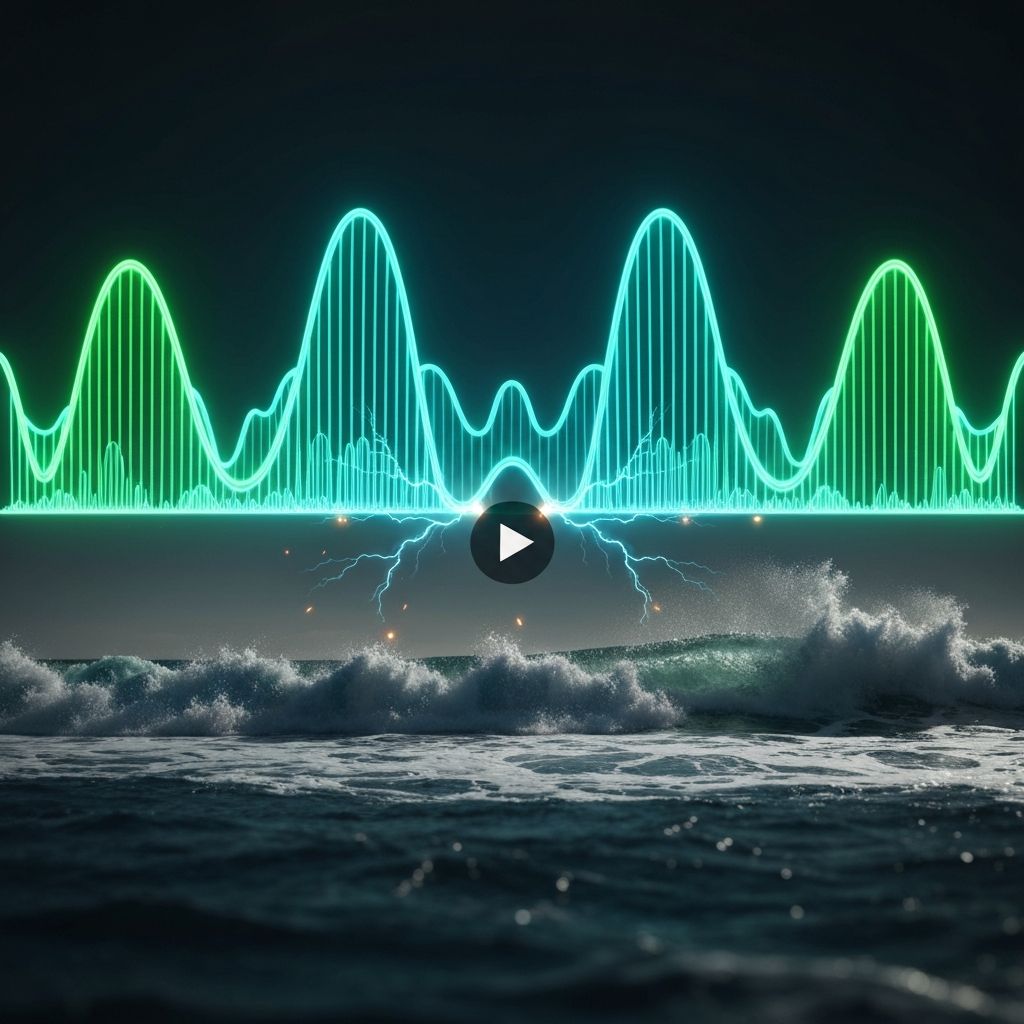
One of Veo''s most "magical" features in 2026 is its ability to generate native audio. It doesn''t just pull a generic song from a library; it creates sound effects that are perfectly synced to the action in your video.
How to Prompt for Sound
You can add audio cues directly into your prompt.
Example: "A rainy street in Tokyo at night, audio including the muffled sound of jazz from a nearby bar and the rhythmic patter of rain on an umbrella."
Section 4: Video Extension (Defying Time)
Standard AI video clips are often short (5–8 seconds). However, Veo allows you to Extend a clip. If you love the way a scene started, you can ask Gemini to "Keep going" or "Extend this clip by 5 seconds."
The Continuity Logic
Veo analyzes the final frame of your current video and uses it as the starting point for the next segment. This allows you to build longer narratives without the "jump cuts" or "glitches" common in older AI models. You can change the action while keeping the characters and environment the same.
Section 5: Cinematic Consistency (First & Last Frames)
Consistency is the hardest part of AI video. Veo solves this through Reference Frames. You can upload a "Starting Frame" and an "Ending Frame," and tell Veo to "fill in the middle."

Why This Matters
This is perfect for Vibe Coding or Startup Demos. If you have a screenshot of your app''s home screen and a screenshot of the checkout page, Veo can generate a smooth, professional animation showing the user journey between those two points. The same technique works for product photography — render a "before" and "after" state and let Veo handle the transformation.
Section 6: Image-to-Video (Animating Reality)
Do you have a stunning photo from Nano Banana 2 (the previous module) that you wish would come to life? Veo''s Image-to-Video capability treats your photo as a "keyframe."
Animation Styles
Section 7: Resolution & Professional Upscaling
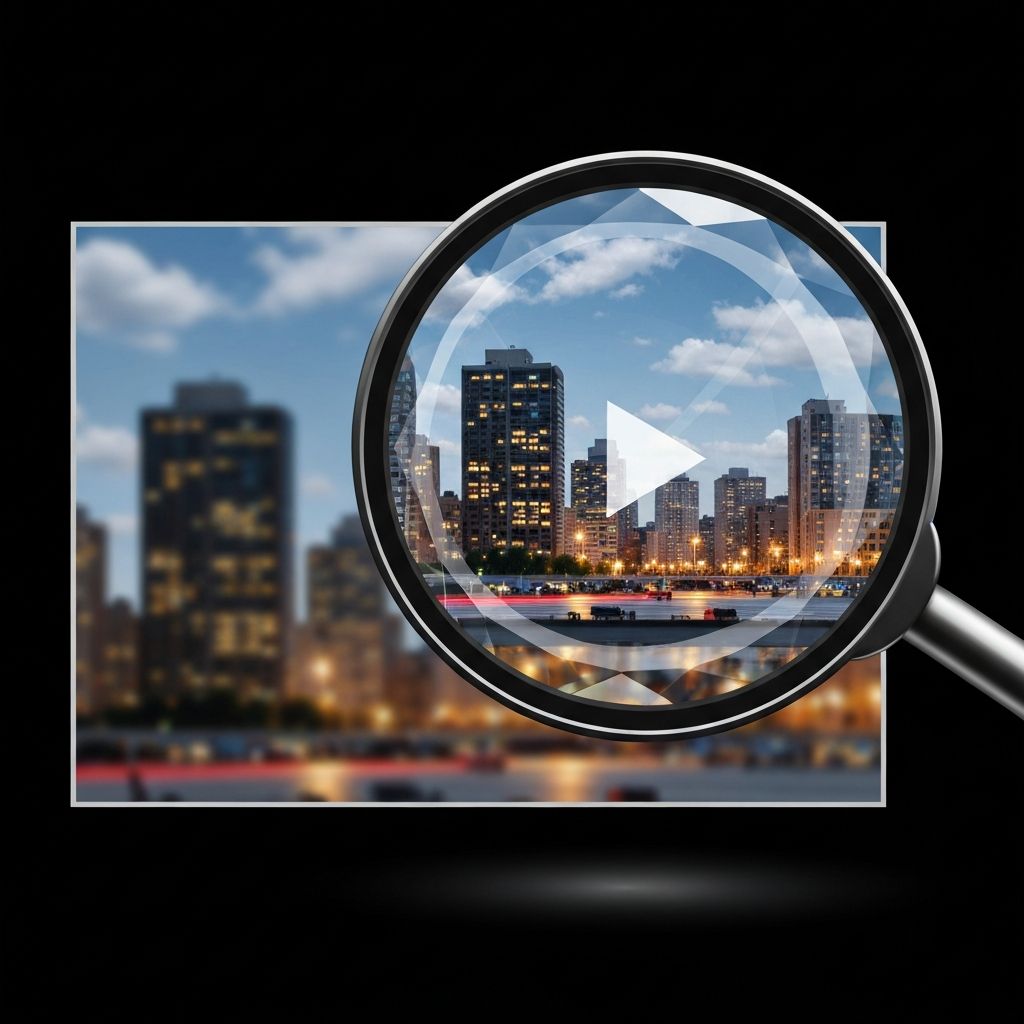
By default, AI video can sometimes look "soft." Veo in 2026 includes a built-in Upscaling Engine.
Once you have a clip you love, you can request a "High-Definition Upscale." This adds fine-grain detail—the texture of skin, the individual blades of grass, and the sharpness of text on a screen. This makes the footage suitable for YouTube 4K content or even commercial advertising.
Section 8: Constraints, Quotas, and Ethics
Generating video requires immense computing power. In 2026, users have specific daily quotas for Veo based on their tier (e.g., 3 to 5 uses per day).
The "Safety" Filter
Veo includes SynthID watermarking, an invisible digital signature that identifies the video as AI-generated. This is to prevent the spread of misinformation. Like Nano Banana 2, Veo will also refuse to generate "Unsafe Content," including realistic depictions of public figures in compromising situations or graphic violence.
The Era of "World-Shop"
We have moved from the era of "Photoshop" to the era of "World-shop." With Veo, you aren''t just an editor; you are a creator of realities. The tools are in your hands. What will you build?