Overview
The best way to learn a tool is to build something fun with it — and few tools reward that better than Claude Code, Anthropic's AI coding assistant. So instead of a dry "hello world," this tutorial has you learn Claude Code by using it to build a small, playable text RPG in your browser. You'll describe what you want in plain English, watch Claude Code plan and write the code, run the game, and keep adding features. By the time your hero can explore rooms, carry items, and fight a monster, you'll actually understand how Claude Code works — because you drove it the whole way.

Difficulty: Medium — beginner-friendly, but you'll use a terminal · You'll need: Node.js, a Claude paid plan, ~45 minutes · Cost: requires a Claude Pro/Max plan (or API credits) · Updated: September 2026
What Is Claude Code?
Claude Code is Anthropic's agentic coding tool: you talk to Claude in plain language, and it works directly in your project — reading, writing, and editing files, running commands, and fixing its own mistakes, all while showing you what it's doing. It runs in your terminal, in your IDE (VS Code, JetBrains), on the web, in Slack, and on mobile.
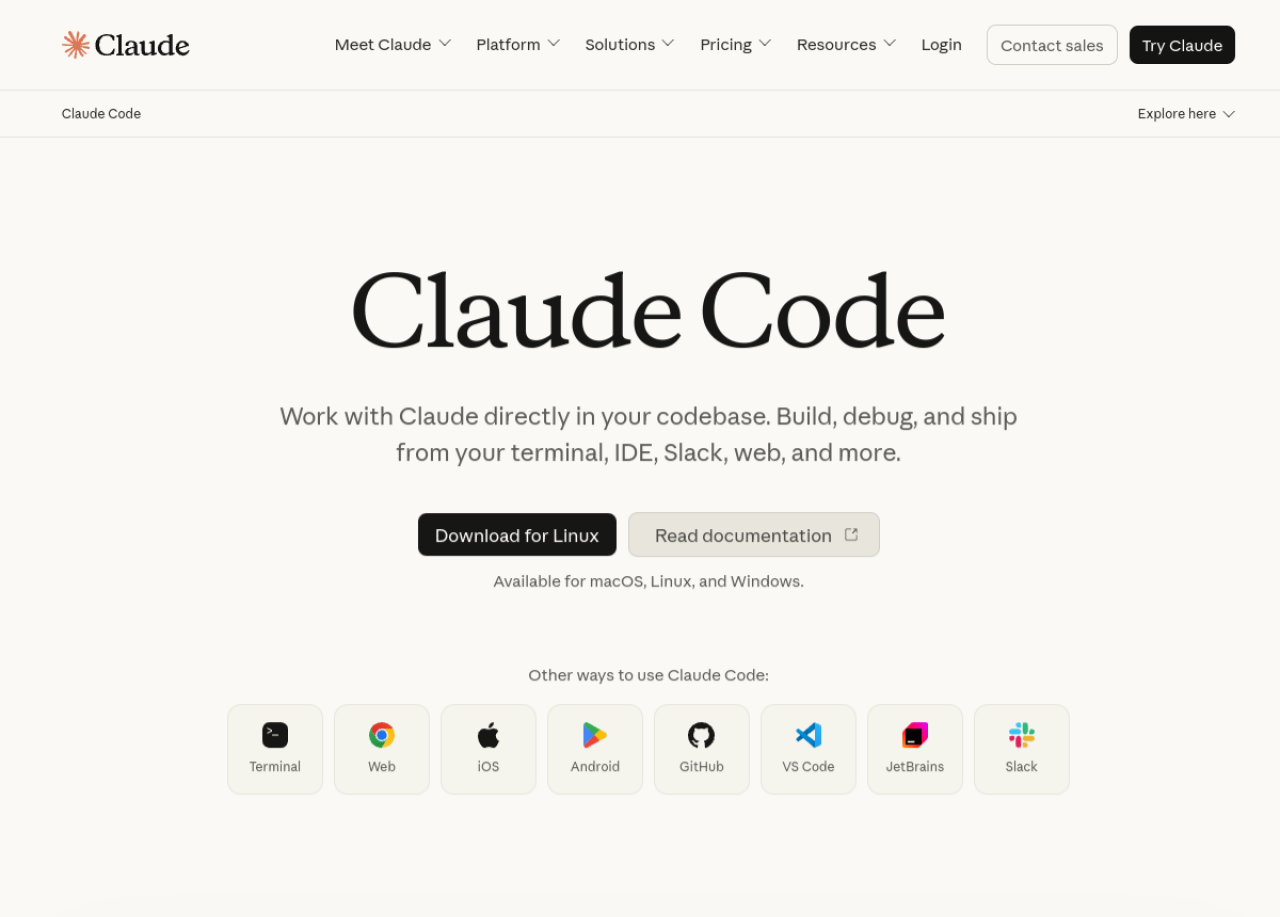
The reason it's the perfect thing to learn by building a game: it handles the syntax, so you can focus on the ideas — "add an inventory," "let the player fight a goblin," "save my progress." You steer; it types.
Work with Claude directly in your codebase from the terminal, IDE, web, or Slack. Available on macOS, Linux, and Windows.
Who This Is For
Before You Start
Install Claude Code once, from your terminal:
bash
npm install -g @anthropic-ai/claude-code
Then make a project folder and start it there:
bash
mkdir my-rpg && cd my-rpg
claude
The first run walks you through signing in. Prefer not to use the terminal? Claude Code also runs on the web and in VS Code — but the terminal is the classic way, and it's worth seeing.
How Claude Code Actually Works
Before you build, here's the loop you'll repeat — understanding it is the lesson:

1. You describe what you want in plain English.
2. Claude Code plans — for anything non-trivial it outlines the approach first.
3. It writes and edits files, showing you each change (a "diff") and asking permission before doing things like running commands.
4. You run and play, then ask for the next change.
That review-and-approve rhythm is the whole skill. You're not memorizing syntax; you're learning to direct an AI builder and check its work.
Build Your RPG, Step by Step
We'll make a single-file browser game — one index.html you open by double-clicking. No servers, no setup.
Step 1: Scaffold the game
In your claude session, type:
Create a single-file browser text RPG in index.html (HTML, CSS, and
JavaScript all in one file). Show a room description and 2-4 choice
buttons. Clicking a choice moves the player to a new room. Start with
3 connected rooms and a simple retro look. Keep it beginner-readable.
Claude Code will create index.html. Open it in your browser and you're playing.
Step 2: Add an inventory
Add a simple inventory: the player can pick up items shown in a room,
and I can see what I'm carrying at the bottom of the screen.
Step 3: Add a little combat
Add a goblin in one room. Give the player 10 HP and a "Fight" button.
Combat is turn-based with simple random damage, and show a win or lose
message. Keep the code easy to follow.
Step 4: Save progress
Save my progress in the browser so if I refresh, I'm back where I was.
Add a "Reset game" button too.
Each request teaches a real concept — state, conditionals, event handling, localStorage — but you learn it by playing the result, not by reading a manual.
Step 5: Make it yours
Now the fun part: theme it. "Make it a space station instead of a dungeon." "Add a shop where I spend coins." "Give it a spooky color scheme." This is where you internalize the loop — small request, review, run, repeat.

Common Mistakes to Avoid
Pro Tips
Key Takeaways
Official docs for installing and using Claude Code — the terminal, IDE, and web workflows, commands, and best practices.
Sources: Claude Code · Claude Code docs
Claude Code evolves quickly; verify the install command, supported plans, and pricing on Anthropic's official pages before you begin.