Astro vs WordPress: Build a Faster Website (with 3 Real Examples)
A practical comparison of Astro and WordPress for building a website — the honest pros and cons, when to pick which, and 3 real sites built with Astro.
Overview
For twenty years, "I need a website" had one default answer: WordPress. It powers a huge share of the web, and for good reason — a friendly dashboard, thousands of themes, and a plugin for practically everything. But that convenience comes with weight. The typical WordPress site drags a database, a pile of plugins, a page builder, and a lot of JavaScript behind it — which is why so many of them feel slow, cost more to host and maintain than expected, and quietly leak conversions and search rankings to their own load times.
Astro is the modern alternative that's been quietly winning over developers and brands who care about speed. It calls itself "the web framework for content-driven websites," and its whole design goal is to ship the least possible JavaScript so pages load almost instantly. This guide is an honest, side-by-side comparison of the two approaches — the real pros and cons of each, when to pick which — plus 3 real sites built with Astro so you can see, not just take my word for, what it's capable of.
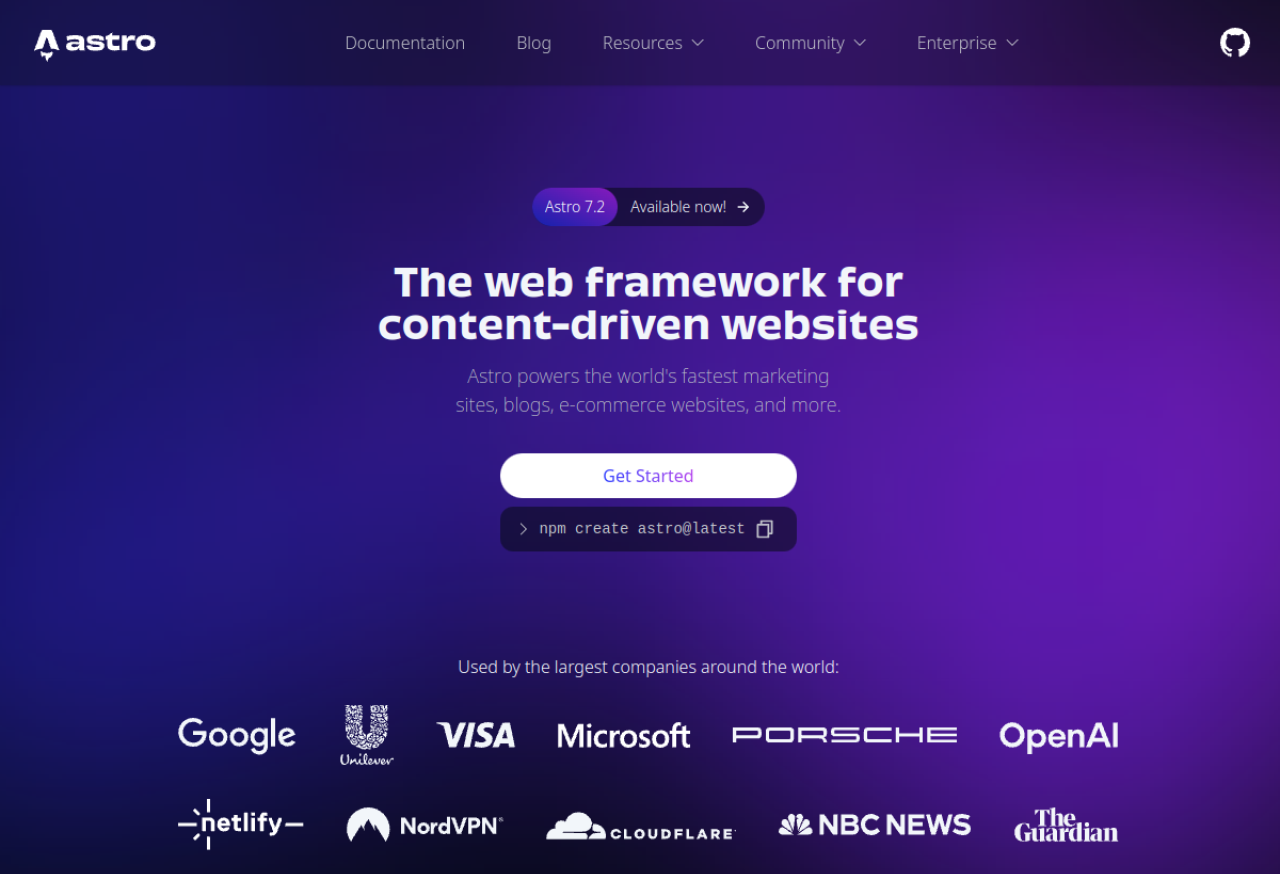
Astro (astro.build) — "The web framework for content-driven websites," used by Google, Microsoft, Porsche, OpenAI, Cloudflare, The Guardian, and more.
There's also a 2026 reason this comparison matters more than it used to: vibe coding. Astro is exactly the kind of clean, component-based stack an AI assistant (v0, Cursor, Claude Code) generates well — you describe a page, it writes the .astro components, and you deploy for free. WordPress, by contrast, is mostly click-and-configure inside an admin panel. Neither is "better" everywhere; the goal here is to help you pick the right one for your project with your eyes open.
Difficulty: Intermediate · You'll need: curiosity (and Node.js if you want to try Astro) · Cost: Astro is free and open-source; you only pay for hosting · Updated: August 2026
Who Each Tool Is Really For
Before the feature-by-feature comparison, it helps to know which camp you're in, because the "right" answer is mostly about who edits the site and what it needs to do.
You're a maker or small team who cares about speed and is happy to build (or vibe-code) the site. Astro will feel like a breath of fresh air.
You have non-technical people editing content every day and want everything to "just work" from a dashboard. WordPress's decades of polish are hard to beat.
You're running a plugin-heavy store or membership site. WordPress + WooCommerce still has the deepest turnkey ecosystem.
You want the best of both: you can run an Astro front-end with WordPress as a headless CMS — fast site, familiar editor. More on that below.
What Astro Actually Is (in plain terms)
Astro is a free, open-source web framework built around one clever idea: Islands Architecture. Most of a page — the header, text, images, layout — is genuinely static; it never needs to "run" in the browser. So Astro renders all of that to plain HTML and ships zero JavaScript for it. Only the truly interactive bits (a search box, an image carousel, a cart widget) become isolated "islands" of JavaScript that hydrate on their own. The result is a page that shows up almost instantly and only downloads code where it's actually needed.
A few features make this practical rather than theoretical:
Zero-JS by default. You opt into interactivity island by island, instead of shipping a whole framework to every visitor.
Framework-agnostic. You can drop in React, Vue, Svelte, Preact, or Solid components — even mix them — with no lock-in. Bring what your team already knows.
Content Collections. Built-in, type-safe handling of Markdown/MDX with frontmatter validation, so a blog or docs site stays organized and hard to break.
Batteries included. File-based routing, image optimization, view transitions, middleware, and one-command deploy adapters for Netlify, Vercel, and Cloudflare Pages.
Crucially, content can come from anywhere — Markdown files in your repo, a third-party API, or a headless CMS. Astro doesn't force you to store content its way, which is exactly why it can sit in front of WordPress if you want.
Astro vs WordPress: The Honest Comparison
Two philosophies: WordPress bundles everything into one heavy, plugin-laden stack; Astro builds a lean, fast site from small islands.
The single distinction that drives every trade-off below: WordPress is a CMS — content storage, hosting, and editing bundled together, running on PHP and a MySQL database, extended by plugins. Astro is a framework — you (or an AI) build the site, and content is pulled from files or APIs at build time. One is an all-in-one product; the other is a toolkit.
That difference shows up most visibly in performance. By Astro's own published numbers, 66% of real-world Astro sites pass Google's Core Web Vitals, versus 48% for WordPress (and lower still for several other frameworks). Core Web Vitals aren't a vanity metric — they directly affect SEO rankings, bounce rates, and conversions. A fast site quite literally earns more.
✅ Astro — Pros
Fast by default. Zero-JS islands mean strong load times, SEO, and Core Web Vitals without hand-tuning or a stack of caching plugins.
No plugin bloat, no PHP. A clean, modern codebase instead of a dozen plugins fighting each other and each adding scripts.
Cheaper and safer to host. Static output deploys free on Netlify, Vercel, or Cloudflare Pages — and there's no live database or PHP runtime to hack, patch, or take down under traffic.
Perfect for AI-assisted building. Clean, component-based structure is exactly what tools like v0, Cursor, and Claude Code generate reliably — describe, generate, deploy.
Content-flexible. Pull from Markdown, an API, or a headless CMS. Migrate sources later without rebuilding the whole site.
Great developer experience. Modern tooling, TypeScript support, and a gentle learning curve if you know a little HTML/JS.
⚠️ Astro — Cons
Someone has to build it. There's no giant marketplace of ready-made, click-to-install full websites the way WordPress themes work.
Editing needs setup for non-devs. Pure content editors want an admin UI — you'll wire up a headless CMS (or a Git-based editor); WordPress gives that out of the box.
Fewer turnkey features. Things WordPress offers as a plugin — memberships, complex forms, a full e-commerce back office — may need building or a third-party service.
Not for highly dynamic apps. Astro is content-first. If you're building a heavily interactive web app (a dashboard, a real-time tool), that's a different framework's job.
✅ WordPress — Pros
Anyone can edit it. A mature admin dashboard lets non-technical people manage content daily without touching code — its single biggest strength.
A plugin for everything. WooCommerce, forms, SEO, memberships, bookings — the ecosystem is enormous and battle-tested, so most needs are a plugin away.
Huge community and talent pool. Endless themes, hosts, tutorials, and affordable developers for hire; almost any problem has been solved before.
Proven at content scale. Two decades of running blogs, news sites, and stores means the workflows are well understood.
⚠️ WordPress — Cons
Often slow and heavy. Plugins, page builders, and render-blocking scripts hurt performance unless you actively fight for it with caching and optimization.
Maintenance and security burden. Constant core/plugin updates, vulnerable plugins, and a live PHP/MySQL stack that has to be kept patched and backed up.
Costs and clutter creep up. Managed hosting plus premium plugins add up monthly, and sites tend to accumulate bloat and technical debt over the years.
Which Should You Pick?
Use this quick decision guide rather than the hype either way:
Choose Astro for a content-focused site — marketing pages, a blog, documentation, a portfolio, a landing page — where speed matters and you (or an AI assistant) will build it. You'll get a faster, cheaper, lower-maintenance site.
Choose WordPress if a non-technical team edits daily, you need a plugin-rich store or membership system, or you simply want something turnkey without building.
Or run both: an Astro front-end with WordPress as a headless CMS. Your editors keep the WordPress dashboard they love; visitors get a lightning-fast Astro site pulling that content via API. It's the increasingly popular "have your cake and eat it" setup.
3 Real Sites Built with Astro
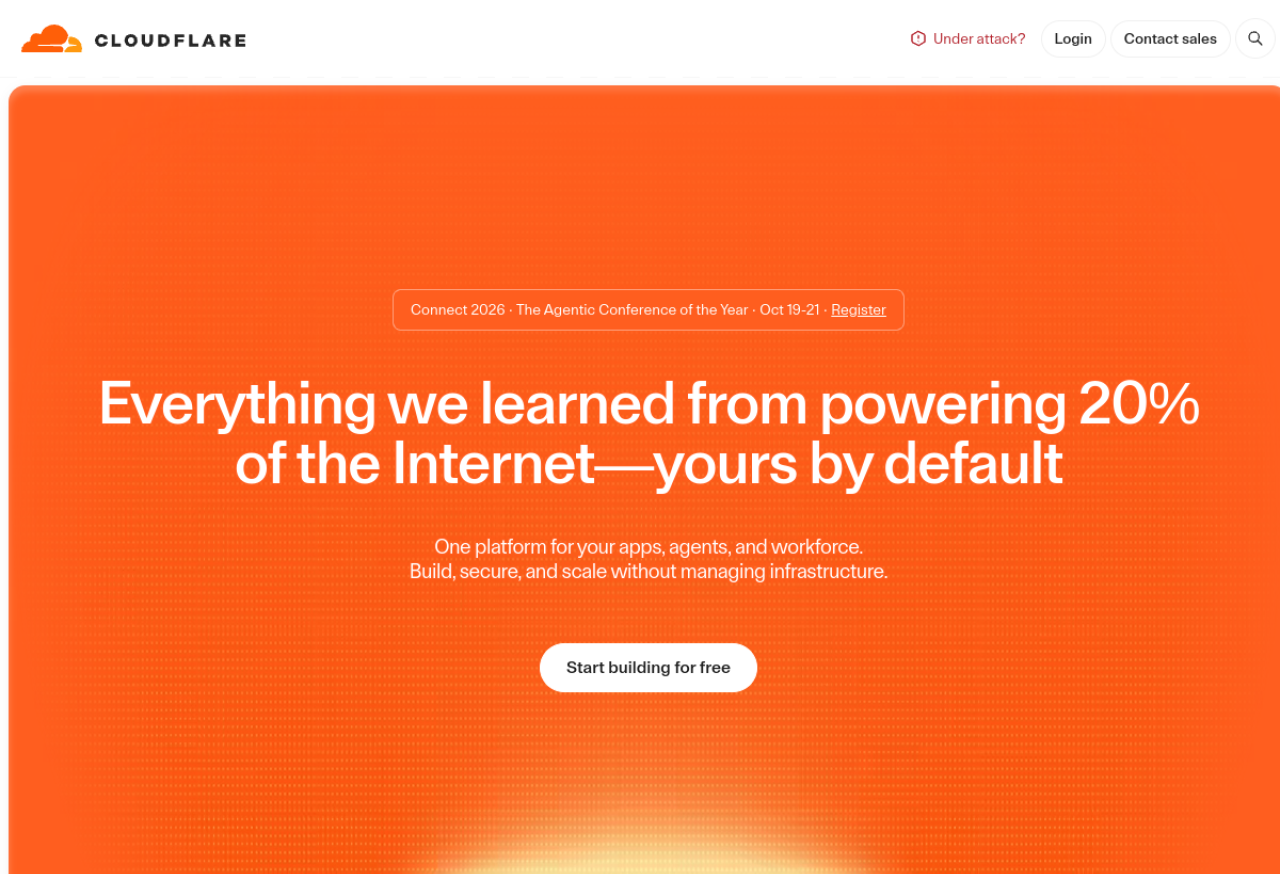
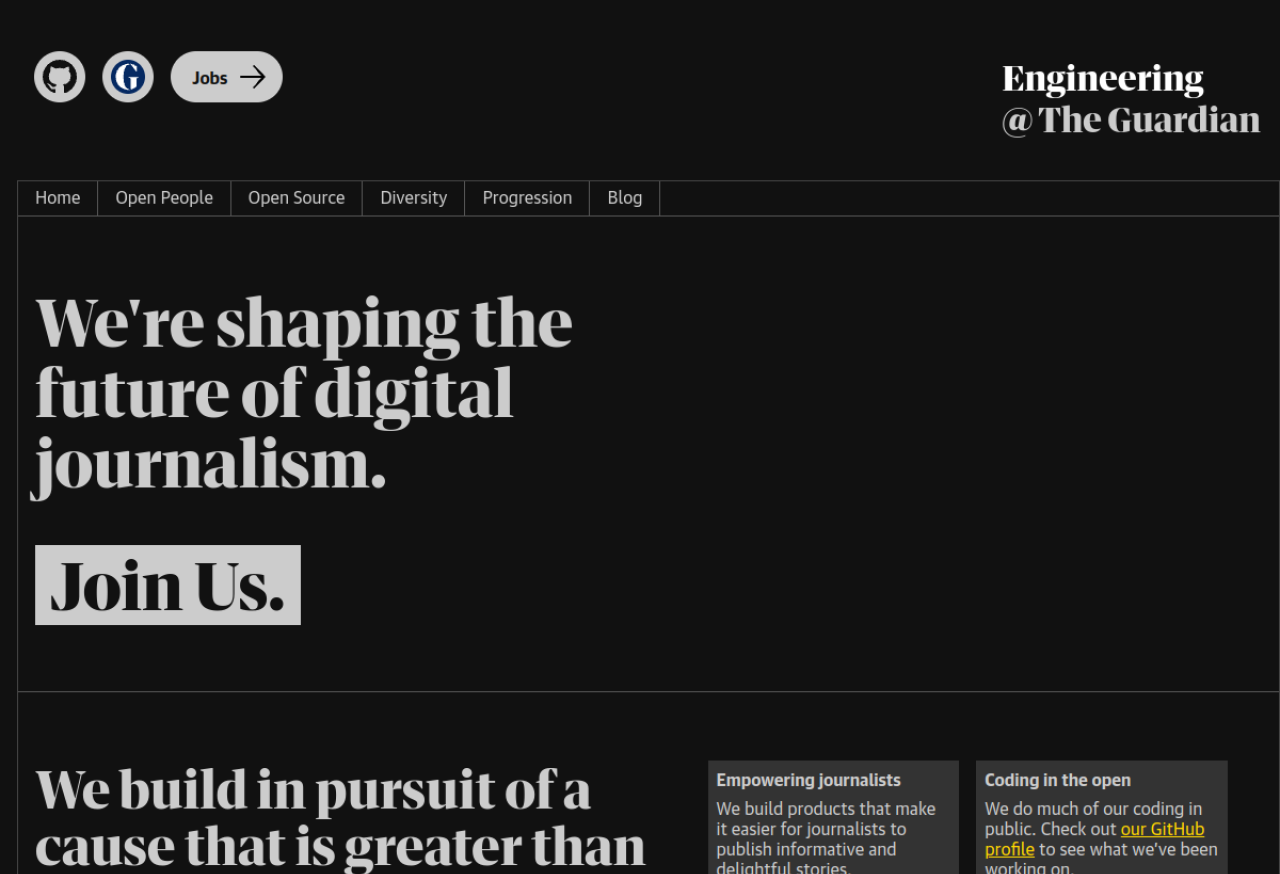
These aren't demos — all three are featured on Astro's homepage and official showcase, which is the best proof that Astro scales from a personal blog all the way up to global brands.
You don't need to be a professional developer to start. Here's the honest fast path.
Step 1: Spin up a starter
With Node.js installed, one command scaffolds a project:
npm create astro@latest
The wizard lets you pick a starter — a blog, a docs site, a portfolio, or an empty project — and sets everything up for you.
Step 2: Understand the structure
Astro projects are refreshingly simple: pages live in src/pages/ (each file becomes a route), reusable pieces live in src/components/, and content like blog posts lives in src/content/ as Markdown. If you've ever edited HTML, an .astro file will look familiar.
Step 3: Edit and preview
Run npm run dev and you get a live local preview at localhost that updates as you save. Change text, swap an image, tweak the layout — it's immediate.
Step 4: Deploy for free
Push to GitHub and connect the repo to Netlify, Vercel, or Cloudflare Pages. Because Astro outputs static files, hosting is fast and typically free at small scale.
Step 5: Or vibe-code the whole thing
Skip the manual work: describe your site to an AI assistant (v0, Cursor, or Claude Code), ask it to generate the Astro components and pages, then deploy. Astro's clean, predictable structure is precisely what these tools produce well — which is why it's become a favorite stack for AI-assisted building.
Picking Astro for a highly dynamic app. Astro is content-first. If the core of your project is real-time interactivity or a complex logged-in dashboard, you'll be fighting the framework — reach for something app-focused instead.
Forgetting the editing workflow. If non-technical people will update the site, budget time up front to wire in a headless CMS or Git-based editor. Skip this and "editing" quietly means "editing code," which won't fly with your team.
Assuming WordPress is always slow (or Astro is always right). WordPress can be fast with disciplined plugin use and good hosting, and it's still the better call for many plugin-heavy or editor-heavy sites. Choose by fit, not by fashion.
Key Takeaways
WordPress and Astro chase the same goal from opposite ends. WordPress bundles everything for easy editing but is often heavy and high-maintenance; Astro builds lean, fast sites but you have to build them.
Astro's superpower is speed — zero-JS islands mean better Core Web Vitals, SEO, and hosting costs, with 66% of Astro sites passing CWV vs 48% for WordPress.
WordPress's superpower is turnkey editing — a mature dashboard and a plugin for nearly everything, ideal for non-technical teams and plugin-rich stores.
For a fast, content-focused site in 2026 — especially one you'll vibe-code with AI — Astro is an excellent choice, and Cloudflare, The Guardian, and Porsche prove it scales.
You can combine them: Astro front-end + WordPress headless CMS gives you speed and a familiar editor.