Overview
Paid market terminals cost thousands a year. WorldMonitor — an open-source (82k-star) "real-time global intelligence dashboard" by developer koala73 — gives you a startlingly capable alternative you run yourself. It aggregates live news, geopolitical events, infrastructure, and markets into a single situational-awareness screen, with AI-written briefs that can run locally (via Ollama, no API keys). Best of all, it ships a dedicated finance build with a Finance radar that tracks stock exchanges, commodities, crypto, and a market composite — and in this guide you'll stand up your own in about 15 minutes.
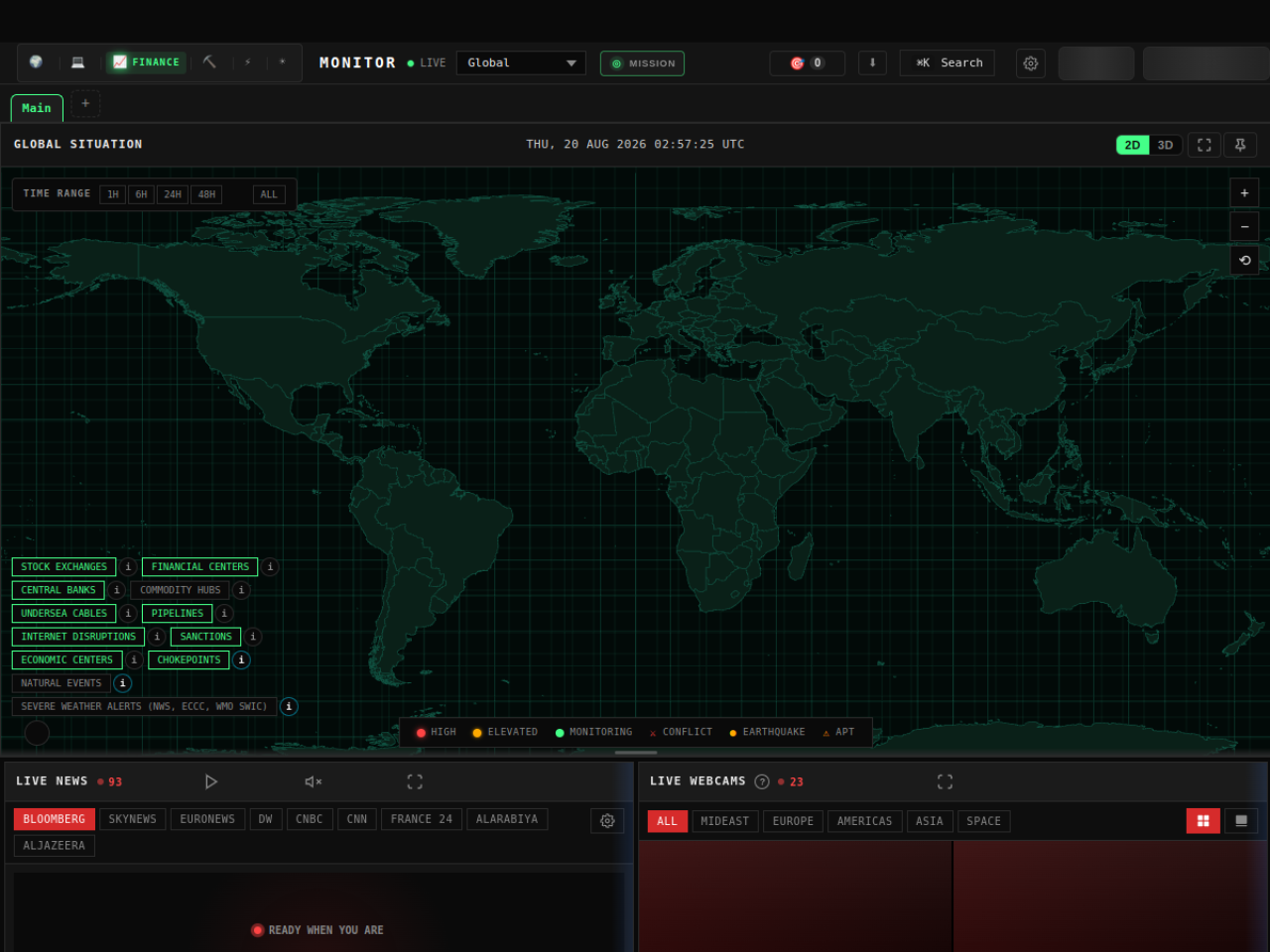
WorldMonitor is one codebase that ships six site variants — world, tech, finance, commodity, happy, and energy — so the "finance" build is purpose-tuned for markets. It's free and AGPL-3.0 licensed, runs with no configuration out of the box, and you can try the hosted version before you clone a thing. This is an honest, hands-on tour — including where it is not a substitute for a professional trading terminal.
Difficulty: Intermediate (a little terminal) · You'll need: Node.js and a terminal; optionally Ollama for free local AI briefs · Cost: free and open-source; you only pay for optional premium data feeds · Updated: August 2026
What You'll Be Able To Do
Why This Matters
A situational-awareness dashboard used to mean a Bloomberg terminal and a five-figure invoice. WorldMonitor puts a comparable layout — a live map, curated newswires, AI briefs, and a market watchlist — into an app you own and can extend. Because it's open-source, nothing is locked behind a subscription, and because the AI summaries can run on local models via Ollama, your briefs cost nothing and your data stays on your machine.
For a solo founder, trader-hobbyist, or analyst, that's leverage: one screen that ties markets to the news and events moving them, self-hosted and hackable, with a programmatic MCP server, REST API, and CLI if you want to build on top of it.
The honest frame, up front: this is a monitoring tool, not a money machine. It aggregates public feeds into a great overview — it does not give you an edge, real-time tick-level execution data, or investment advice. Treat it as a radar for awareness, and keep every trading decision (and its risk) firmly your own.
Before You Start
Build Your Finance Radar
Step 1: Try the hosted demo, then clone
The fastest look is the hosted finance build at finance.worldmonitor.app — no install. When you're ready to run your own, clone and start the finance variant:
git clone https://github.com/koala73/worldmonitor.git
cd worldmonitor
npm install
npm run dev:finance
That's it — open http://localhost:3000 (change the port with DEV_PORT if needed) and you have the finance dashboard running locally. There are sibling variants too — npm run dev:commodity, npm run dev:tech — from the same codebase.
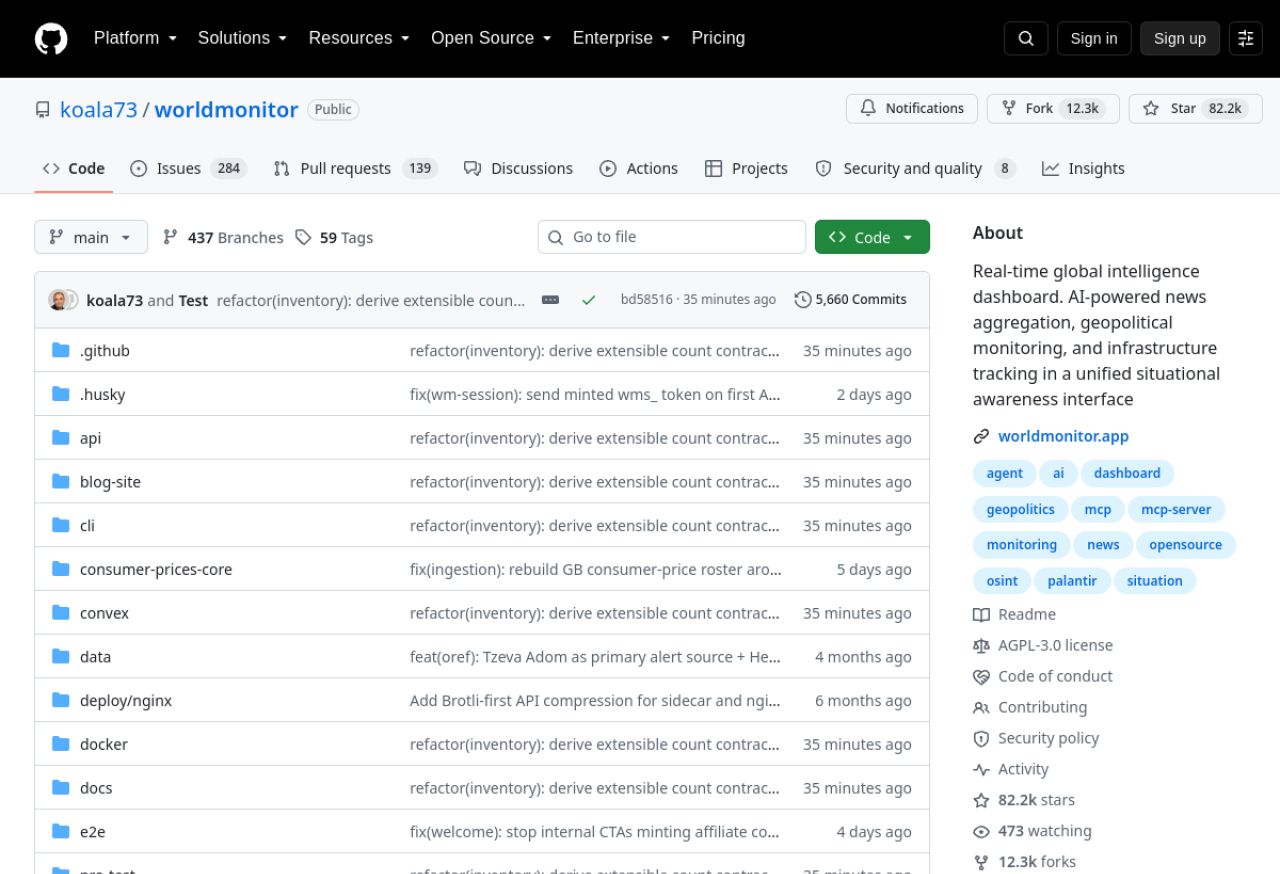 data,
data, cli, and docs folders are worth a look." title="" loading="lazy" class="w-full h-auto rounded-lg border border-border" />data, cli, and docs folders are worth a look.Step 2: Read the map — turn on the finance layers
The centerpiece is the GLOBAL SITUATION map. Toggle on the layers that matter for markets: STOCK EXCHANGES, FINANCIAL CENTERS, and COMMODITY HUBS (there are more — central banks, chokepoints, undersea cables, sanctions). Switch between the 2D flat map and 3D globe, and use the time range (1H / 6H / 24H / 48H / 7D) to see how activity clusters.
Step 3: Add the Markets watchlist
Open the MARKETS panel to get a live watchlist of global indices and equities — S&P 500, NASDAQ, Dow, Hang Seng, Sensex, Nifty 50, Shanghai Composite, and dozens of large-caps — each with price and daily change. This is your stock-exchange layer of the radar.
Step 4: Add commodities and crypto panels
WorldMonitor is panel-based — use + ADD PANEL to build out the rest of the radar:
Now stock exchanges, commodities, and crypto are all on one screen.
Step 5: Read the market composite (and macro stress)
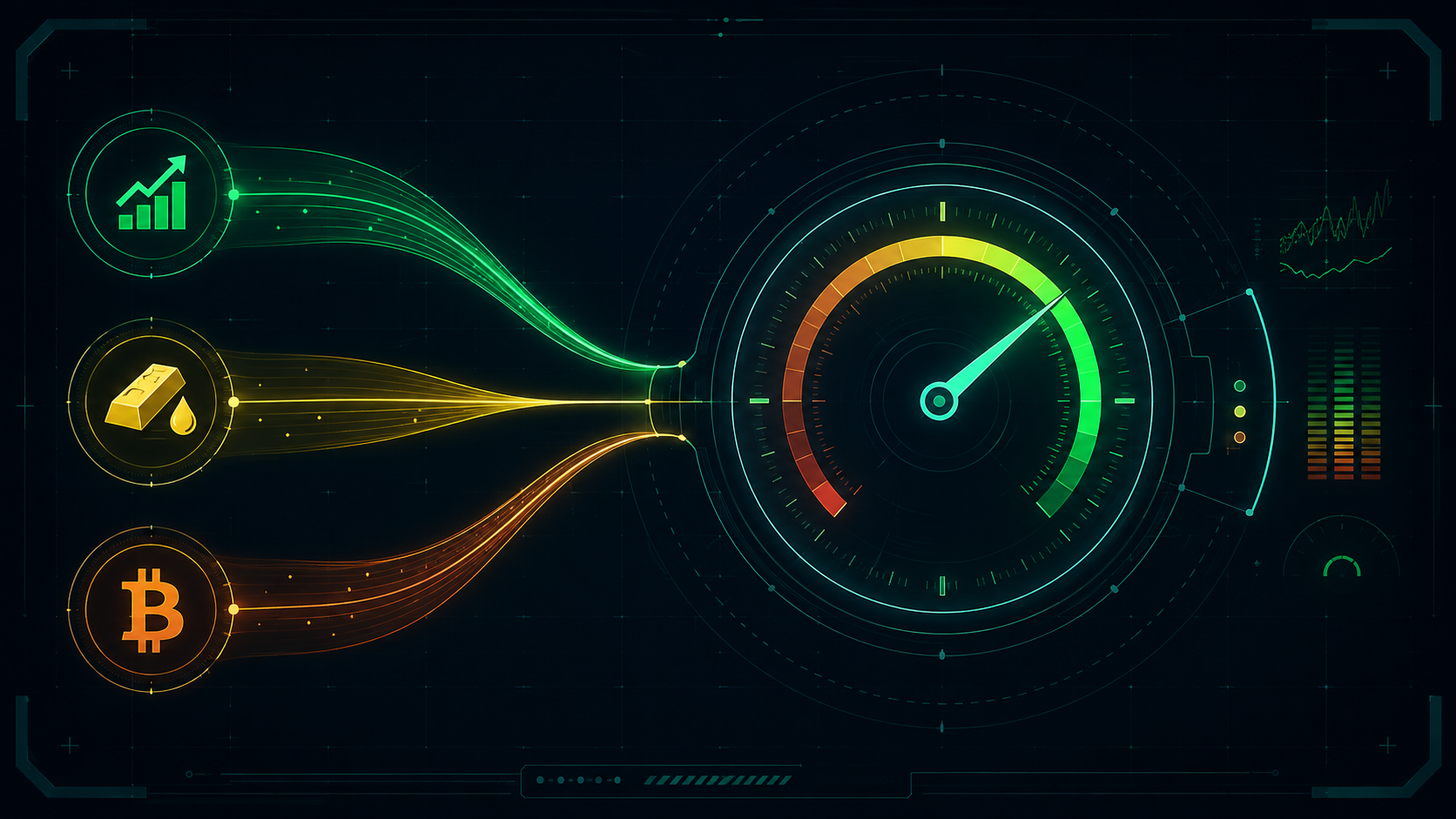
The Finance radar's point is synthesis: it rolls those asset classes into a market composite view so you can read the whole market's posture at a glance rather than ticker-by-ticker. Add the MACRO STRESS panel alongside it for an aggregate risk read, and let the composite — not any single line — set your sense of the day.
Step 6 (optional): Local AI briefs with Ollama
The AI INSIGHTS panel writes a live World Brief from the aggregated stories. Point it at a local model through Ollama and those summaries cost nothing and never leave your machine — the open-source, privacy-friendly version of an analyst desk.
The finance variant running live: global-situation map, markets watchlist, AI world brief, and addable commodity/crypto/macro panels. Try it before you clone.
3 Common Mistakes to Avoid
.env.example), some are rate-limited. Cross-check anything you'd act on.Pro Tips
finance.worldmonitor.app first; only clone once you know you want your own instance to customize.npx worldmonitor tools) — wire the composite into your own alerts or scripts.Your Challenge
Summary
WorldMonitor turns a five-figure market terminal into a free, open-source dashboard you own — and its finance build gives you a real Finance radar spanning stock exchanges, commodities, crypto, and a market composite, with local AI briefs on top. Clone it, add the panels you'll watch, read the composite, and remember what it is: a radar for awareness, not advice. The overview is powerful; the decisions stay yours.
Star it, read the docs and data-sources catalog, and explore the MCP server, REST API, and CLI to build on top of your Finance radar.
Sources: koala73/worldmonitor (GitHub) · WorldMonitor — hosted app · Finance build