
Overview
What if a genuinely capable AI ran entirely on your machine — no cloud, nothing leaving your device? In August 2026 Meta released Muse Glimmer, a free, open-source (Apache 2.0) 30-billion-parameter agentic model built for exactly that: it runs locally on a single consumer GPU, works offline, and completes multi-step tasks with reliable tool use. That makes it a real, private office assistant — summarize documents, draft replies, triage text — without sending confidential data to anyone.
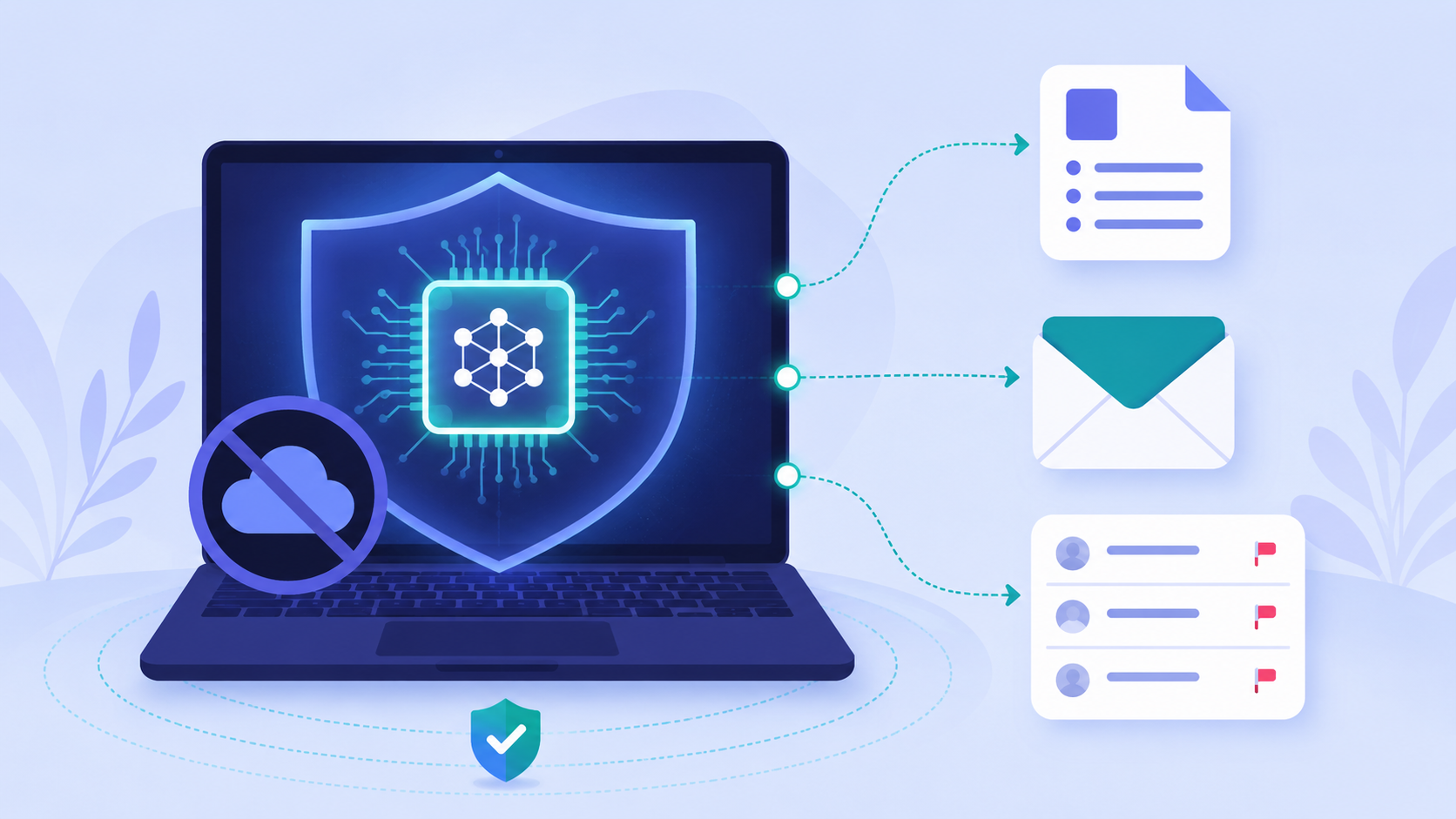
One honest note up front: this is not a magic "connect your email and walk away" app — some tutorials invent one, complete with a fake download site and a request for your email password. Ignore those. Muse Glimmer is a model, and you run it with real tools — Ollama or LM Studio — then build your automation on top. This guide shows the real, working setup in about 30 minutes.
Difficulty: Intermediate · You'll need: a Mac (Apple Silicon) or a PC with a capable GPU / 16GB+ RAM and ~20GB free disk · Cost: free and open-source; runs on your own hardware · Updated: August 2026
What You'll Be Able To Do
Why Muse Glimmer — and why local
Muse Glimmer is purpose-built for agentic tasks on consumer hardware: precise tool/function calling, multi-step reasoning with failure recovery, and it's multimodal (it can read screenshots, charts, and documents, not just text). It quantizes to about 18GB with a 128K context window and runs on a single consumer GPU. Apache 2.0 means it's free to use, even commercially.
The local part is the real value. For confidential client work, HR, legal, or anything sensitive, a local model means your data never leaves your machine — no API logs, no cloud, and it still works on a plane. That privacy is something no cloud chatbot can match.
The honest trade-off: a 30B local model is strong, but it isn't a frontier cloud model, and it needs decent hardware. For the very hardest reasoning you might still reach for a cloud model — but for private, repetitive office work, running local is a genuine superpower.
Before You Start

Meta's open-source 30B agentic model — one command to run it locally. Variants: muse-glimmer:30b (18GB) and muse-glimmer:30b-mlx (21GB, Apple Silicon).
The 30-Minute Setup
Step 1: Install Ollama and pull Muse Glimmer
Install Ollama from ollama.com, then run:
ollama run muse-glimmerOn Apple Silicon, use the faster MLX build:
ollama run muse-glimmer:30b-mlx
The first run downloads about 18GB; after that it's fully offline. Prefer a GUI? LM Studio does the same with a click — search for the model, download, and chat.
Step 2: Summarize a document — privately
Muse Glimmer is multimodal, so you can hand it a long PDF, a screenshot, or a chart. Paste or attach it and prompt:
Summarize this document in 5 bullet points, list any deadlines or dates,
and flag anything that needs a decision. Keep it factual.
Nothing you paste leaves your machine.
Step 3: Draft replies in your voice
Give it your tone and rules once, then reuse them:
You draft short, professional email replies in my voice.
Meeting requests: propose a specific time and ask them to confirm.
Document reviews: give a realistic turnaround date.
Here's the message to reply to: [PASTE THE EMAIL]
Step 4: Add a friendly UI (optional)
For a nicer experience and a document library, put Open WebUI or AnythingLLM on top of Ollama — drag in files, chat with them, and save your favorite prompts. It's still 100% local.
A polished desktop app to discover, download, and run local models like Muse Glimmer — no terminal required, with a built-in local server.
Step 5: Real automation — build it, don't fake it
Want scheduled or email automation? Do it with a real, trusted tool — self-hosted n8n, or a small script calling Ollama's local OpenAI-compatible API (http://localhost:11434) using Muse Glimmer's tool-calling. You connect your inbox through n8n's email nodes — never paste your email password into an unknown app.
A local, private app for chatting with your documents on top of Ollama/LM Studio — great for turning Muse Glimmer into a private document assistant.
3 Common Mistakes to Avoid
muse.glimmer.ai installer, no 14MB mystery download, and no built-in email client. It's a model on Ollama / Hugging Face / LM Studio. Never hand your email password to an unknown tool.Pro Tips
:30b-mlx build is tuned for Apple Silicon and runs noticeably faster.Your Challenge
Summary
Muse Glimmer makes a capable AI genuinely private: a free, open, 30B agentic model that runs on your own hardware via Ollama or LM Studio. Skip the fake "email butler" apps — run the real model, summarize and draft locally, and build any automation on trusted tools like n8n. You get a real office assistant, and your confidential data never leaves your device.
Sources: Muse Glimmer on Ollama · Meta AI Research · LM Studio