Use Nano Banana to Create 10 Digital Products and Make Your First $1K Online
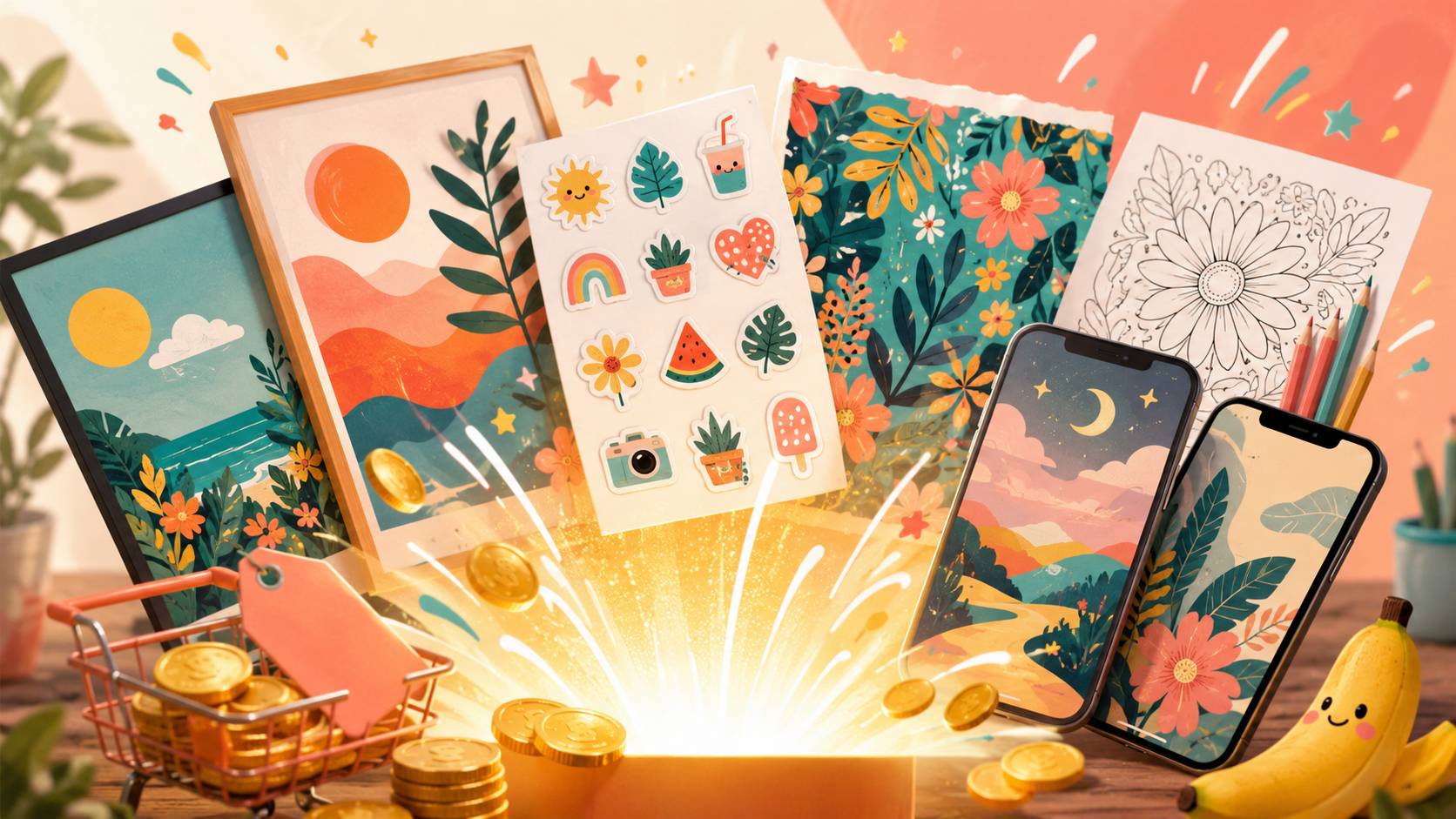
There's a whole economy of people quietly earning real money selling image-based digital products — printable wall art, coloring pages, sticker packs, patterns — on Etsy and Gumroad. The only thing that ever stopped most people from joining was "I can't design." Nano Banana, Google's Gemini image model, erases that barrier: you describe what you want in plain English and it produces genuinely sellable art, in seconds, for free. This guide shows you exactly which products to make, how to prompt for print-ready results, how to package and list them, and the honest path to your first $1,000.
First, one correction, because it changes everything: Nano Banana is an image generator and editor, not a "make me an eBook" platform. It creates pictures. So the products here are visual — and that's a feature, because visual products are exactly what sells well on marketplaces and what you can make ten of in an afternoon.
Difficulty: Beginner · Required tools: Google Gemini (free — Nano Banana is built in) or Google AI Studio; a place to sell (Etsy or Gumroad, both easy to start). No design skills, no coding. · Updated: July 2026
Overview
Let's be precise about what Nano Banana is, because the internet is full of confused takes. It's the nickname — now official — for Gemini's native image generation and editing. In Google's framing, Gemini 3 is the "reasoning brain" and Nano Banana is the "eyes and brush." As of 2026 there's a small family: Nano Banana 2 (the fast, high-quality default), Nano Banana Pro (the flagship — advanced reasoning, accurate text rendering, and up to 4K output), and a Lite tier for developers. You reach it free inside the Gemini app: open the tools menu, pick "🍌 Create images," and prompt it — or upload an image to edit. That's the whole setup.
Two of Pro's abilities matter enormously for selling products, and they're new: it can render text accurately inside an image (older image models produced garbled letters), and it can output at up to 4K — high enough resolution to actually print. Text plus print resolution is what turns "a nice picture" into a product: a quote poster, a planner cover, a greeting card, a labeled chart. Combined with Nano Banana's strong editing and style consistency, you can produce a whole cohesive collection — which is what sells, far more than one-off images.
Now the honest part, because this is where these tutorials usually lie. Nano Banana makes the images; it does not run your shop. You still have to pick products people actually want, package the files, write the listing, make mockups, price it, and get it in front of buyers. And "your first $1K" is a realistic goal, not a promise — it comes from a handful of good listings and some persistence, not from generating one image and getting rich. What's genuinely changed is that the creation bottleneck is gone: the skill that used to gate this — design — is now a prompt.
The honest goal: by the end you'll know what Nano Banana really is and how to use it free, have a concrete menu of ten image-based products it makes well and that actually sell, know how to prompt for print-ready, cohesive designs, and have a realistic, honest plan to package, list, and work toward your first $1,000 — without the fantasy that it happens automatically.
Who This Is Useful For
What You Will Learn
What You Need
Step 1: Understand What Nano Banana Actually Is
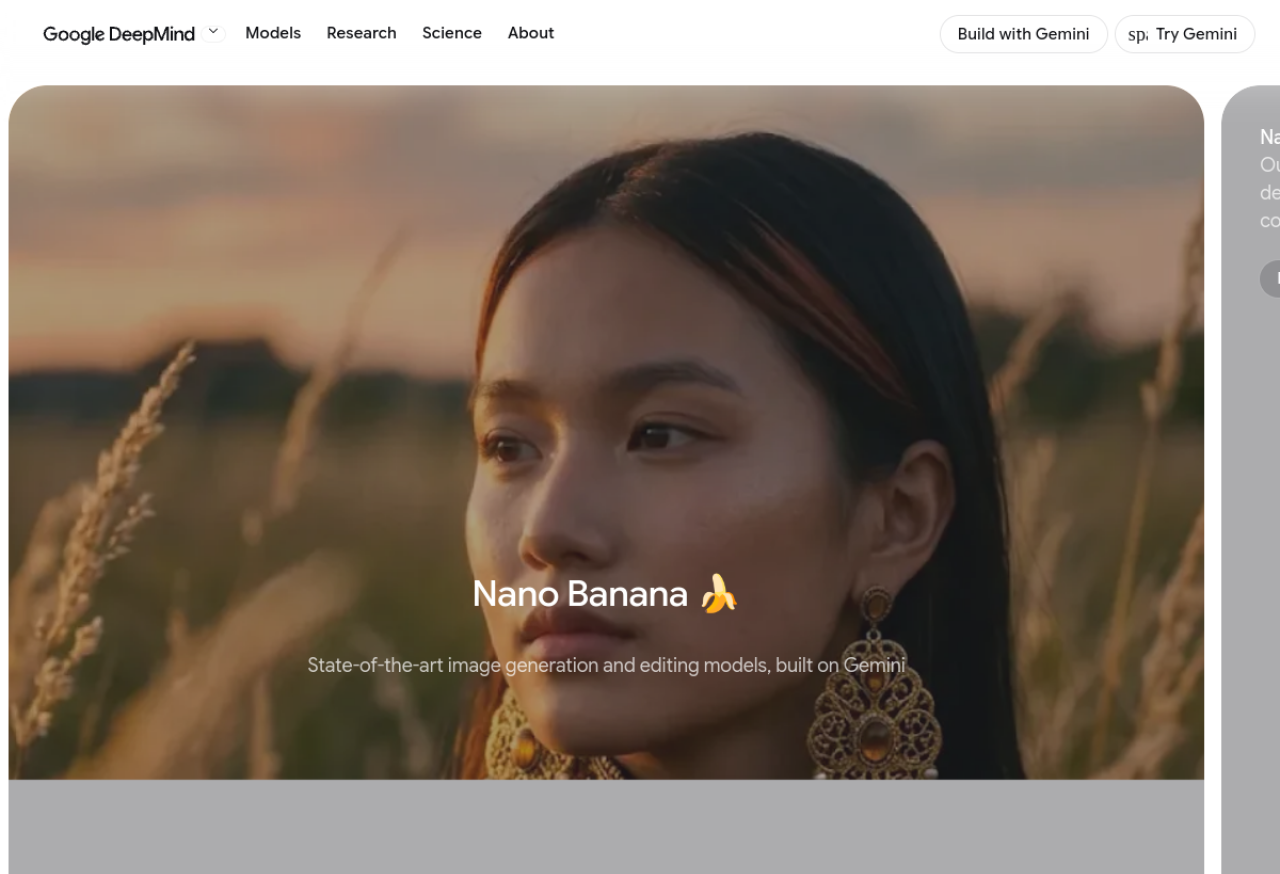
Get this straight first, because the draft version of this idea got it completely wrong, and the confusion wastes people's time. Nano Banana is Gemini's image generation and editing model — it makes and edits pictures. It is not a platform with "eBook templates" or a "product dashboard," and there is no nanobana.com; you use it free inside Google's Gemini app or AI Studio. When someone says "use Nano Banana," they mean "generate or edit an image with Gemini."
Knowing the tiers helps you choose well. Nano Banana 2 is the fast, high-quality default — great for most designs. Nano Banana Pro is the one to switch to when your product needs readable text (quote art, planners, cards) or print resolution (up to 4K), because those two things are exactly what separate a sellable product from a screen-only image. There's also a Lite tier aimed at developers doing bulk generation. For this whole guide, "Gemini app → Create images, Pro when you need text or print" is all the setup you need.
Internalize that it's an image tool and the entire product strategy falls into place: you'll build things made of pictures — art, patterns, stickers, printables — not written products. That constraint is a gift, because image products are fast to make, easy to sell, and exactly what Nano Banana is world-class at.
Pro tip: Default to Nano Banana 2 for speed, and switch to Pro the moment your design needs legible text or you're making something to be printed. Using the fast tier for a print poster gives you a lovely image that looks soft when it's blown up to A2 — Pro's resolution is what makes it actually sellable.
Step 2: Choose 10 Products It Makes Well and That Sell
The winning products sit in the overlap of "Nano Banana is great at this" and "people actually buy this." Here are ten that qualify, all image-based and all proven sellers:
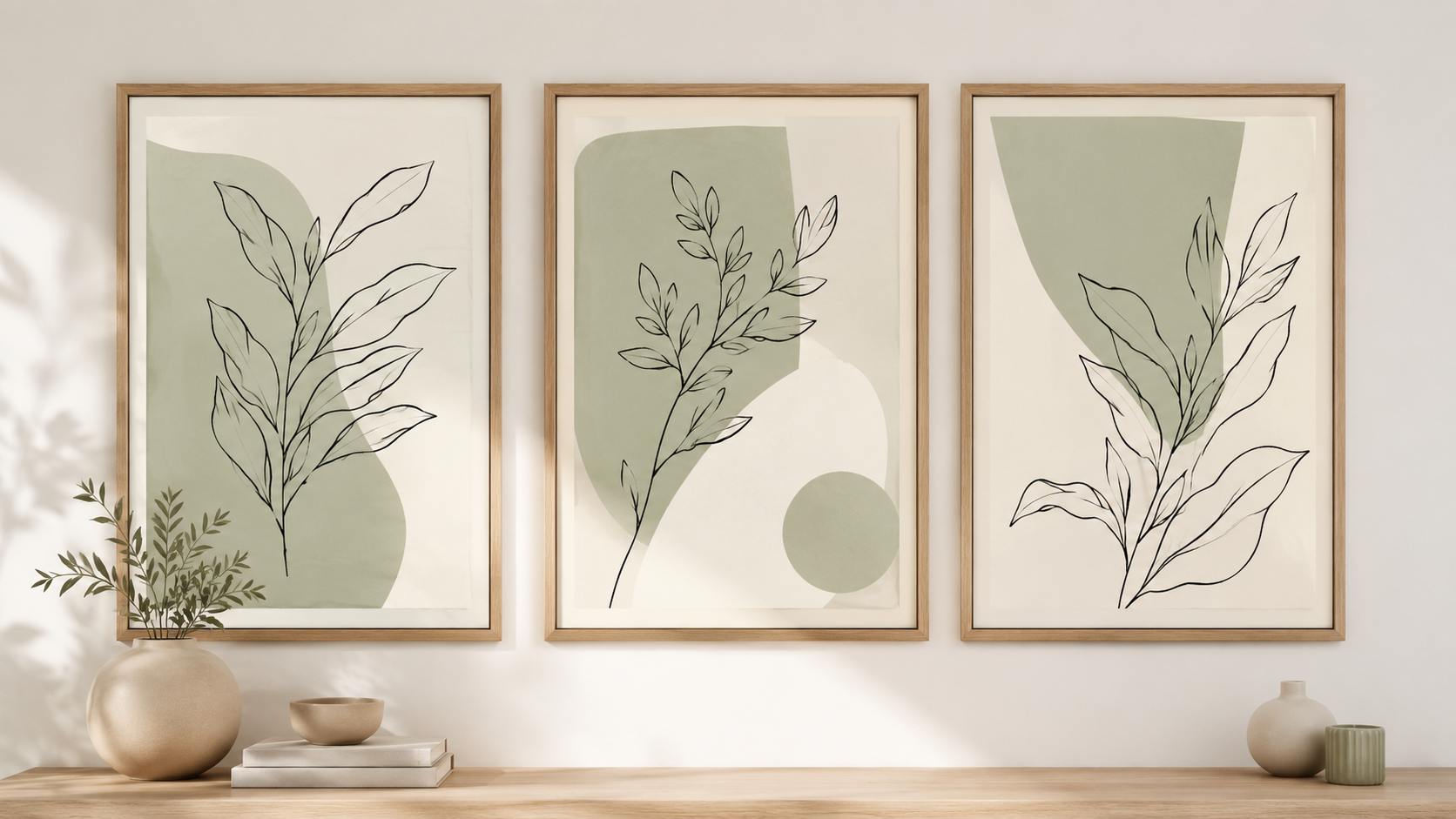
1. Printable wall art / posters — the bread and butter; sell the digital file, buyer prints it.
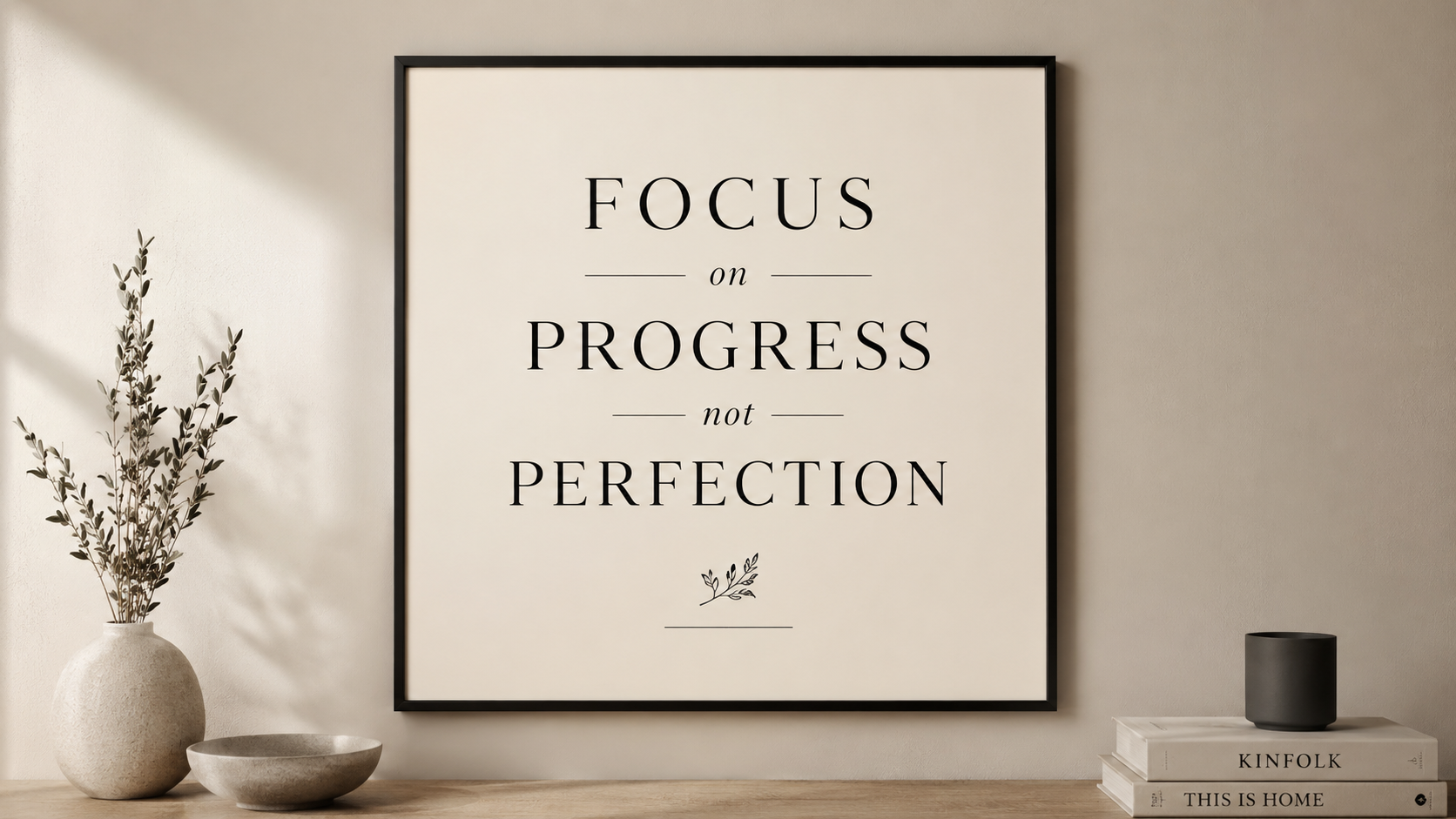
2. Quote / typography posters — now possible thanks to Pro's accurate text rendering.
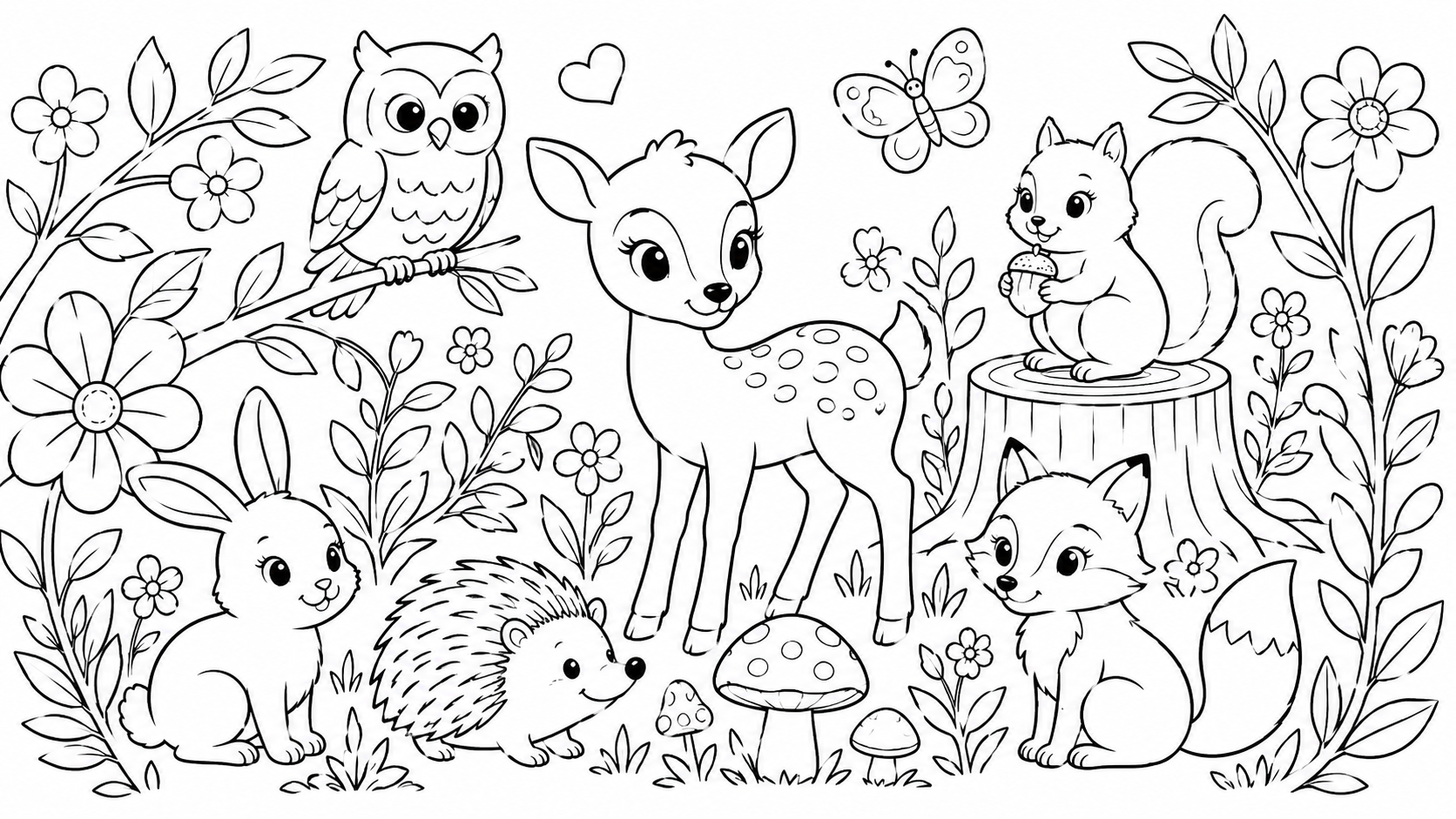
3. Coloring pages & coloring books — clean line art, endlessly popular.
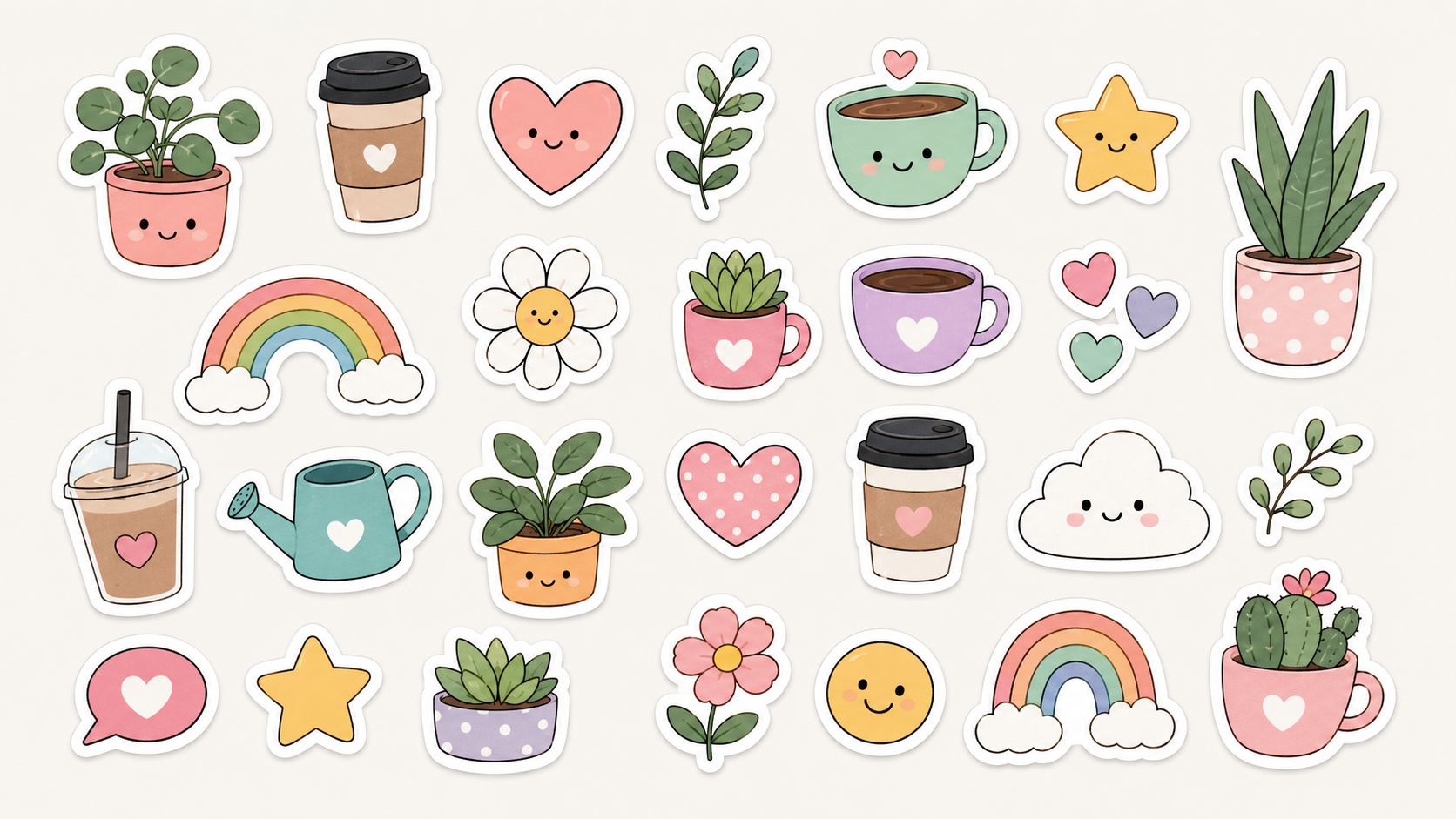
4. Digital sticker packs — cut-out style on transparent backgrounds.
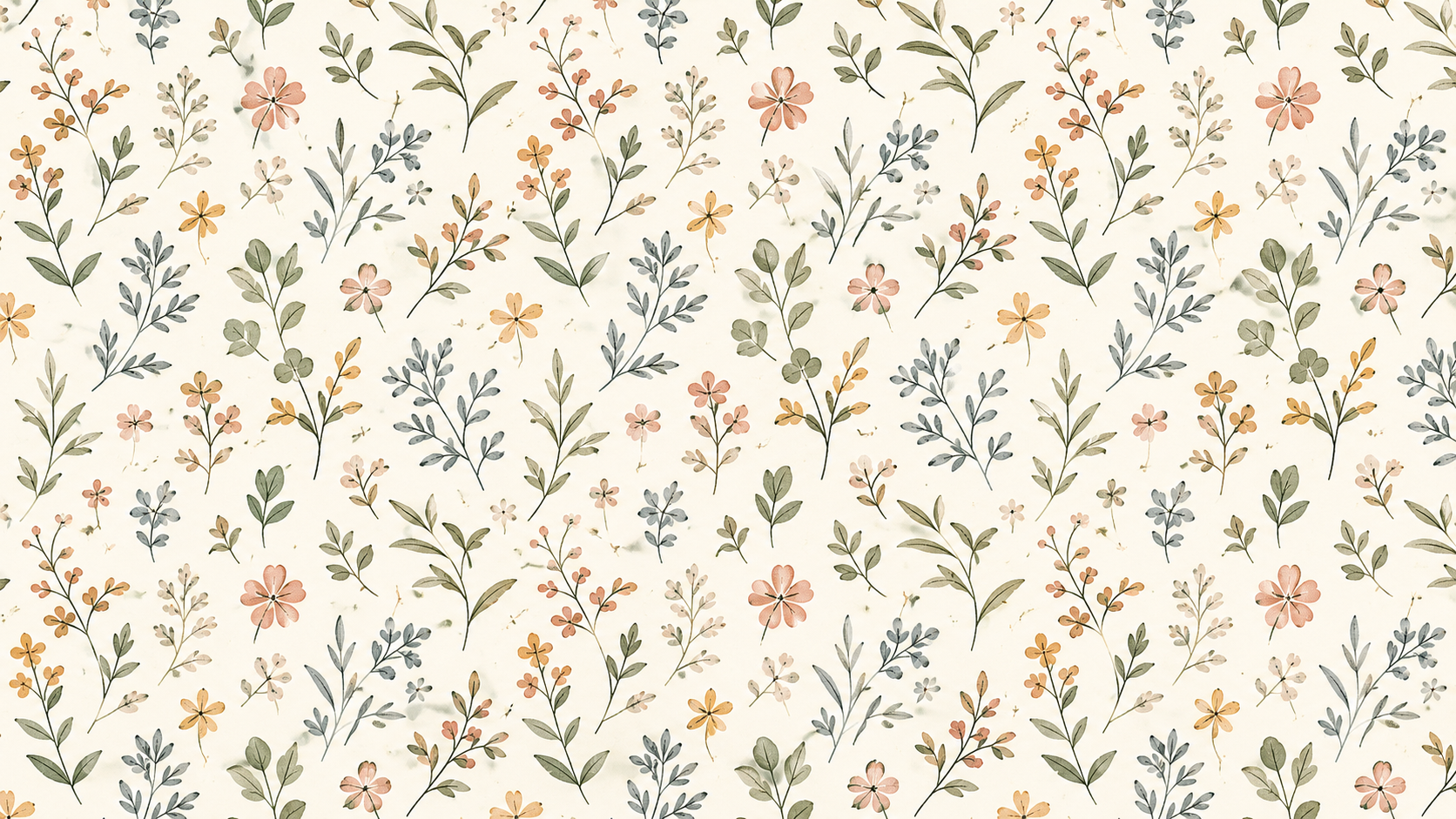
5. Seamless patterns — for wrapping paper, fabric, or print-on-demand.
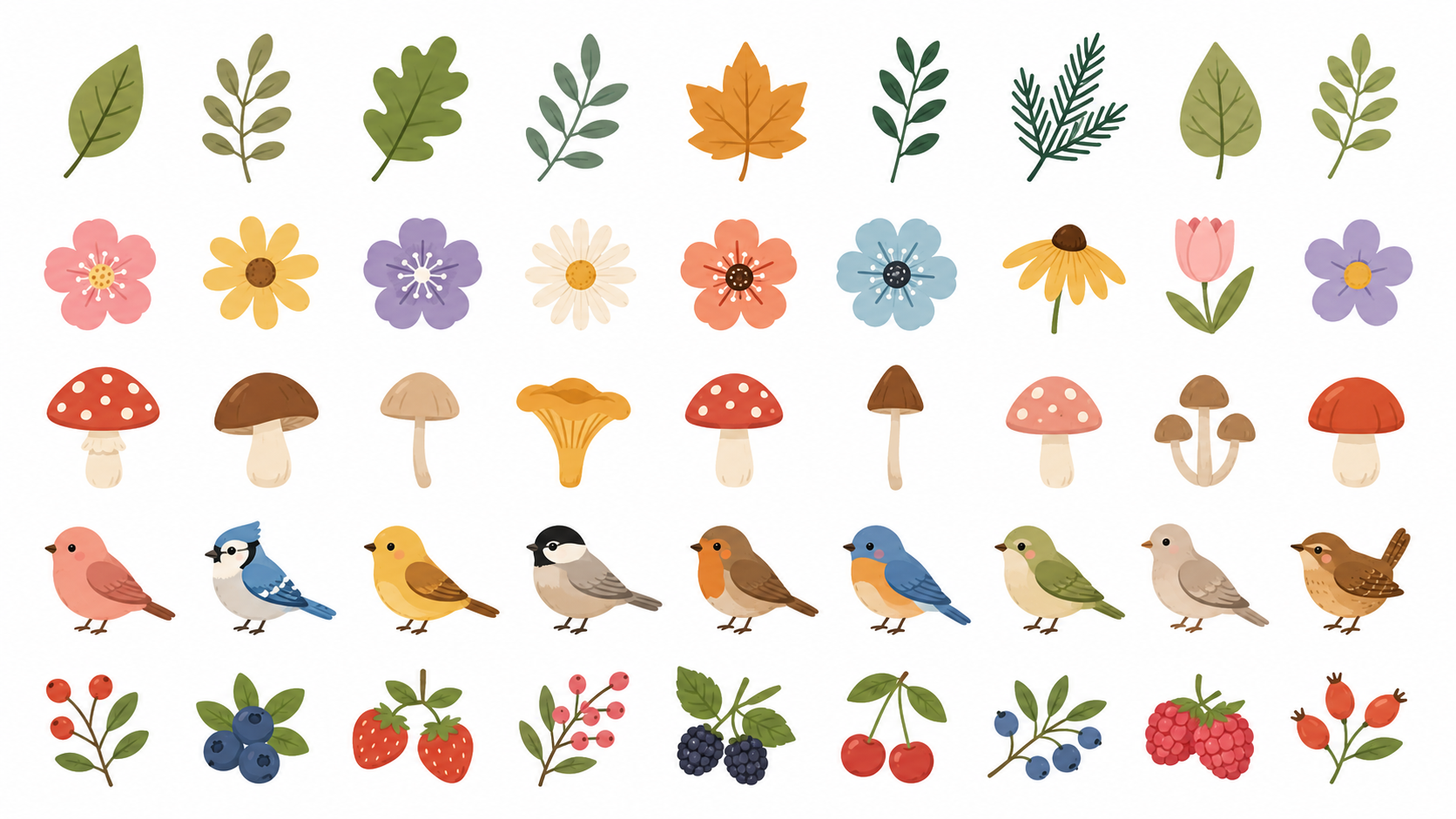
6. Clip art / illustration bundles — sets of matching graphics.
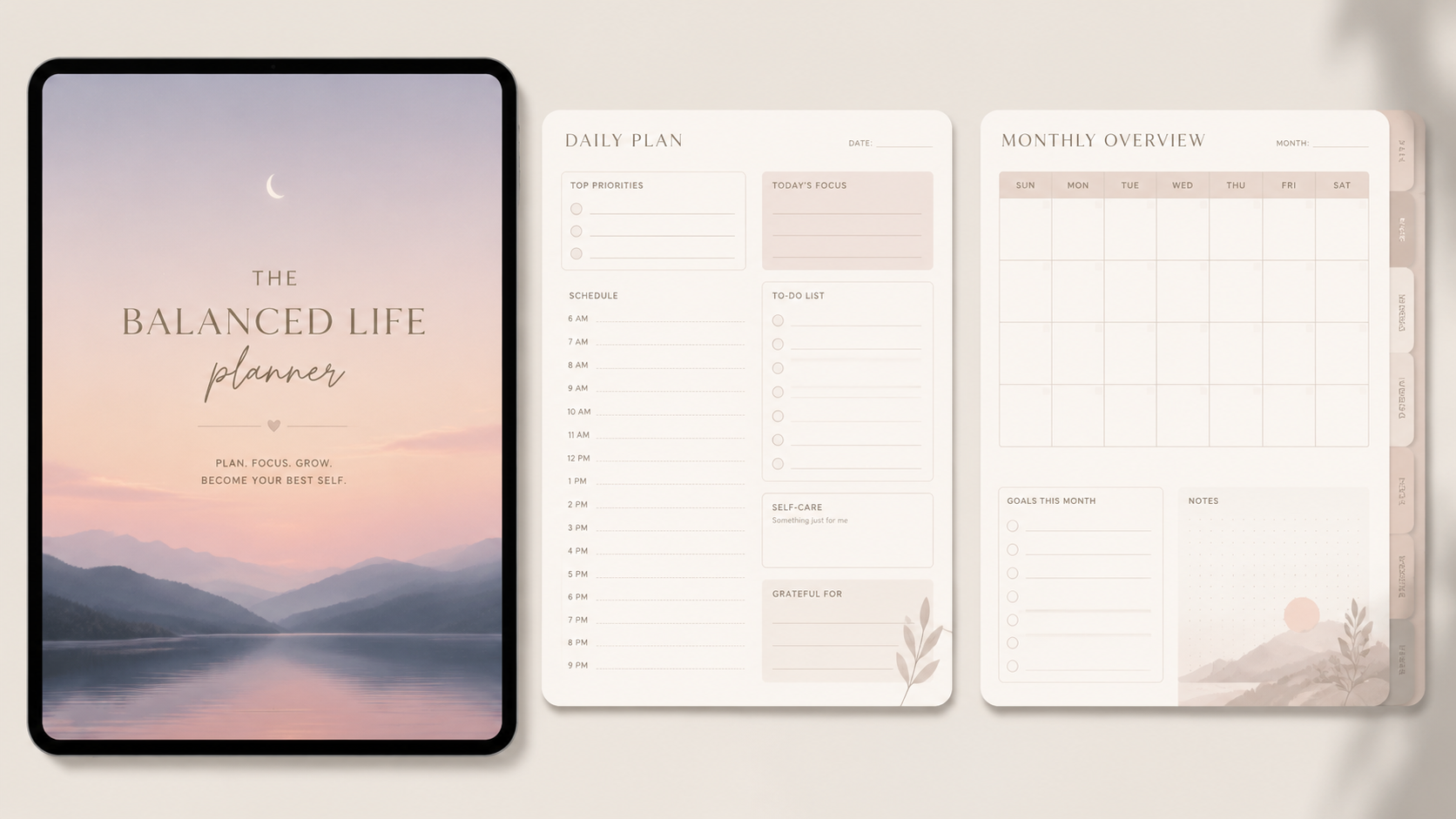
7. Planner & journal covers / digital planner graphics.
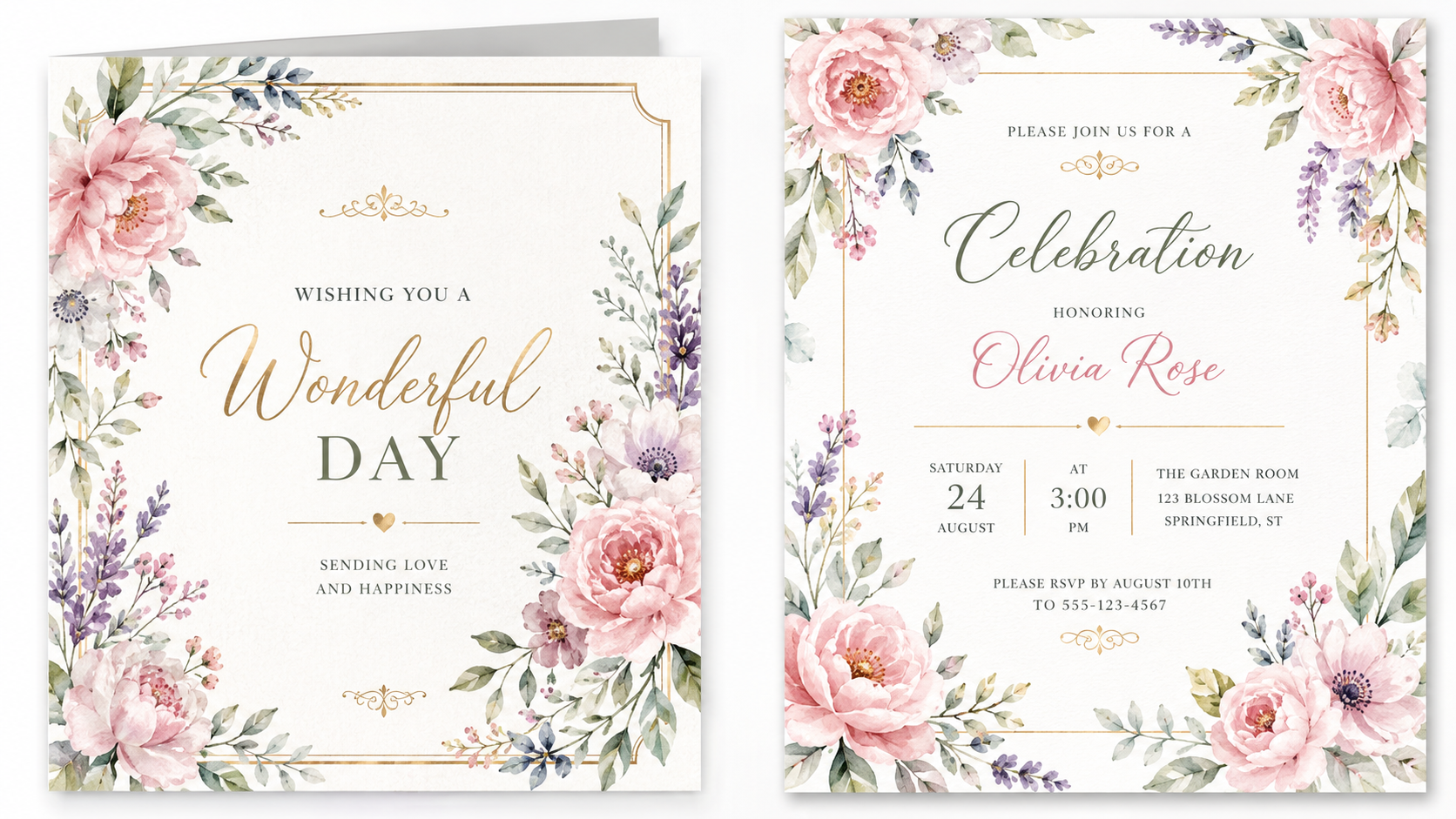
8. Greeting cards & invitations (printable) — with text, via Pro.
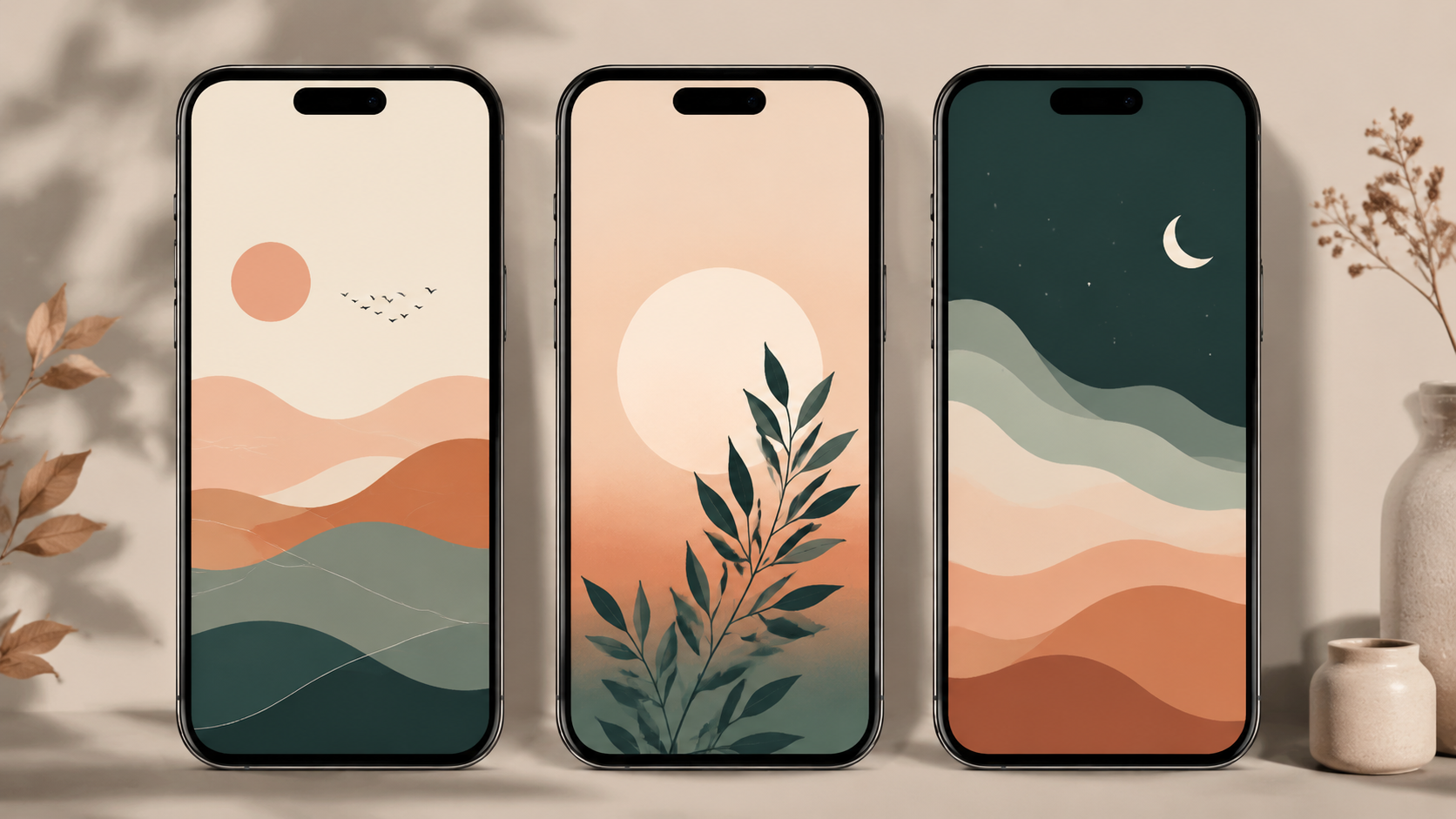
9. Phone & desktop wallpapers — sold as themed packs.
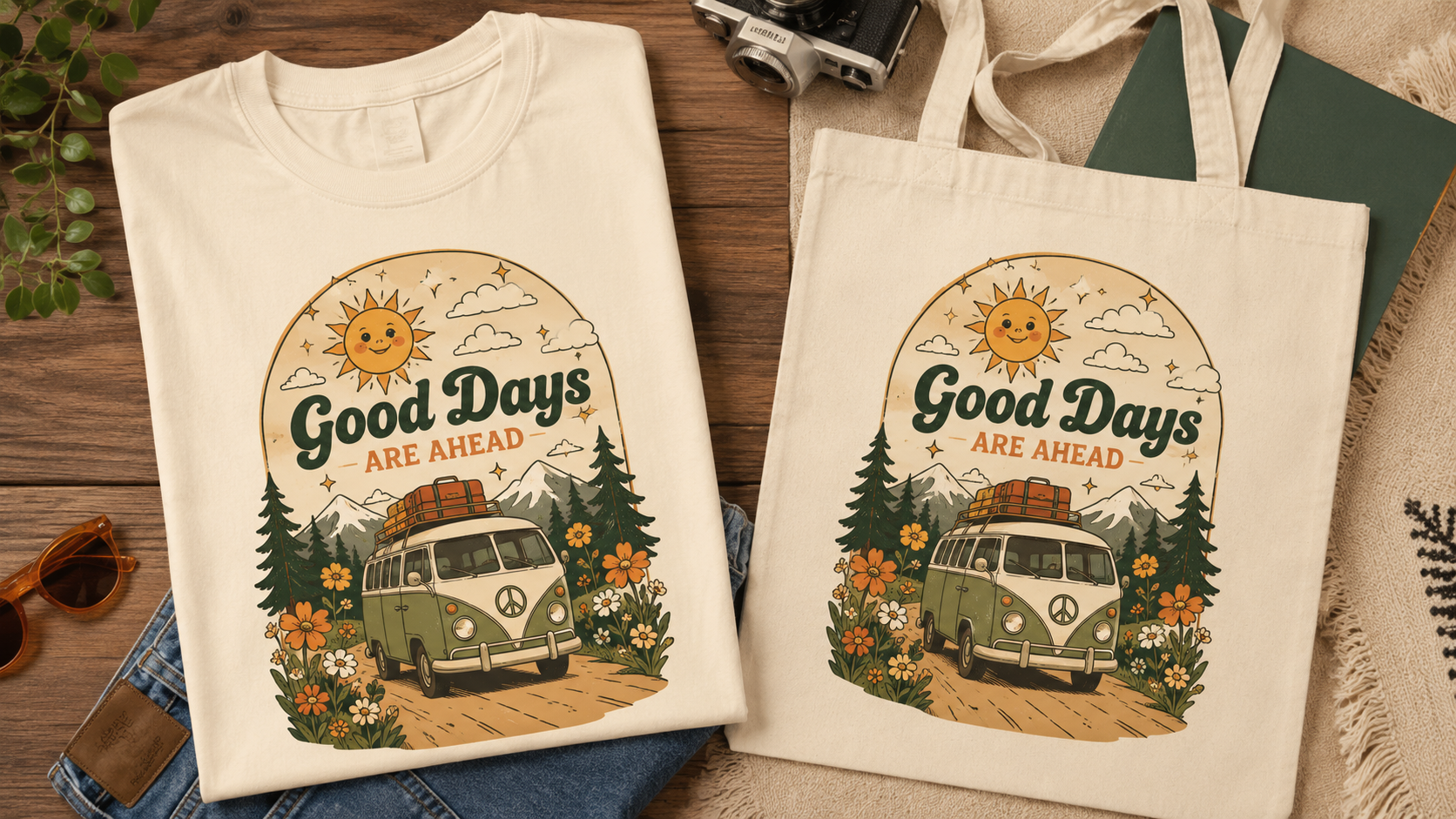
10. Print-on-demand designs — t-shirt, mug, and tote graphics you upload to Printful/Printify.
Notice they're mostly sets, not single images — a "collection of 12 boho line-art prints" is a far stronger product than one print. Nano Banana's style consistency is precisely what lets you make a cohesive set that looks professionally designed. Pick a niche and a style, then produce a matching collection within it; that coherence is what makes a listing look like a real brand rather than random AI output.
Pro tip: Don't spread across all ten types at once. Pick one product type in one niche (e.g., "minimalist line-art nursery prints") and make a strong collection of it first. A focused, cohesive set outsells a scattered pile of one-offs, and it's easier to market to a specific buyer.
Step 3: Validate the Niche Before You Make Ten of Anything

Before you generate a single product, spend ten minutes checking that people actually buy it — the same discipline that separates a real side hustle from a hobby. Open Etsy and search your niche ("boho nursery print," "funny cat stickers," "watercolor wedding invitation"). Look at what's there: are there lots of listings with reviews and sales? That's good — it means real demand, not a dead market. Read the top sellers' titles, note their styles, and see what buyers say they want in reviews. You're not copying; you're confirming there's a hungry audience and learning what "good" looks like in that niche.
This step is the one people skip and regret. Nano Banana makes it so easy to generate images that it's tempting to make ten products for a niche nobody's buying, list them, and hear crickets. A market with visible sales and reviews is your green light; a market with a handful of zero-review listings is a warning. Validate first, and you spend your effort where money is already changing hands.
Let the research shape what you make. If the bestsellers in your niche are all a certain style, that's the market telling you what it wants — lean into it (with your own spin) rather than fighting it. The goal is to enter a proven market with a fresh, cohesive collection, not to invent demand from scratch.
Pro tip: Sort Etsy by "Bestseller" or look for listings showing high sales counts, then note the common threads — style, color, subject, price. Those patterns are a free market-research report. Make your collection fit the pattern, then differentiate on quality and cohesion.
Step 4: Prompt Nano Banana for Sellable, Print-Ready Designs
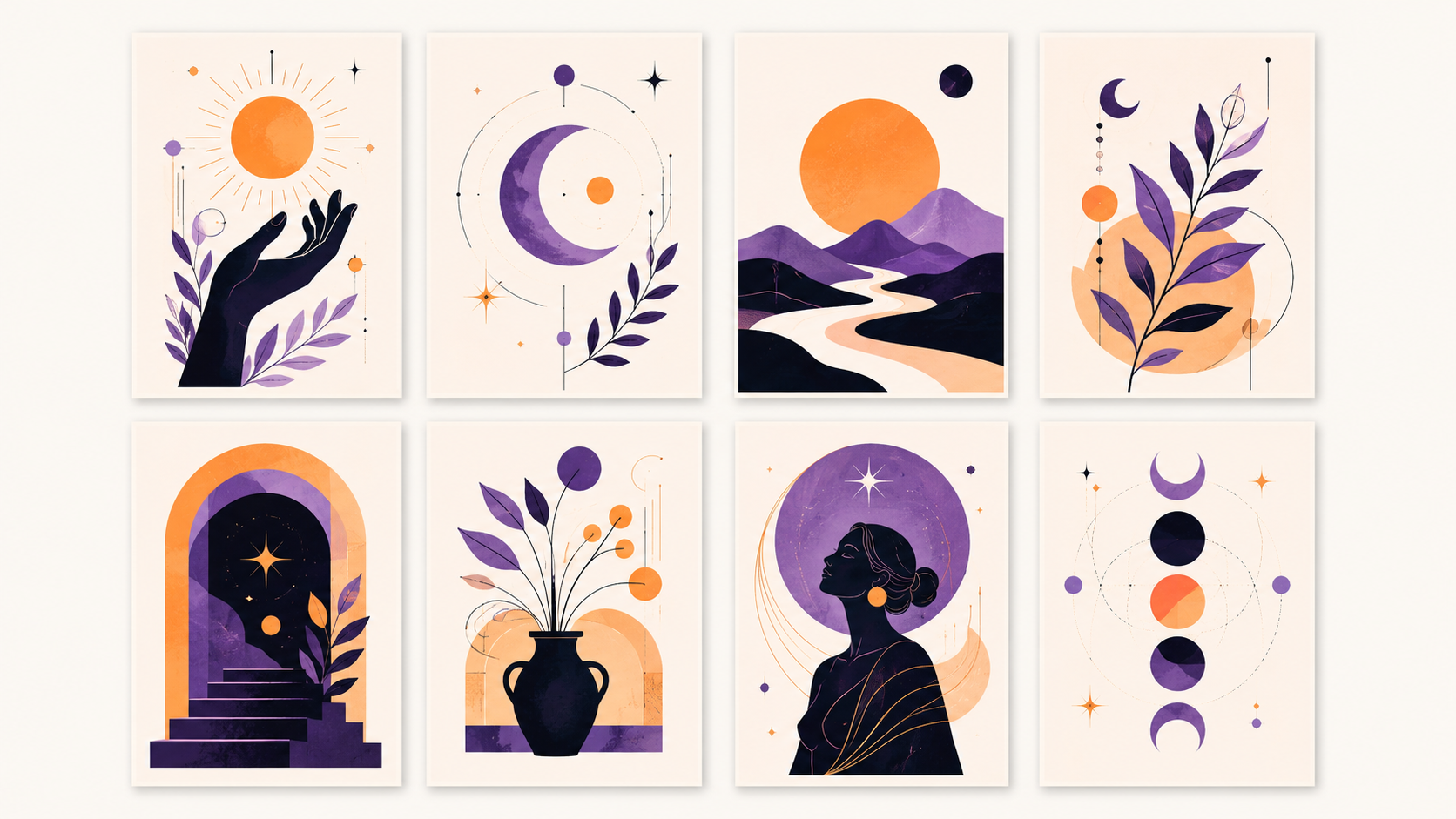
Now generate — but prompt for a product, not just a pretty picture. Four things make the difference between screen art and something someone pays to print. Style and consistency: describe a specific, cohesive style and reuse it across the set ("minimalist single-line botanical illustration, black on white, consistent line weight") so your collection matches. Text (use Pro): for quote art, planners, and cards, spell out the exact text and let Pro render it accurately. Backgrounds: for stickers, ask for a clean cut-out on a transparent or plain white background; for patterns, ask for a seamless, tileable design. Resolution: switch to Pro and aim for the highest output for anything printed.
Work like a designer directing an assistant: generate, then edit. Nano Banana's real strength is iterative editing — "make the palette warmer," "remove the background," "give me this same style but with a fox instead of a rabbit." That's how you turn one good result into a matching collection of ten, keeping the look consistent. A reusable prompt for a set might be: "A cohesive set of nursery wall-art illustrations — soft watercolor woodland animals, muted sage-and-cream palette, centered composition, high resolution for print. First: a deer." Then iterate the animal while holding the style.
Always generate at the size you'll sell. If it's a print, that means Pro at high resolution; a beautiful low-res image is worthless as a poster because it turns fuzzy when enlarged. Getting resolution and style right at generation time saves you from a pile of images you can't actually sell.
Pro tip: Build your collection by editing, not re-rolling. Get one design you love, then tell Nano Banana to keep that exact style and vary the subject. Editing for consistency is what makes ten images look like a designed set — and sets are what buyers pay a premium for.
Step 5: Package the Images Into an Actual Product

An image on your screen isn't a product yet; a file a buyer can use is. Packaging is the unglamorous step that turns art into income. Export at the right specs for the use: high-resolution (300 DPI) files sized to standard print ratios for wall art, transparent PNGs for stickers, tileable files for patterns. Bundle the collection into one purchase (a "set of 12"), and add a short PDF or note with basics — sizes included, how to print, terms of use. That small amount of polish is often the difference between a listing that looks amateur and one that looks like a real shop.
Think about what the buyer actually receives and make it effortless. For printables, include a few common aspect ratios so they can print at different sizes. For a sticker pack, provide the cut-out PNGs. For print-on-demand, upload your design to Printful or Printify and let them handle fulfillment while you keep the design. The more "ready to use" your deliverable, the fewer questions and refunds, and the better your reviews — which drive future sales.
Do this once carefully and you build a reusable template for every future product: same export specs, same PDF, same structure. Packaging feels tedious the first time and takes minutes thereafter, and it's a real part of why some sellers thrive and others get one-star "the file wouldn't print" reviews.
Pro tip: Include a plain "terms of use" line and check Google's current terms on commercial use and selling AI-generated images before you list (Gemini images also carry an invisible SynthID watermark). A minute of due diligence up front beats a takedown later — sell work you're clearly entitled to sell.
Step 6: List and Sell on Etsy or Gumroad
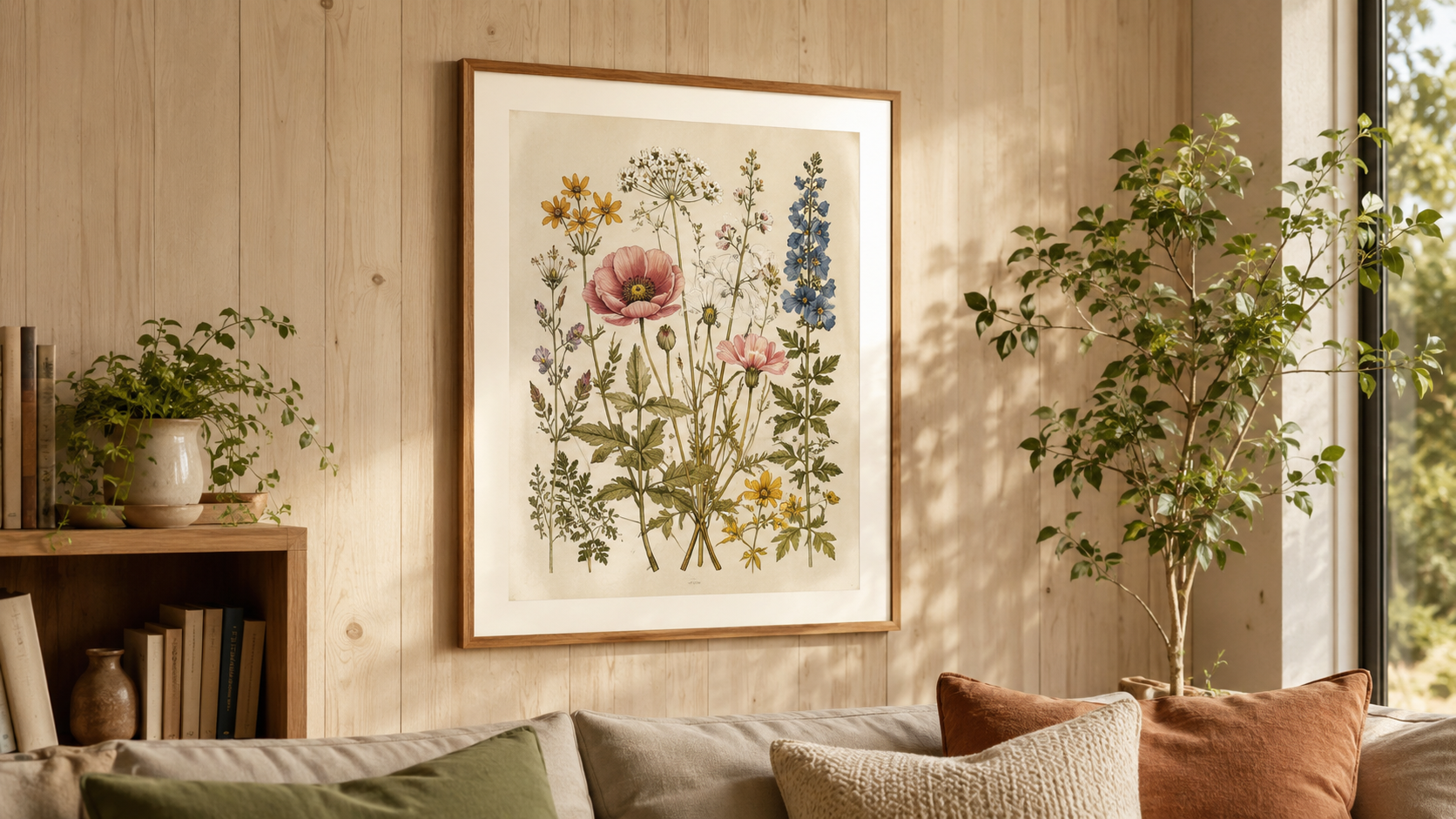
With files ready, get them in front of buyers — and here Nano Banana helps again, because it can make your mockups. A listing lives or dies on its preview images: a poster shown framed on a stylish wall sells; a bare JPG doesn't. Ask Nano Banana to place your design in a realistic scene ("this art print framed on a light-wood gallery wall, cozy living room") to produce professional-looking mockups for free — the same tool that made the product makes the marketing images. Then write a keyword-rich title and tags (this is Etsy SEO — use the exact phrases buyers search, which your Step 3 research already gave you), a clear description of what's included, and set a price.
On pricing, don't undervalue — one of the most common beginner mistakes. Look at what comparable listings charge and price in that range; a cohesive, well-presented set can command more than a single image. Etsy brings its own buyer traffic (with a small listing fee), while Gumroad is free and simplest to start but relies more on you sending traffic. Many sellers start on Etsy for the built-in audience. Either way, your listing's mockups, title keywords, and price are the three levers that most determine whether it sells.
Treat your first few listings as experiments, not monuments. Get them live, watch which get views and sales, and improve from there. A live, imperfect listing earning data beats a perfect one you never publish — the point is to enter the market and learn what converts.
Pro tip: Use Nano Banana to generate 3–4 lifestyle mockups per product (framed on a wall, on a desk, held in hand). Great mockups are the single biggest driver of clicks and sales on visual marketplaces, and you can make them for free in the same session you made the product.
Step 7: Work Toward Your First $1,000 — Honestly

Here's the realistic math, no hype. $1,000 might be one popular collection selling steadily, several modest listings adding up, or a bundle priced higher — for example, a hundred sales at $10, or forty at $25. That won't happen from a single image or in a single day; it comes from putting up a real catalog, seeing what gets traction, and doubling down. The lever that matters most is making more of what already sells: when one collection starts moving, produce variations and companion sets in that exact niche and style rather than chasing a new idea.
So build momentum deliberately. List your first cohesive collection, give it a few weeks, and read the data: which listings get views, which convert, what people search to find you. Expand the winners, quietly retire the duds, and keep your catalog growing in the niches that pay. Reviews compound — early sales earn reviews, reviews earn trust, trust earns more sales — so getting those first few buyers (even at a modest price) is worth more than the margin. The compounding, not any single listing, is what carries you to $1K and beyond.
Keep the honesty that got you here. Nano Banana removed the creation barrier, which is huge, but selling is still a real activity with real effort — research, packaging, listing, iterating. Treat it like the small business it is, lean on what the market rewards, and the first $1K is a genuinely reachable milestone rather than a fantasy.
Pro tip: Reinvest your attention where the money already is. The moment a product sells, resist the urge to start something new — instead make five more in that winning style and niche. Most sellers' income comes from expanding a few proven collections, not from constantly launching fresh ideas.
Common Mistakes to Avoid
Thinking Nano Banana is the business. It makes the images — brilliantly and for free — but it doesn't do market research, packaging, listings, mockups, SEO, or marketing. Those are still your job, and they're where most of the actual work (and success) lives. Treat the generation as the easy 20%, and give real attention to the selling.
Making one-off images instead of cohesive collections. A single pretty picture is a weak product; a matching set of twelve is a strong one, and it's exactly what Nano Banana's style consistency lets you build. Buyers pay a premium for coherence that looks like a designed brand. Always think in collections, not singles.
Ignoring print quality and rights. A gorgeous low-resolution image is useless as a print — generate at Pro/4K for anything printed. And sell original work you're entitled to sell: check Google's current commercial-use terms, don't clone another shop's style or a brand's IP, and know your images carry a SynthID watermark. Quality and legitimacy protect your shop and your reviews.
Going Further
Once your first collection is live, compound it. Turn winners into franchises — when a niche sells, produce seasonal versions, new color-ways, and companion products in the same style, since expanding a proven line beats launching cold. Layer in print-on-demand — pipe your best designs to Printful or Printify for physical products (shirts, mugs, prints) with zero inventory. Master the editing workflow — Nano Banana's real power for sellers is consistent iteration, so get fluent at "same style, new subject" to spin up collections fast. Study your marketplace's SEO — on Etsy especially, titles and tags decide whether anyone finds you, so keep refining them from your sales data. And keep an eye on the model itself: the Nano Banana family is improving quickly (text, resolution, control all keep getting better), and each upgrade widens what you can sell. The durable skill isn't "making an image" — it's running a tiny visual-product business where the design step is finally free.
Key Takeaways
Sources: Google DeepMind — Gemini Image (Nano Banana) · Google — Nano Banana 2