
The One-Off Trap
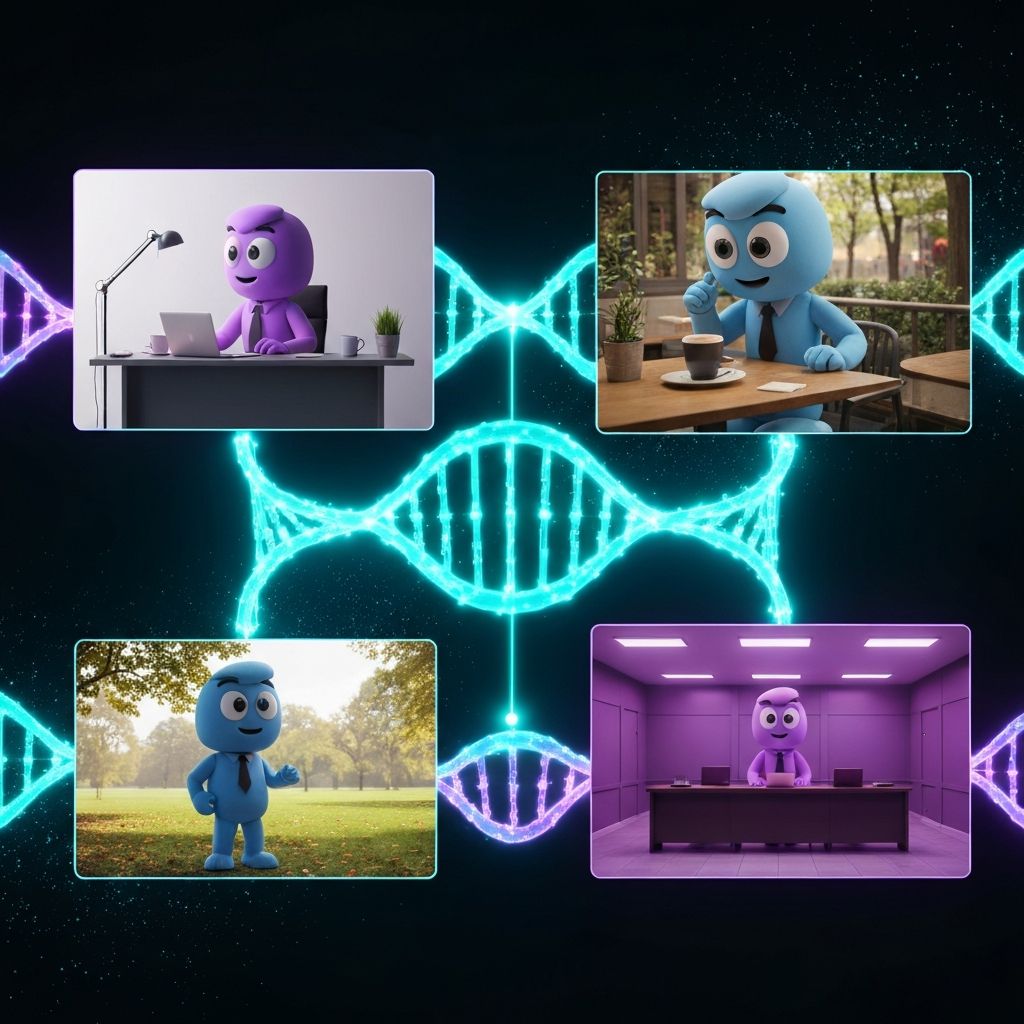
The biggest frustration for new AI creators is the lack of "memory." You generate a perfect character in a cafe, but when you ask for the same character in a boardroom, they look like a completely different person. In the professional world, this is a deal-breaker. A brand needs a consistent soul.
In May 2026, Midjourney has solved this with a trio of continuity tools. We are moving beyond the prompt and into Reference Architecture. This module teaches you how to "pin" your visual DNA so that every image you generate feels like it was shot on the same day by the same photographer.
What You Will Learn
Section 1: SREF – The Aesthetic Glue (Style Reference)
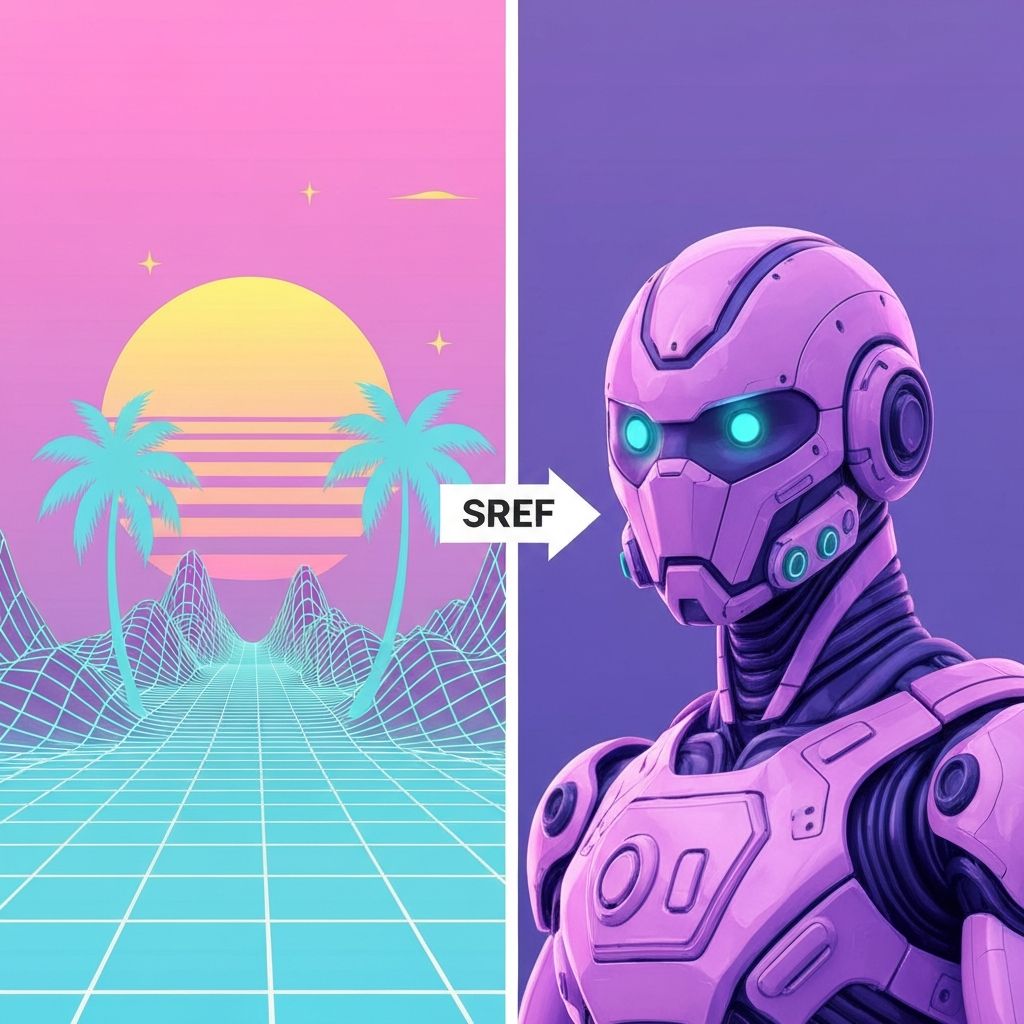
The Concept: Style Reference (--sref) is how you copy-paste a vibe without copying the subject. If you have an image with a beautiful "80s Retro-Vaporwave" aesthetic, you can apply that exact vibe to any new subject—a robot, a landscape, a product—while maintaining the original style language.
How SREF Works
Step 1: Identify Your Aesthetic
Step 2: Get the Image ID
/file/Step 3: Apply to New Prompt
\\\
/imagine prompt: A sleek robot in a corporate boardroom, professional lighting --sref [IMAGE_ID]
\
\
Expected Result: The robot inherits the vaporwave color palette, lighting treatment, and overall aesthetic from your reference image—but remains a completely different subject.
SREF Use Cases
Brand Color Consistency
Lighting Language
Texture & Grain
Art Direction
Section 2: CREF – Character Integrity (Character Reference)
The Concept: Character Reference (--cref) is how you lock in a character's appearance across different scenes, outfits, and contexts. Generate a character once, then use them consistently in any environment—cafe, boardroom, spaceship—without them looking like a different person.
How CREF Works
Step 1: Create Your Hero
Step 2: Extract Character ID
Step 3: Deploy Across Scenes
\\\
/imagine prompt: The character sits in a Tokyo cafe, sipping coffee, rain outside, cinematic lighting --cref [CHARACTER_ID]
\
\
Step 4: Scene Variations
\\\
/imagine prompt: The character in a boardroom, presenting to investors, professional attire, corporate lighting --cref [CHARACTER_ID]
\
\
Result: Same character, different environments. Facial features, body proportions, and distinctive elements remain locked.
CREF Parameters
Consistency Levels
Clothing & Context Adaptation
Advanced CREF Techniques
Brand Mascot Strategy
Character Development Arc
Multi-Character Consistency
Section 3: --oref – The Omni Link (Omni Reference Authority)
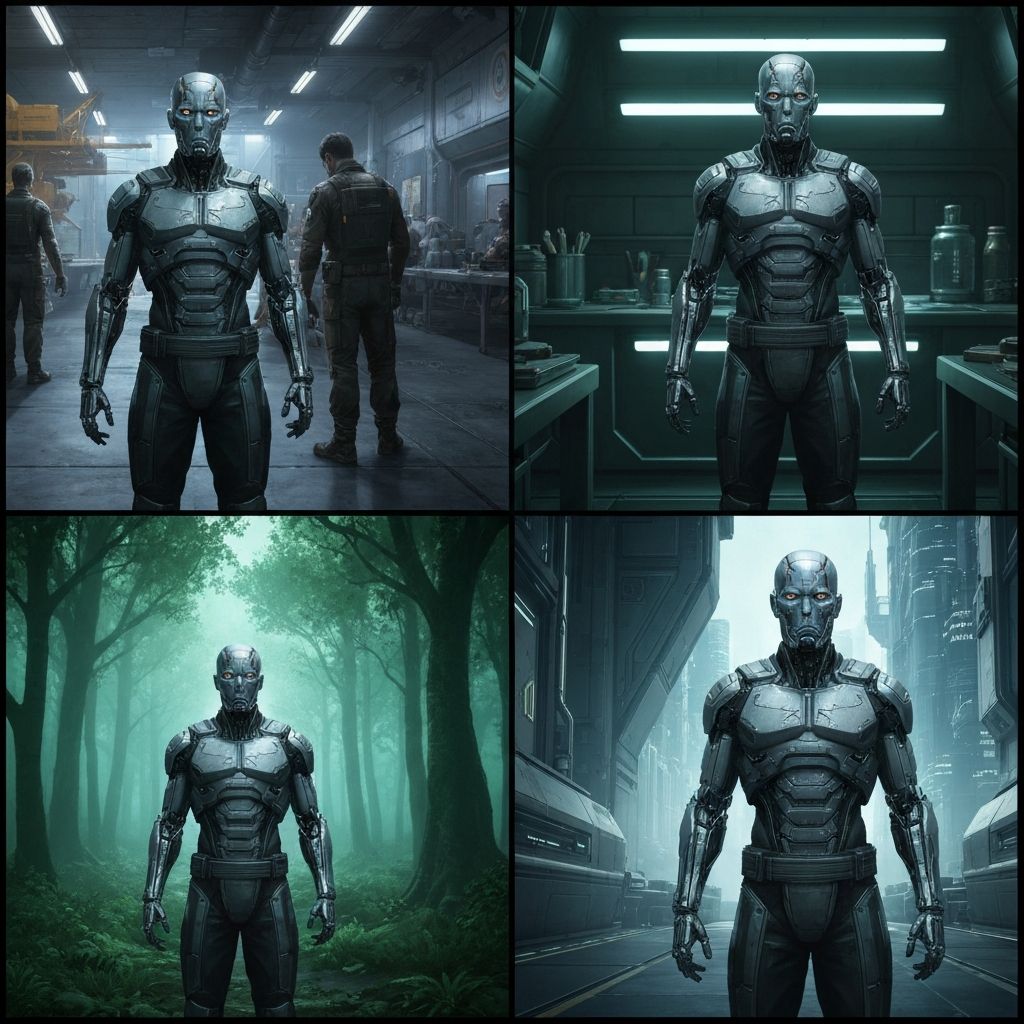
The Game Changer: In 2026, Midjourney introduced --oref (Omni Reference), which allows you to anchor both subject AND style simultaneously with near-perfect fidelity. This is SREF + CREF merged into one hyper-precise tool.
How --oref Works
The Difference from SREF/CREF
Single Image, Dual Authority
\\\
/imagine prompt: The hero character in a new scene, desert landscape, sunset, action pose --oref [REFERENCE_ID]
\
\
What --oref Preserves
What --oref Allows to Change
--oref Strength Control
The --oresw parameter (Omni Reference Strength Weighting) controls how much influence the reference has:
\\\
--oref [ID] --oresw 100   (Maximum fidelity, strict lockdown)
--oref [ID] --oresw 75    (High fidelity, some flexibility)
--oref [ID] --oresw 50    (Balanced, reference influence is medium)
--oref [ID] --oresw 25    (Subtle influence, more variation allowed)
\
\
Real-World --oref Workflow
Scenario: You have a perfect hero image of a tech entrepreneur. You need 20 variations for a marketing campaign.
\\\
Base Reference: entrepreneur in a sleek office
Scene 1: entrepreneur presenting at a conference --oref [ID] --oresw 90
Scene 2: entrepreneur at home working on laptop --oref [ID] --oresw 90
Scene 3: entrepreneur celebrating success --oref [ID] --oresw 90
Scene 4: entrepreneur mentoring a junior colleague --oref [ID] --oresw 85
\
\
Result: 20 perfectly consistent campaign images with visual cohesion and narrative flow.
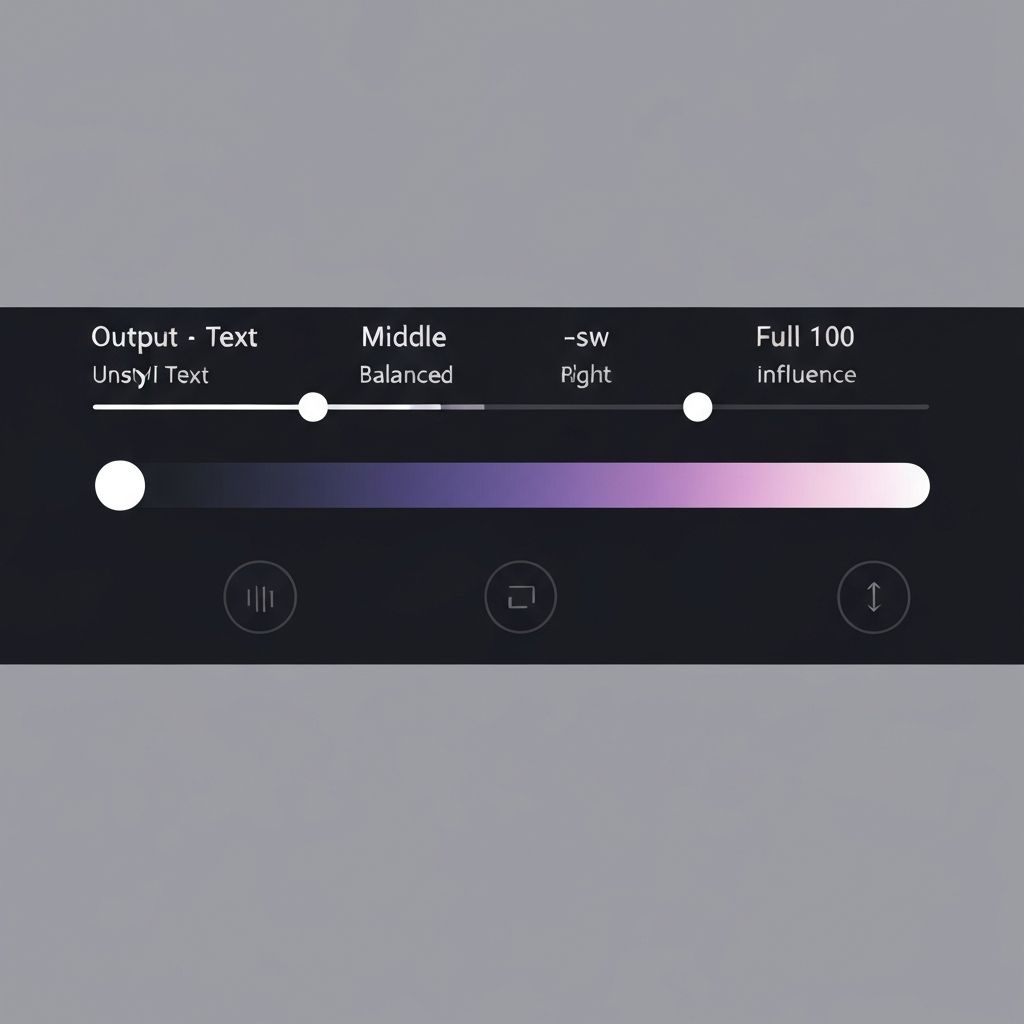
Section 4: Strength Controls – The --sw and --cw Dials
The Precision Layer: Not all references should have equal influence. Sometimes you want the style to dominate; sometimes you want the character to shine. The strength controls give you surgical precision.
--sw (Style Strength Weight)
Controls how much your SREF aesthetic influences the output:
\\\
--sref [ID] --sw 100   (Full stylistic authority - aesthetic dominates)
--sref [ID] --sw 75    (Strong influence - 75% aesthetic, 25% variation)
--sref [ID] --sw 50    (Balanced - equal aesthetic and generation freedom)
--sref [ID] --sw 25    (Light touch - reference is subtle influence only)
\
\
When to Use High --sw Values (75-100)
When to Use Low --sw Values (25-50)
--cw (Character Strength Weight)
Controls how strictly your CREF character is locked:
\\\
--cref [ID] --cw 100   (Absolute character lock - maximum fidelity)
--cref [ID] --cw 75    (Very high fidelity - minor variation allowed)
--cref [ID] --cw 50    (Balanced - character essence preserved, some drift)
--cref [ID] --cw 25    (Loose interpretation - character DNA present, style flexible)
\
\
When to Use High --cw Values (75-100)
When to Use Low --cw Values (25-50)
Combined Strength Strategy
\\\
/imagine prompt: Hero character in boardroom, professional lighting
--cref [CHARACTER_ID] --cw 95
--sref [BRAND_AESTHETIC_ID] --sw 80
\
\
This locks the character hard (95%) while maintaining brand aesthetic at high fidelity (80%). Result: Unmistakable character, perfectly on-brand.
Section 5: Building Brand Universes – Real-World Workflow
The Campaign: You're launching a luxury tech brand with:
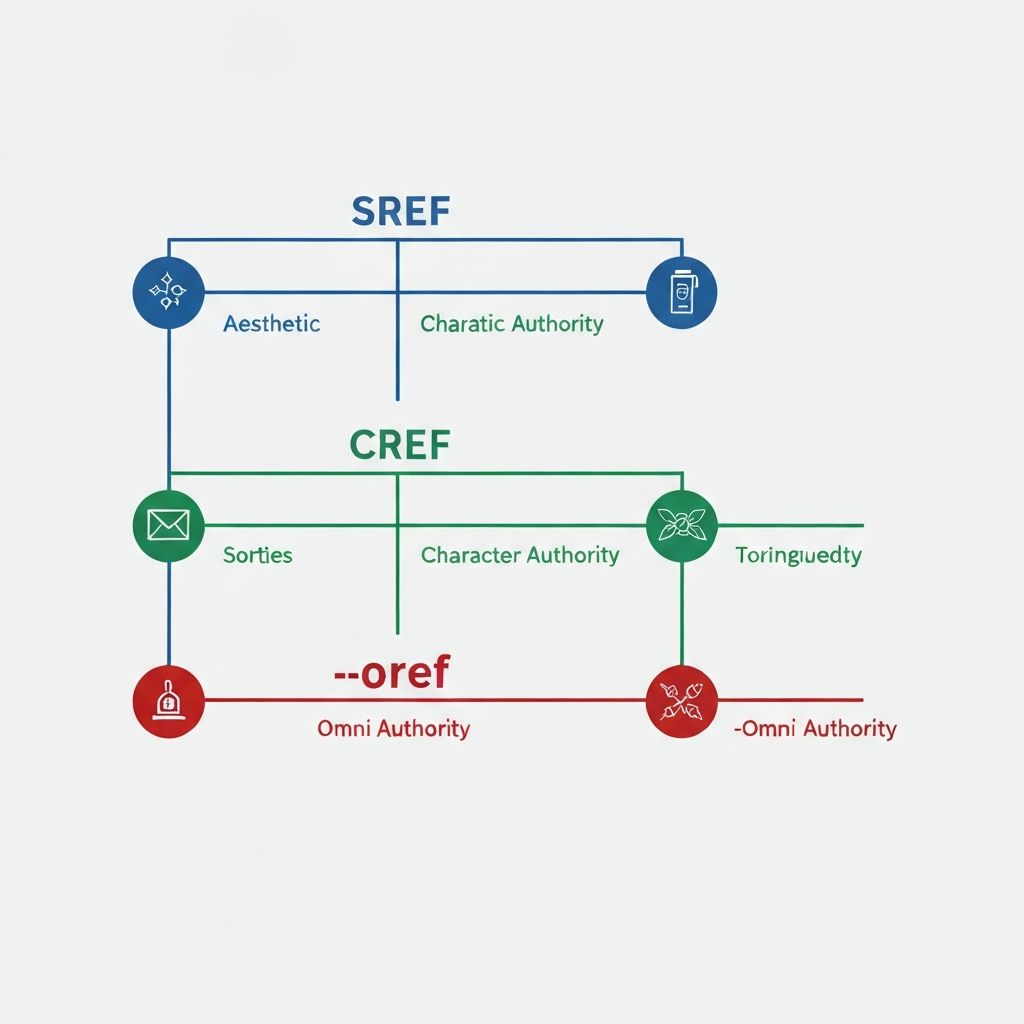
The Reference Architecture
Step 1: Create Your Authorities
Reference A: Brand Aesthetic
Reference B: Brand Character
Step 2: Build Your Campaign Grid
For each of 50 assets, use both references:
\\\
Scene 1: Mascot in modern office
/imagine prompt: Cyber-panda working at a minimalist desk, floor-to-ceiling windows, sunset cityscape, professional attire --cref [PANDA_ID] --cw 95 --sref [AESTHETIC_ID] --sw 85
Scene 2: Mascot at tech conference
/imagine prompt: Cyber-panda on stage presenting, dramatic stage lighting, conference room, energetic pose --cref [PANDA_ID] --cw 90 --sref [AESTHETIC_ID] --sw 85
Scene 3: Mascot mentoring
/imagine prompt: Cyber-panda in discussion with junior team member, modern office, collaborative vibe, warm lighting --cref [PANDA_ID] --cw 90 --sref [AESTHETIC_ID] --sw 80
\\\
The Result
50 assets that are:
Time Comparison
Without Reference System:
With SREF/CREF/--oref: