From Text to Pixels
We have spent the first three modules mastering the art of conversation and text, but Gemini is not just a writer — it is an artist. In 2026, the barrier between thinking of an image and seeing an image has effectively disappeared.
Through the Nano Banana 2 model, Gemini can now understand complex visual metaphors, render text within images accurately, and even follow specific artistic movements like 80s City Pop or Minimalist Pixel Art. Whether you are creating a logo for your startup, storyboarding a video, or just having fun, this module will teach you how to direct the AI's "brush" with precision.
What you will learn
Section 1 — The Visual Prompt Formula
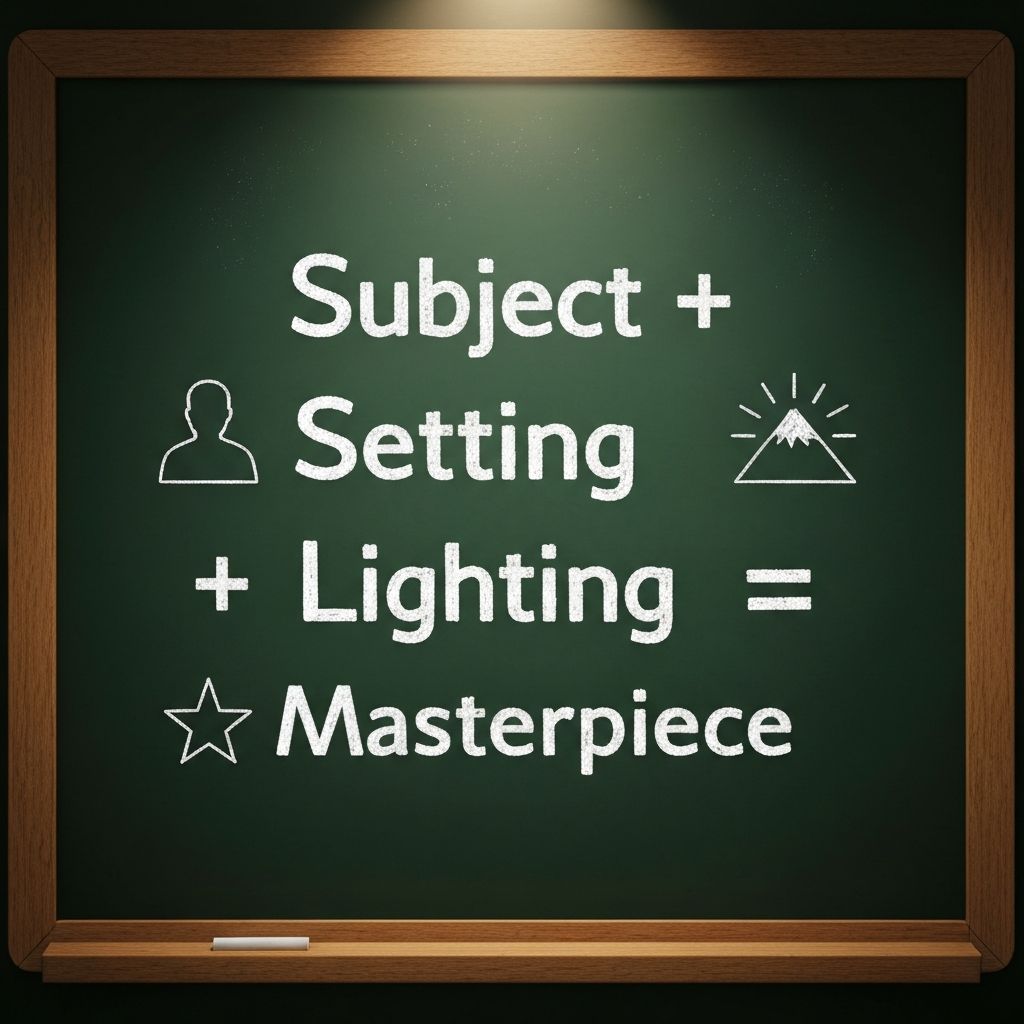
Just as we used the R-C-T-F formula for text, image generation needs structure to move from "generic" to "gallery-quality." Nano Banana 2 thrives when you provide a mix of Subject, Action, Setting, and Aesthetic.
The Beginner Prompt: "A man working on a laptop." (Result: generic, stock-photo style.)
The Pro Prompt: "A young entrepreneur (Subject) drinking coffee (Action) in a neon-lit cyberpunk cafe in Hong Kong (Environment) during the golden hour with a cinematic 35mm film aesthetic (Lighting/Style)."
Section 2 — The Aesthetic Library
One of the most powerful features of Nano Banana 2 is its deep understanding of art history and modern design. You don''t need to be a designer — you just need to know the names of the vibes you want to capture.
Popular 2026 styles:
Section 3 — The Director''s Cut
To make your images look professional, you need to talk like a cinematographer. Nano Banana 2 understands technical photography terms that completely change the feel of an image.
Lighting keywords:
Camera angles:
Section 4 — Image Editing & Inpainting
One of the most revolutionary updates in Nano Banana 2 is the ability to edit an image after it has been generated. You no longer have to throw away a "nearly perfect" image because of one small mistake.
The Inpainting Workflow:
1. Generate your initial image.
2. Select the Edit tool.
3. Brush over the specific area you want to change (e.g. a person''s shirt).
4. Type a new instruction: Change the shirt to a black hoodie with a startup logo.
This unlocks iterative design — you can start with an empty room and slowly add furniture, change the wall color, or swap the view out the window.
Section 5 — Style Transfer & Multi-Image Composition
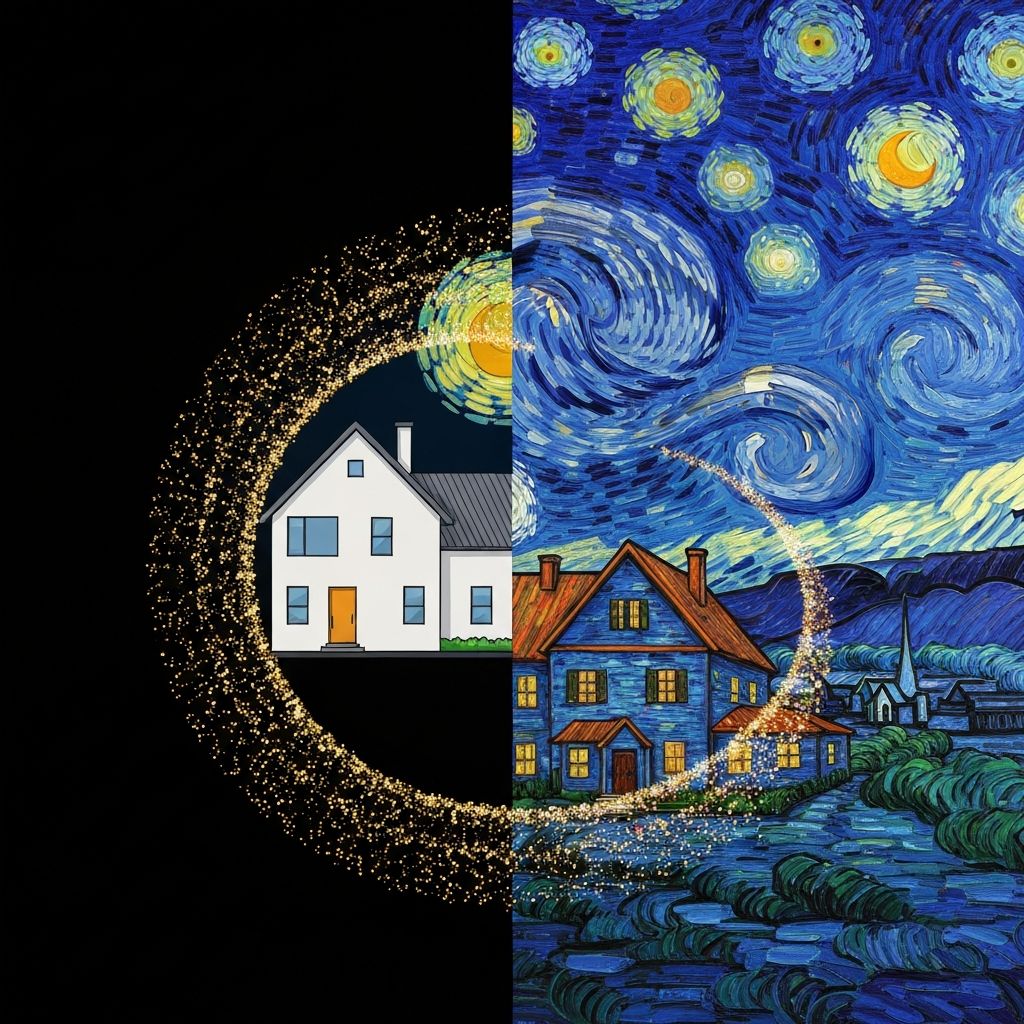
Sometimes you have an image of a subject you like, and another image of a style you love. Nano Banana 2 lets you merge them.
How to use reference images:
This is how you get brand consistency. If you are building a series of tutorials, upload your first image as a reference so all subsequent images share the same palette and lighting.
Section 6 — Text in Images
Historically, AI was terrible at spelling. Nano Banana 2 has solved this. You can now prompt for specific text to appear on signs, t-shirts, or screens.
Example prompt: "A minimalist neon sign on a brick wall that says ''AfterWork'' in a futuristic font."
This is a game-changer for creating social media assets, YouTube thumbnails, and landing-page hero images without ever opening Photoshop.
Section 7 — Ethics, Safety, and Constraints
To keep the platform safe, Gemini has built-in guardrails. Knowing what it will not do saves you frustration.
If your prompt is rejected, make it more generic. Instead of naming a specific celebrity, describe the type of person — for example, "a charismatic tech founder in his late 30s."
Section 8 — The Creative Loop
The best AI artists don''t get the perfect image on the first try. They iterate.
1. The Sketch — Start with a basic prompt to see if the AI understands the layout.
2. The Refinement — Add lighting and style keywords.
3. The Edit — Use inpainting to fix small details.
4. The Upscale — Request a high-resolution version for the final.